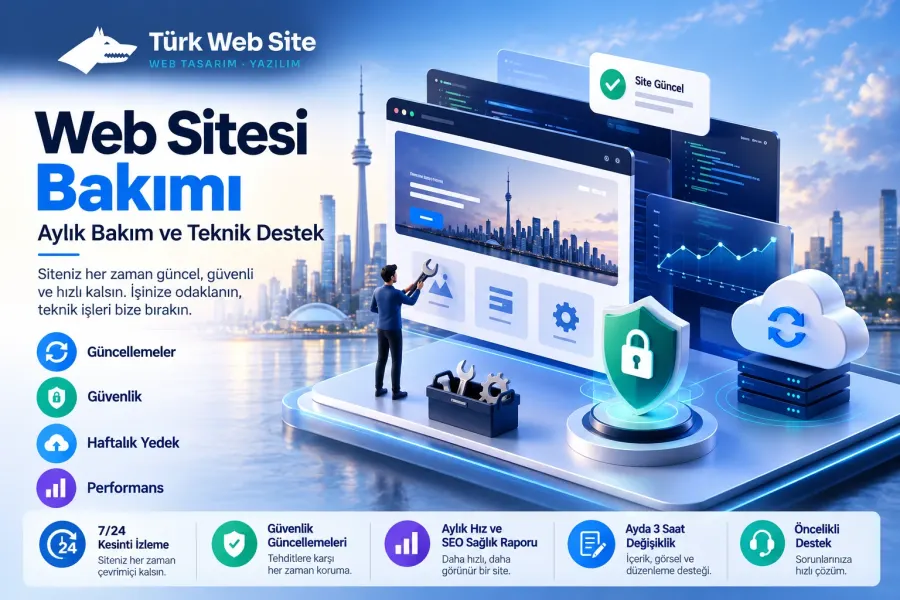
Basic Website Maintenance Plan
Monthly updates, backups and security checks for businesses without a technical team.
$79 / month
 Corporate Website9 products · from $289
 One-Page and Landing Page8 products · from $59
 Personal and Portfolio Website7 products · from $119
 Starter E-Commerce Website$849
 Professional E-Commerce Website$1,299
 Advanced E-Commerce Website$2,799
 Corporate Site Redesign7 products · from $199
 Speed and Mobile Optimisation7 products · from $79
 Online Store Redesign7 products · from $229
 Chatbots7 products · from $249
 Process Automation9 products · from $199
 Data Collection Bots7 products · from $119
 Payment and Shipping Integration8 products · from $149
 Messaging and CRM Integration8 products · from $79
 E-Commerce and System Integration9 products · from $119
 Maintenance Packages8 products · from $39
 Setup and Migration9 products · from $39
 Technical Check7 products · from $59
Maintenance Packages · Delivery: Ongoing

The WordPress Maintenance Plan is a monthly service that keeps WordPress core, your theme and your plugins up to date. A backup is taken before every update and compatibility is checked afterwards; security scanning, weekly backups and a monthly report are included. It suits businesses with a WordPress site that do not want to deal with updates themselves.
The most common source of problems we see on WordPress sites is plugins that have gone months without an update. In this WordPress maintenance plan we run core, theme and plugin updates on a regular basis; we take a backup before every update, check afterwards that the site works, and report what was done at the end of the month.
A new plugin version can clash with the theme or another plugin, and the result is a white screen, a broken form or a cart that does not work. So we run updates in order and under supervision:
Before updating, we check that plugins are compatible with your WordPress version and the PHP version on the server. Plugins that their developer has abandoned or that have not been updated for a long time are flagged separately in the report, with a note on what could replace them. The security scan looks for malicious code, modified core files and components with known vulnerabilities.
On top of the backups taken before updates, the site is backed up once a week. The monthly report shows which component moved to which version, the scan result, whether any update was rolled back, and the matters that need your decision.
Paid themes and plugins can only be updated if the license is valid. License fees are not included in the plan; we flag an expired license in the report and the decision to renew is yours. Text and image changes are not part of this plan; you can add the Content Update Plan for that. If your site sells with WooCommerce, E-Commerce Maintenance and Technical Support, where the order and payment flow is tested regularly, is a better fit.
The monthly fee covers a single WordPress site. For setups with a very high number of plugins, multilingual sites or multisite structures, we give a written quote based on scope. At the start we need admin login and hosting panel access; in the first month the current state of the site is mapped out and any accumulated updates are applied in order.
Monthly updates, backups and security checks for businesses without a technical team.
Fast response, monitoring and content support for sites that publish often and run ads.
Order, payment and shipping flows are tested regularly; integrations and updates are on us.
Daily off-site backups, a monthly restore test, security scanning and downtime alerts.
We apply up to 2 hours of text, image, price and announcement changes a month within 2 business days.
Up to 2 hours of changes or updates with no plan, done after a backup within 2 business days.
First reply within 2 business hours, up to 6 hours of changes a month, daily backups and a monthly report.
The first call is free. If you have a domain or an existing site, send us the link; we reply within 1 business day.