Virtual POS and Payment System Integration
Secure card payments on your site: bank or payment provider virtual POS, 3D Secure and testing.
from $279
 Corporate Website9 products · from $289
 One-Page and Landing Page8 products · from $59
 Personal and Portfolio Website7 products · from $119
 Starter E-Commerce Website$849
 Professional E-Commerce Website$1,299
 Advanced E-Commerce Website$2,799
 Corporate Site Redesign7 products · from $199
 Speed and Mobile Optimisation7 products · from $79
 Online Store Redesign7 products · from $229
 Chatbots7 products · from $249
 Process Automation9 products · from $199
 Data Collection Bots7 products · from $119
 Payment and Shipping Integration8 products · from $149
 Messaging and CRM Integration8 products · from $79
 E-Commerce and System Integration9 products · from $119
 Maintenance Packages8 products · from $39
 Setup and Migration9 products · from $39
 Technical Check7 products · from $59
Payment and Shipping Integration · Delivery: 2 business days

Pay-by-link page setup is for businesses that want to take card payments without building an online store. We prepare the payment link and payment page in your payment provider account, then add a pay button to your site and a page where customers type in the amount themselves. You get an email notification for every payment, and setup is delivered in 2 business days.
Most businesses that work by quote, appointment or phone agreement do not need a shopping cart; they need to collect the agreed amount by card. Pay-by-link collection does exactly that: you send the customer a link or point them to the pay button on your site, the customer enters card details on the payment provider's secure page, and the money reaches your account. In this package we set it up on your own payment provider account and connect it to your site.
Workshops, consultants, trainers, service and repair businesses that take a deposit or advance payment, and wholesalers collecting account payments use this setup most. What they share is that the product and price change with every customer, so a free-amount payment page works better than a cart. You can send the link by WhatsApp, email or SMS, and add it to your quotes and invoices.
You need an approved merchant account with a payment provider. If you do not have one, you submit the application yourself; reviewing and approving it is up to the provider. For our part, authorized access to your account, your site's admin panel and the email address for notifications is enough. Card details are never stored on your site at any stage.
For a store where products go into a cart and stock and orders are tracked, Virtual POS and Payment System Integration is the better choice. If you want to charge the same customer automatically every month, the Subscription and Recurring Payment System is built for that.
The price depends on your site's infrastructure, the number of fields requested on the payment page and the content of the notification email. The payment provider's commissions are outside this service and are settled directly between you and the provider. Standard setup is delivered in 2 business days, and we confirm the scope in a written quote.
Secure card payments on your site: bank or payment provider virtual POS, 3D Secure and testing.
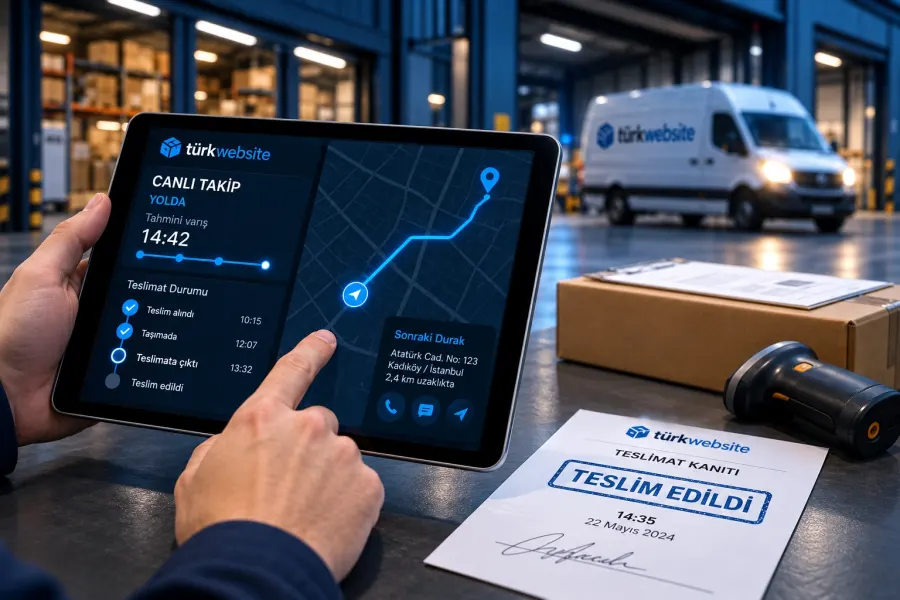
When an order is confirmed, the shipment is created, the label printed and tracking sent to the customer.
Connects the iyzico payment form to your site: 3D Secure, installments, return pages and order updates.
Sets up the PayTR payment step on your site, tests failed-payment cases too and takes it live.
Connects your bank's virtual POS to your site: 3D Secure, installment table, testing and going live.
Automates monthly or yearly billing: plans, card storage, retries and cancellation.
Connects up to 3 carriers, picks the carrier by weight and price rule, and handles labels and tracking.
The first call is free. If you have a domain or an existing site, send us the link; we reply within 1 business day.