Virtual POS and Payment System Integration
Secure card payments on your site: bank or payment provider virtual POS, 3D Secure and testing.
from $279
 Corporate Website9 products · from $289
 One-Page and Landing Page8 products · from $59
 Personal and Portfolio Website7 products · from $119
 Starter E-Commerce Website$849
 Professional E-Commerce Website$1,299
 Advanced E-Commerce Website$2,799
 Corporate Site Redesign7 products · from $199
 Speed and Mobile Optimisation7 products · from $79
 Online Store Redesign7 products · from $229
 Chatbots7 products · from $249
 Process Automation9 products · from $199
 Data Collection Bots7 products · from $119
 Payment and Shipping Integration8 products · from $149
 Messaging and CRM Integration8 products · from $79
 E-Commerce and System Integration9 products · from $119
 Maintenance Packages8 products · from $39
 Setup and Migration9 products · from $39
 Technical Check7 products · from $59
Payment and Shipping Integration · Delivery: 3 to 5 business days

The PayTR integration connects the PayTR payment step to your order flow so you can take card payments on your site. Setup is done in the test environment; 3D Secure, installment options, success and failure return pages and order status updates based on the payment result are tested, then the site goes live. Merchant application and approval belong to PayTR.
When you start taking card payments on your site, the trouble usually is not the payment screen but what happens after it: money has been charged but the order still shows as unpaid, or the other way round, an order is confirmed without a payment. In the PayTR integration package we connect the payment step to your site, try these situations one by one in the test environment, and then go live.
After the customer completes the payment they can close the browser, lose their connection, or the return page may never open. That is why we update the order status based on the payment result notification sent from the payment provider to your site, not on the page the customer sees. An order is not treated as paid until the notification is verified, and if the same notification arrives twice, the order is not processed a second time.
Installment options are shown according to the terms defined in your PayTR account; we set the maximum number of installments to suit your order flow. Payments are taken with 3D Secure verification: the customer goes through the bank's confirmation screen and the result returns to your site. Card details are not stored on your site. Your existing payment methods, such as bank transfer or cash on delivery, stay in place, and card payment is added alongside them.
To go live you need an approved merchant account with PayTR. You submit the application; evaluation and approval belong to PayTR. When the account is ready, we enter the live store details, run a last check with a real low-value payment and verify the result with you on your account screen. Because work in the test environment continues while the application is pending, the schedule does not slip.
Your site's infrastructure, whether a ready-made payment plugin exists and any custom rules at the checkout step affect the price. PayTR's commissions and service fees are outside this service. The time is 3 to 5 business days. If you only want to send a link and collect payment, Pay-by-Link Payment Page Setup is the better fit; if you want to connect your own bank's POS, choose Bank Virtual POS Integration.
Secure card payments on your site: bank or payment provider virtual POS, 3D Secure and testing.
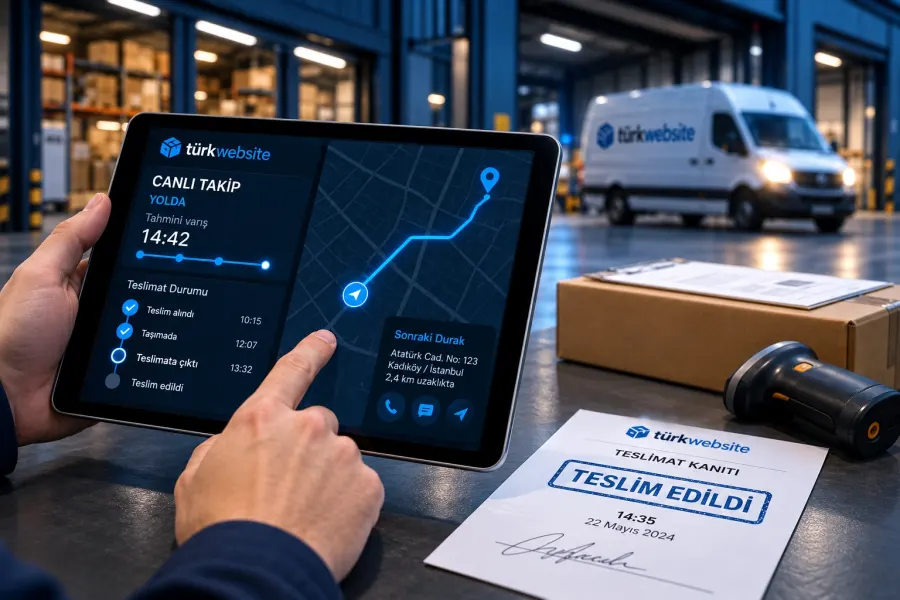
When an order is confirmed, the shipment is created, the label printed and tracking sent to the customer.
Take card payments without a cart: a payment link, pay button and a page where customers enter the amount.
Connects the iyzico payment form to your site: 3D Secure, installments, return pages and order updates.
Connects your bank's virtual POS to your site: 3D Secure, installment table, testing and going live.
Automates monthly or yearly billing: plans, card storage, retries and cancellation.
Connects up to 3 carriers, picks the carrier by weight and price rule, and handles labels and tracking.
The first call is free. If you have a domain or an existing site, send us the link; we reply within 1 business day.