Single API Integration
One connection for your system to exchange data with an external service; testing and documentation included.
from $229
 Corporate Website9 products · from $289
 One-Page and Landing Page8 products · from $59
 Personal and Portfolio Website7 products · from $119
 Starter E-Commerce Website$849
 Professional E-Commerce Website$1,299
 Advanced E-Commerce Website$2,799
 Corporate Site Redesign7 products · from $199
 Speed and Mobile Optimisation7 products · from $79
 Online Store Redesign7 products · from $229
 Chatbots7 products · from $249
 Process Automation9 products · from $199
 Data Collection Bots7 products · from $119
 Payment and Shipping Integration8 products · from $149
 Messaging and CRM Integration8 products · from $79
 E-Commerce and System Integration9 products · from $119
 Maintenance Packages8 products · from $39
 Setup and Migration9 products · from $39
 Technical Check7 products · from $59
E-Commerce and System Integration · Delivery: 5 business days

Supplier XML product import loads the products in your supplier's XML file into your store and keeps them current. Category mapping, a price rule based on your profit margin, scheduled stock and price updates and deactivating sold-out products are set up. It is for stores that sell products from a single supplier without holding their own stock.
An XML integration connects the XML file in which your supplier shares its product list to your store. Entering hundreds of products by hand is the visible part of the job; the real problem starts afterwards: a product that sells out at the supplier stays on sale in your store, and a changed purchase price goes unnoticed. In this package we import the XML of a single supplier into your store and automate the updates.
The price in the XML is mostly the dealer purchase price. We can have the sale price calculated with a single rate, or with rates that vary by price range and category. You need to ask your supplier whether the price in the file includes VAT, and we set up the rule accordingly. When the supplier changes a price, your sale price is recalculated with the same rule at the next update. You decide the margin rates.
You must have obtained the XML address from your supplier, together with permission to use this data in your store; dealership terms are between you and the supplier. For our part, access to your store admin panel, your category tree and your margin rule are enough. We examine the structure of the file and tell you before the import about missing fields such as barcode, image or variant information. The imported data is only as complete as what the supplier provides.
Product descriptions and images are imported as they come in the XML; other stores working with the same supplier carry the same texts. Rewriting the descriptions is outside this package. The package covers one supplier, and a second XML is priced separately. If the imported products also need to be sent to marketplaces, that work should be planned together with Trendyol Integration or E-Commerce and Marketplace Integration.
The price depends on the number of products and variants, the layout of the XML, the size of the category mapping and your store platform. Setup takes 5 business days, and we state the scope in a written quote.
One connection for your system to exchange data with an external service; testing and documentation included.
Product, stock, price and order data sync automatically between store, marketplaces and accounting.
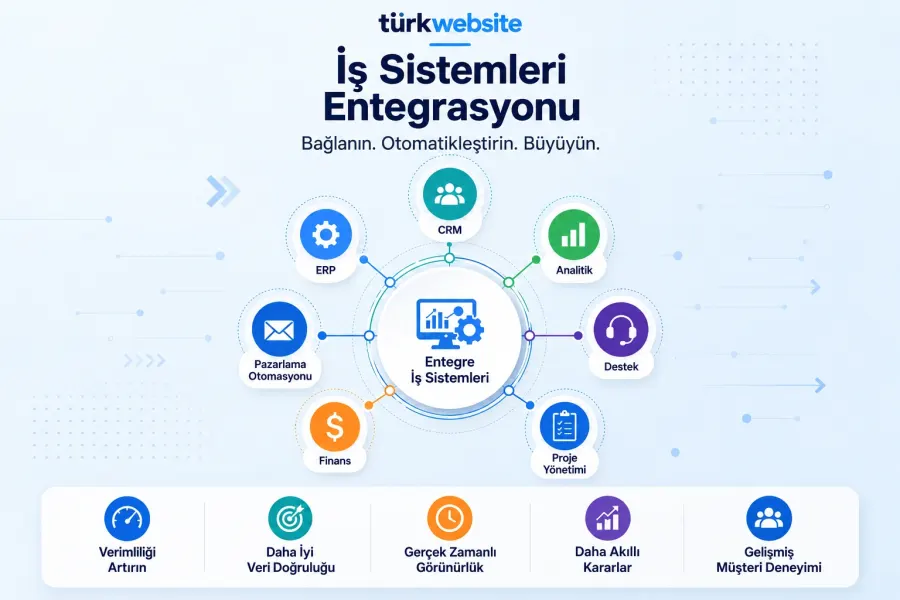
Three or more systems such as ERP, accounting, e-commerce, CRM and shipping work in one data flow.
Sets up your Merchant Center account and product feed, and fixes data errors on disapproved products.
Issues invoices for orders automatically through your private integrator and sends the PDF to the customer.
Connects your site to the Trendyol seller API: product, stock and price sync, orders in your panel.
Connects your Hepsiburada store to your site: orders on one screen, with stock and prices kept in step.
Moves orders, customer accounts and stock cards to your accounting software and syncs stock both ways.
The first call is free. If you have a domain or an existing site, send us the link; we reply within 1 business day.