SMS and Email Notification Integration
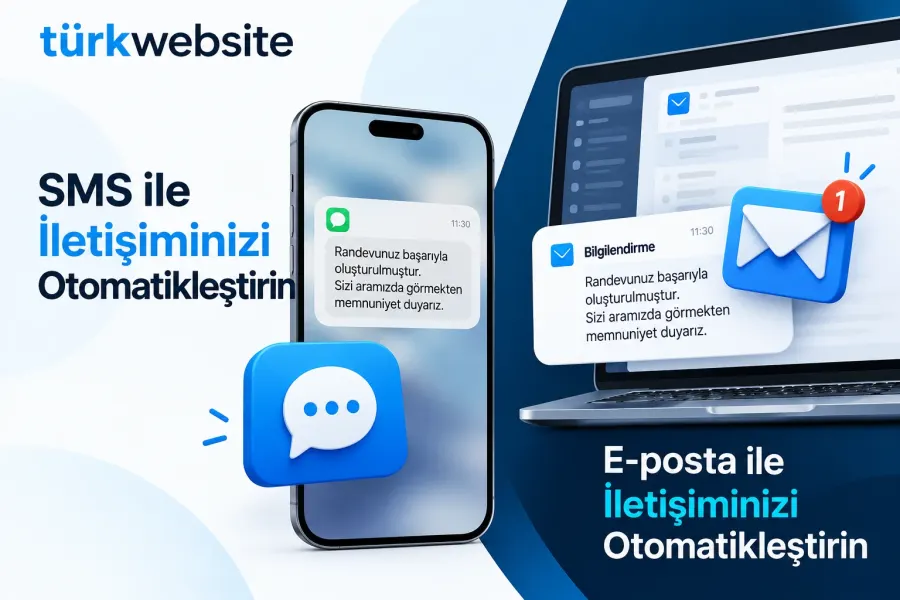
Order received, shipped and appointment reminders go out automatically by SMS and e-mail.
from $229
 Corporate Website9 products · from $289
 One-Page and Landing Page8 products · from $59
 Personal and Portfolio Website7 products · from $119
 Starter E-Commerce Website$849
 Professional E-Commerce Website$1,299
 Advanced E-Commerce Website$2,799
 Corporate Site Redesign7 products · from $199
 Speed and Mobile Optimisation7 products · from $79
 Online Store Redesign7 products · from $229
 Chatbots7 products · from $249
 Process Automation9 products · from $199
 Data Collection Bots7 products · from $119
 Payment and Shipping Integration8 products · from $149
 Messaging and CRM Integration8 products · from $79
 E-Commerce and System Integration9 products · from $119
 Maintenance Packages8 products · from $39
 Setup and Migration9 products · from $39
 Technical Check7 products · from $59
Messaging and CRM Integration · Delivery: 3 business days

Appointment calendar integration places a calendar on your page where customers pick an available time and book. Google Calendar sync, available time definitions, confirmation and reminder emails and double-booking prevention are set up. It is for clinics, consultants, beauty salons and service businesses that arrange appointments by phone and message.
An online appointment calendar lets customers see free times on your site and make their own booking without calling you. Booking by phone depends on working hours and is open to mistakes such as writing two people into the same slot. In this package we place an online booking tool on your site and sync it with your Google Calendar.
The calendar shows only the periods you open. We take your working days, lunch break, the length of one appointment and the gap you want between two appointments from you and define them. How many hours ahead at the earliest and how many days ahead at the latest an appointment can be booked is also set, so you do not get last-minute bookings or bookings months ahead.
Every booking is written to your Google Calendar as an event. The sync works both ways: a meeting or day off you add to your calendar yourself is also removed from the available times on the site. A slot that is full is not shown to a second visitor. You keep following your appointments from the calendar on your phone and do not need to learn a separate screen.
The calendar runs on a third-party booking tool; the tool's fees are yours, and free plans may limit the number of calendars or services. Taking a prepayment at booking and SMS reminders are outside this package; where needed we list them as separate items in the quote. For SMS reminders, SMS and Email Notification Integration is suitable, and for notifications sent through WhatsApp, WhatsApp Business API Integration.
The price depends on the number of service types, the number of people whose calendars are synced, the detail of the time rules and your site's infrastructure. We need access to the calendar in your Google account, your service list and your working hours. Setup takes 3 business days, and we state the scope in a written quote.
Order received, shipped and appointment reminders go out automatically by SMS and e-mail.
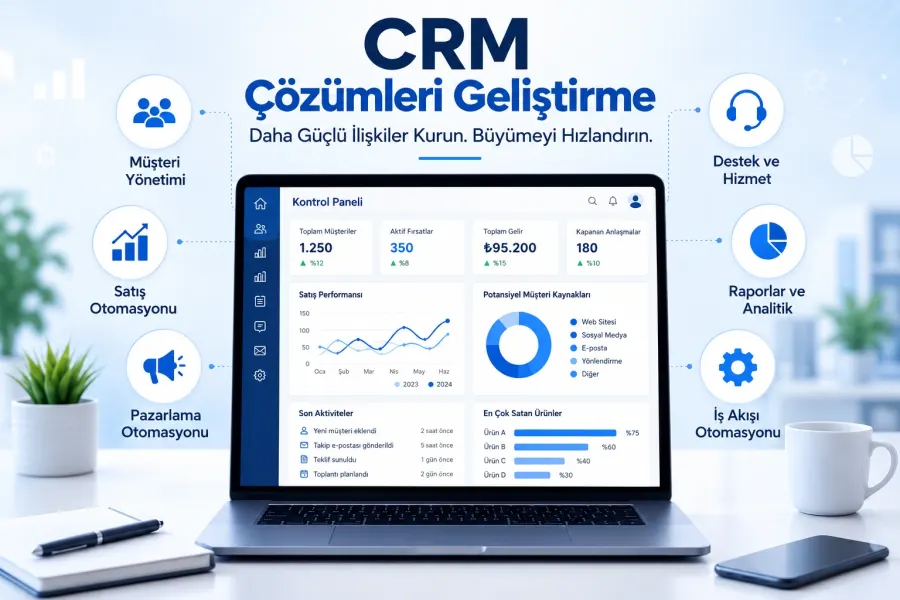
Form, WhatsApp and phone enquiries land in the CRM automatically; customer records and follow-up in one place.
Adds a chat window to your site: design, working hours, canned replies and mobile notifications.
Writes requests from your site form to your CRM automatically, with field mapping and source tracking.
Connects a newsletter signup form to your email tool: double opt-in, welcome email, segmentation.
Sets up the WhatsApp Business API: number registration, message templates, alerts and a shared inbox.
Connects your virtual phone system to your CRM: recognizes callers, logs calls and flags missed calls.
The first call is free. If you have a domain or an existing site, send us the link; we reply within 1 business day.