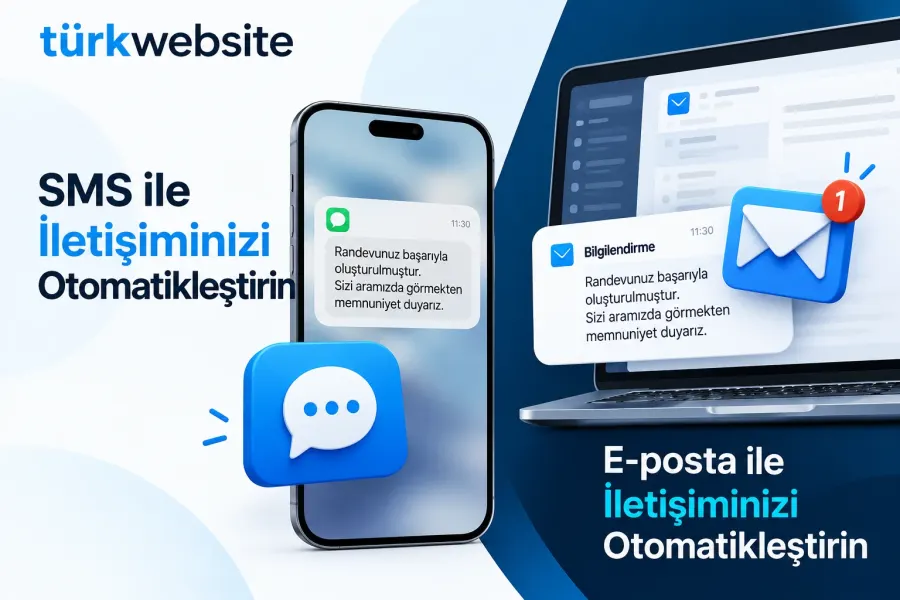
SMS and Email Notification Integration
Order received, shipped and appointment reminders go out automatically by SMS and e-mail.
from $229
 Corporate Website9 products · from $289
 One-Page and Landing Page8 products · from $59
 Personal and Portfolio Website7 products · from $119
 Starter E-Commerce Website$849
 Professional E-Commerce Website$1,299
 Advanced E-Commerce Website$2,799
 Corporate Site Redesign7 products · from $199
 Speed and Mobile Optimisation7 products · from $79
 Online Store Redesign7 products · from $229
 Chatbots7 products · from $249
 Process Automation9 products · from $199
 Data Collection Bots7 products · from $119
 Payment and Shipping Integration8 products · from $149
 Messaging and CRM Integration8 products · from $79
 E-Commerce and System Integration9 products · from $119
 Maintenance Packages8 products · from $39
 Setup and Migration9 products · from $39
 Technical Check7 products · from $59
Messaging and CRM Integration · Delivery: 5 to 7 business days

The WhatsApp Business API integration gets your business number working through the API and connects it to your site or system. Support for Meta business verification, number registration, submitting message templates for approval, order and appointment notifications and a shared inbox connection are included. It is for businesses whose message volume no longer fits one phone; approval decisions belong to Meta.
The WhatsApp Business API is the infrastructure that lets your business number be used through software instead of an app on a single phone. That way several employees can reply from the same number, and your site can send order or appointment notifications. In this package we accompany you through the application steps, register the number and set up the connections.
The WhatsApp Business app on a phone is enough for small teams. The API has no screen of its own; messages are read and sent through a shared inbox tool or your own software. When a customer writes to you, you can reply with free text for a limited time; if you are the one starting the conversation, you must use a message template that Meta has approved in advance. If you receive only a few messages a day, you do not need to move to the API.
Business verification and message templates are reviewed by Meta; the decision to accept or reject, and how long it takes, belongs to Meta. We prepare the application to follow the rules and, if a template is rejected, edit it according to the reason and submit it again. The account and number are registered in your business's name. How the number you register will affect your current WhatsApp use changes with the account type and the service provider, so we clarify that with you before registration.
In this package we set up transactional notifications such as order confirmations or appointment reminders. Bulk campaign sending and a chatbot that replies automatically are out of scope. To message a customer on WhatsApp you must have the person's permission; obtaining and storing permissions is the responsibility of your business.
The setup fee depends on the number of notification scenarios, the infrastructure of the system to be connected and the shared inbox tool chosen. Meta's message fees and the fees of the service provider and the inbox tool are outside this service and are paid directly to the relevant company. Setup takes 5 to 7 business days; Meta's review times are not included in this period.
Order received, shipped and appointment reminders go out automatically by SMS and e-mail.
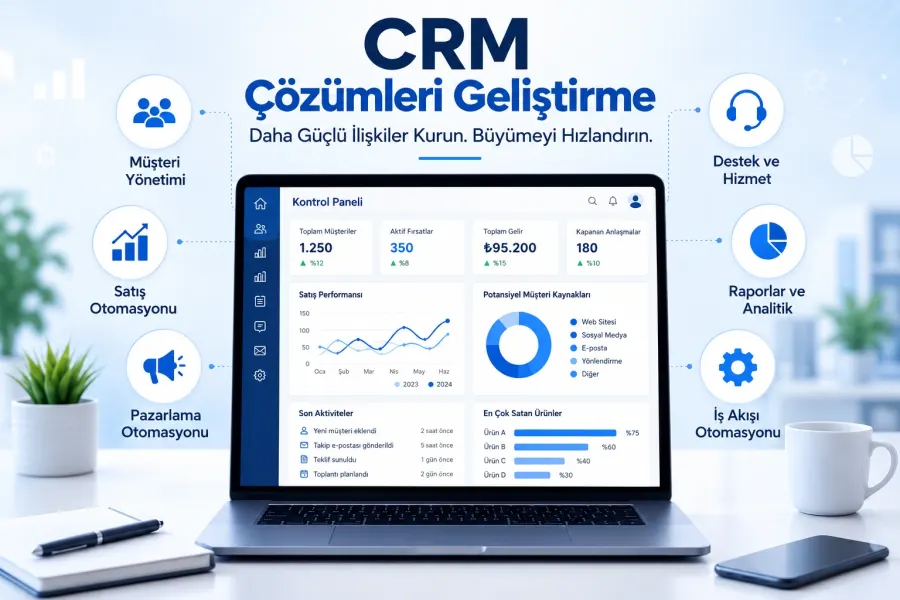
Form, WhatsApp and phone enquiries land in the CRM automatically; customer records and follow-up in one place.
Adds a chat window to your site: design, working hours, canned replies and mobile notifications.
Writes requests from your site form to your CRM automatically, with field mapping and source tracking.
Connects a newsletter signup form to your email tool: double opt-in, welcome email, segmentation.
Customers pick a free slot on your site; the booking lands in Google Calendar and a reminder is sent.
Connects your virtual phone system to your CRM: recognizes callers, logs calls and flags missed calls.
The first call is free. If you have a domain or an existing site, send us the link; we reply within 1 business day.