SMS and Email Notification Integration
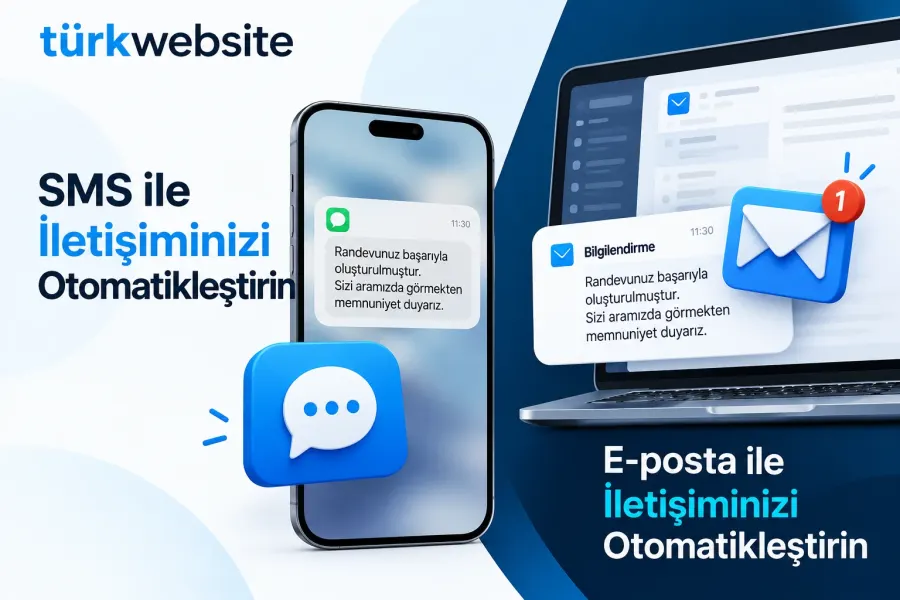
Order received, shipped and appointment reminders go out automatically by SMS and e-mail.
from $229
 Corporate Website9 products · from $289
 One-Page and Landing Page8 products · from $59
 Personal and Portfolio Website7 products · from $119
 Starter E-Commerce Website$849
 Professional E-Commerce Website$1,299
 Advanced E-Commerce Website$2,799
 Corporate Site Redesign7 products · from $199
 Speed and Mobile Optimisation7 products · from $79
 Online Store Redesign7 products · from $229
 Chatbots7 products · from $249
 Process Automation9 products · from $199
 Data Collection Bots7 products · from $119
 Payment and Shipping Integration8 products · from $149
 Messaging and CRM Integration8 products · from $79
 E-Commerce and System Integration9 products · from $119
 Maintenance Packages8 products · from $39
 Setup and Migration9 products · from $39
 Technical Check7 products · from $59
Messaging and CRM Integration · Delivery: 1 business day

Live chat setup adds a chat window so visitors can write to you without leaving the page. We help open the account, match the window to your site's look, and set working hours, canned replies and the notification that reaches your phone. It is for small businesses that are slow to answer questions by phone or form; the software subscription fee is not included.
Technically, adding live chat to a website means placing a small piece of code on the page; whether the window is actually useful depends on the settings. A chat box that nobody answers leaves a worse impression than having none at all. In this package we install the live chat software of your choice on your site and make it usable from day one.
You choose the software; if you are undecided, we suggest two or three options based on your team size and budget. Some tools have free plans, and limits such as the number of agents and how long chat history is kept change on paid plans. The account is opened with your email address, so the subscription and chat history stay with you. Because chats collect personal data such as name, phone and email, we add a link to your privacy notice in the window; preparing that text is the business's responsibility, and we do not give legal advice.
Visitors mostly ask similar things: price, delivery time, address, appointments. We write answers to these questions with you and set them up as canned replies, so an agent picks one from a list instead of typing. Outside working hours, the window shows a message saying when you will get back to them. You approve the content of the canned replies.
This setup is enough for businesses where one or a few people can check their phone during the day and answer messages; your own team answers the chats. If you want chats written into the customer record and distributed to a sales team, CRM Integration is the better fit; if you want to talk with customers on WhatsApp through a business number, choose WhatsApp Business API Integration. A chatbot that replies automatically is outside this package.
The price depends on your site's infrastructure, the number of canned replies and which pages show the window. The software's subscription fee is outside this service. Setup takes 1 business day; access to your site's admin panel and a list of your frequently asked questions is enough to start. We state the scope in a written quote.
Order received, shipped and appointment reminders go out automatically by SMS and e-mail.
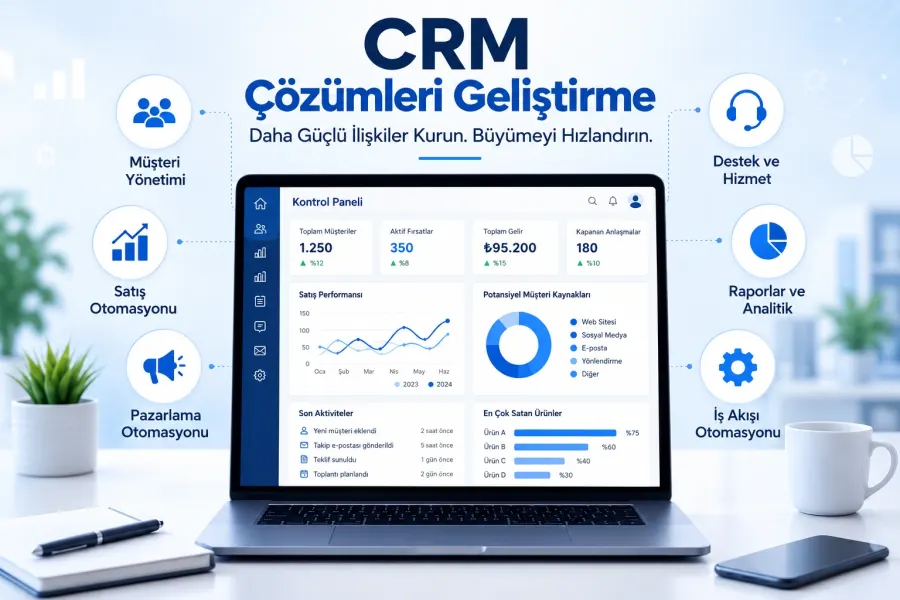
Form, WhatsApp and phone enquiries land in the CRM automatically; customer records and follow-up in one place.
Writes requests from your site form to your CRM automatically, with field mapping and source tracking.
Connects a newsletter signup form to your email tool: double opt-in, welcome email, segmentation.
Customers pick a free slot on your site; the booking lands in Google Calendar and a reminder is sent.
Sets up the WhatsApp Business API: number registration, message templates, alerts and a shared inbox.
Connects your virtual phone system to your CRM: recognizes callers, logs calls and flags missed calls.
The first call is free. If you have a domain or an existing site, send us the link; we reply within 1 business day.