SMS and Email Notification Integration
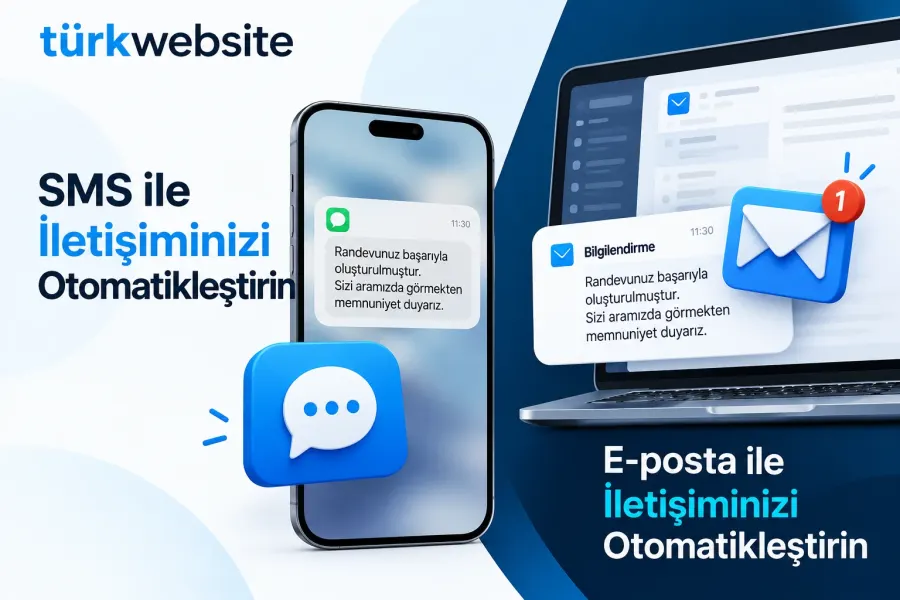
Order received, shipped and appointment reminders go out automatically by SMS and e-mail.
from $229
 Corporate Website9 products · from $289
 One-Page and Landing Page8 products · from $59
 Personal and Portfolio Website7 products · from $119
 Starter E-Commerce Website$849
 Professional E-Commerce Website$1,299
 Advanced E-Commerce Website$2,799
 Corporate Site Redesign7 products · from $199
 Speed and Mobile Optimisation7 products · from $79
 Online Store Redesign7 products · from $229
 Chatbots7 products · from $249
 Process Automation9 products · from $199
 Data Collection Bots7 products · from $119
 Payment and Shipping Integration8 products · from $149
 Messaging and CRM Integration8 products · from $79
 E-Commerce and System Integration9 products · from $119
 Maintenance Packages8 products · from $39
 Setup and Migration9 products · from $39
 Technical Check7 products · from $59
Messaging and CRM Integration · Delivery: 2 business days

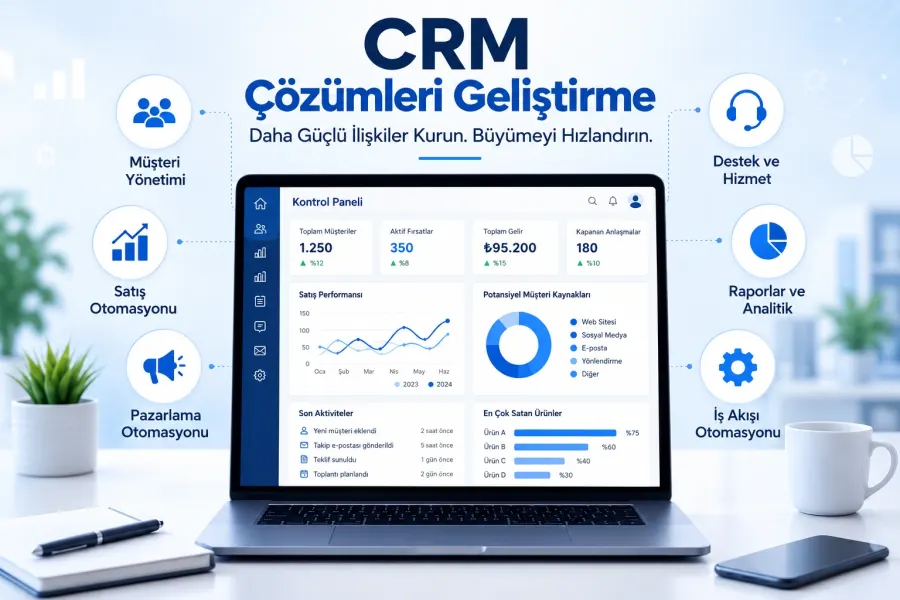
Connecting a website form to your CRM writes the requests from a single form on your site straight into the CRM or online spreadsheet you use. We map the fields, add the page or campaign the request came from, check for duplicate records and send a notification for each new request. It is for businesses that copy form emails into a CRM by hand.
A form to CRM integration means that when your contact or quote form is filled in, the record goes straight into your CRM or the spreadsheet you work in instead of waiting in an email inbox. Copying requests by hand takes time, and on busy days some records slip through. In this package we connect one form to one target system.
The moment a visitor submits the form, the data is sent to the target system's API. The system checks whether a record already exists with the same email or phone; if it does, the data goes onto that record instead of creating a new contact, and if not, a new record is created. Then a notification goes to the person you choose. If a transfer fails, we leave the form's email delivery on so that no request is lost.
If you run ads, knowing which campaign brings requests makes budget decisions easier. We carry the campaign tags added to your ad links into the target system together with the form, so each record shows the page and campaign it came from. Tagging the links is the job of the person who manages the ads; we make sure the tag reaches the record.
If you do not use a CRM yet, we can send records to an online spreadsheet; for small teams that is often enough. If you need several forms, other channels such as WhatsApp and phone, distribution of requests to sales reps and follow-up reminders, CRM Integration is the better product. In this package a second form or a second target system is priced separately.
Admin rights or an API key in the CRM, access to your site's admin panel and who should receive the notification are enough. The price depends on the number of fields in the form, your site's infrastructure and the target system's API support; CRM license fees are outside this service. Setup takes 2 business days, and we state the scope in a written quote.
Order received, shipped and appointment reminders go out automatically by SMS and e-mail.
Form, WhatsApp and phone enquiries land in the CRM automatically; customer records and follow-up in one place.
Adds a chat window to your site: design, working hours, canned replies and mobile notifications.
Connects a newsletter signup form to your email tool: double opt-in, welcome email, segmentation.
Customers pick a free slot on your site; the booking lands in Google Calendar and a reminder is sent.
Sets up the WhatsApp Business API: number registration, message templates, alerts and a shared inbox.
Connects your virtual phone system to your CRM: recognizes callers, logs calls and flags missed calls.
The first call is free. If you have a domain or an existing site, send us the link; we reply within 1 business day.