














Claude Code Instagram Skills: 20 Free Skills for Your Profile, Reels and Design
We installed 20 Instagram skills for Claude Code, went through their files and checked where each one comes from. With images, we show what the profile, Reels, carousel and design skills do, with example commands and GitHub links.

Most people know Claude Code as an AI tool that writes code. Yet one of its most talked-about features in 2026 has nothing to do with code: ready-made capability packs called skills. A skill is a small folder of instructions that teaches Claude how to do a specific job step by step. Writing an Instagram bio, drafting a Reels script or designing carousel slides can be one of those jobs.
Search for "Claude Code Instagram skill" and you get a scattered picture: Anthropic has no official Instagram skill, dozens of community skills are listed on different sites, and it is often unclear what each one does or where it comes from. For this article we installed 20 Instagram skills on our own machine, went through their instruction files and checked the GitHub source repository of every one of them.
Below we show, with images, what each skill is for, which command calls it in Claude Code and what it gives you. Every GitHub link goes to the skill's own folder.
In short:
- A Claude Code skill is a folder of instructions that Claude reads when it needs it. It contains at least one SKILL.md file.
- There is no official Anthropic skill for Instagram. All 20 skills covered here come from community repositories on GitHub.
- Most skills produce text and plans: bios, captions, Reels scripts, carousel slides, hashtag sets. Few of them draw images or post to Instagram.
- You install a skill in one of three ways: npx skills add, a Claude Code plugin, or copying the folder by hand.
- Read the SKILL.md file before you install. Some skills ask for an API key, extra permissions or a paid service.
What is a Claude Code skill?
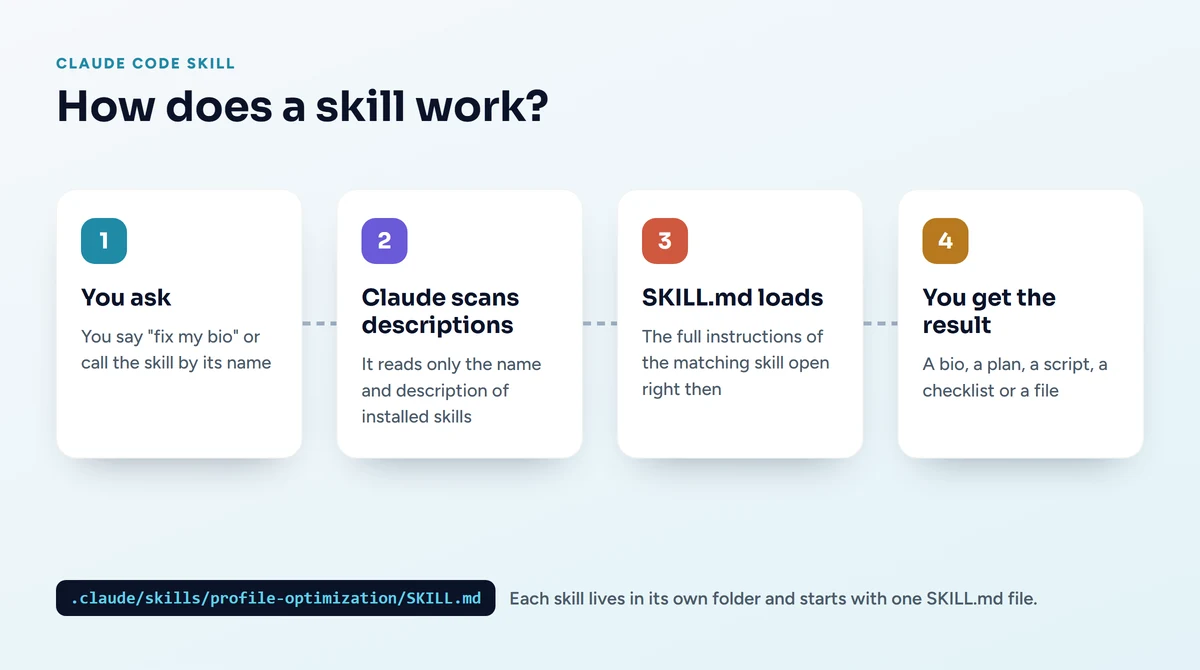
A skill is a folder that extends what Claude Code can do. The SKILL.md file inside it has two parts: at the top, the skill's name and a short description of when to use it; below that, how to do the job step by step. Some skills also come with example files, templates or small scripts.
When Claude Code starts, it reads only the names and descriptions of the installed skills. When you say "fix my Instagram bio", it finds the skill whose description matches the request and only then loads the full instructions. You can also call a skill by name: typing /profile-optimization on the command line tells Claude to use that skill directly. Anthropic explains this in detail in the Claude Code documentation.
The difference between a skill and MCP
A skill teaches Claude how to do a job. An MCP server connects Claude to an outside service: your Instagram account, a design tool or a database. Most skills in this article connect to no account at all; they produce text, plans and design guidelines. Either you do the posting or a connected service does.
How do you install a Claude Code skill?
Claude Code looks for skills in the .claude/skills folder in your user folder. On Windows that is C:\Users\YourName\.claude\skills, on macOS and Linux ~/.claude/skills. Each skill sits in a subfolder named after it. There are three ways to install one:
- The skills command line tool: the vercel-labs/skills tool downloads the repository and puts the skills in the right folder. For a single skill: npx skills add social-media-skills/skills -g -a claude-code -s reels-script
- A Claude Code plugin: some repositories are also published as plugins. Inside Claude Code you type /plugin marketplace add social-media-skills/skills and then /plugin install social-media-skills@social-media-skills. Plugin updates arrive on their own.
- Copying by hand: you download the repository from GitHub as a ZIP and copy the skill folder you want into .claude/skills. It is the slowest way but the one with the most control: you see exactly what you install.
To check that a skill is installed, just ask Claude "which skills are installed?". If the new skill is not on the list, close Claude Code and open it again.
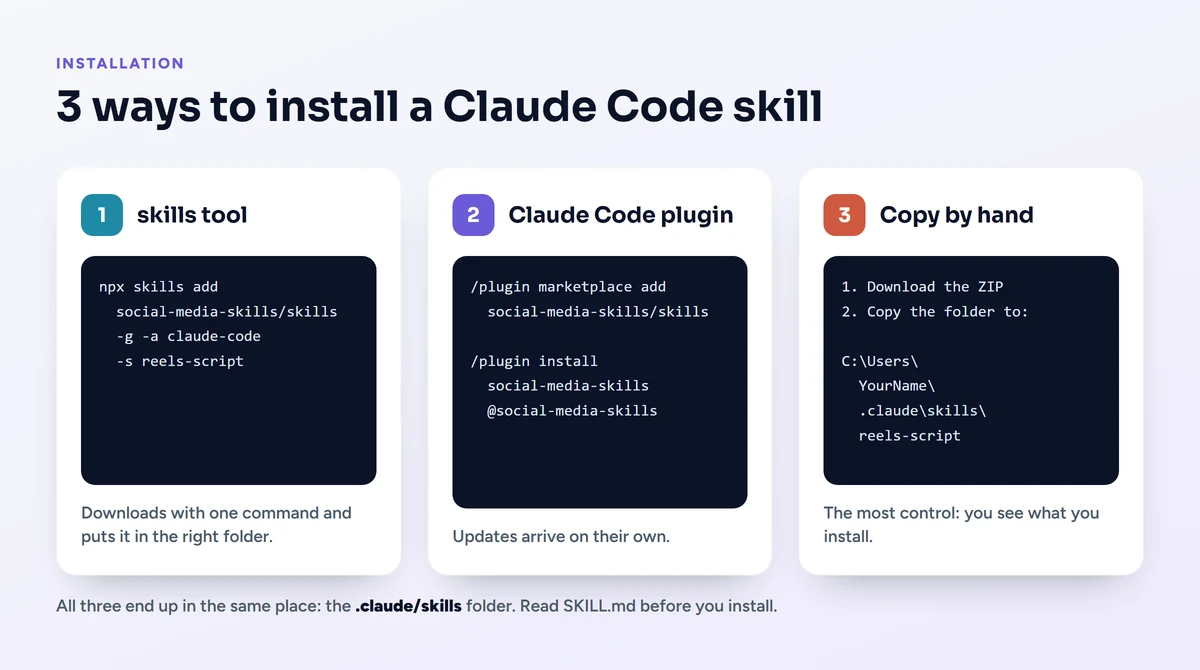
Read before you install: A skill is a set of instructions, and Claude carries them out on your behalf. One of the repositories we downloaded for this article contained a settings file that allowed Python and pip commands without asking; we did not install it and took only the SKILL.md. Also, if you mistype a repository address while downloading it with git, Git Credential Manager on Windows may open a GitHub sign-in window in your browser. Do not approve a sign-in request you did not start yourself; if you already approved one, you can remove it on GitHub under Settings, Applications, Authorized OAuth Apps.
Claude Code skills for your Instagram profile
The first six skills come from the social-media-skills/skills repository. This MIT-licensed repository holds 106 social media skills and is maintained by the team behind a scheduling service called WoopSocial. Most of its skills start by reading the brand information prepared by the brand-profile, voice-builder and audience-research skills in the same repository. If you install those three as well, the output sounds more like your brand; if you don't, the skill asks you for what is missing.
1. instagram-growth: where is growth getting stuck?
The skill that diagnoses why your account is not growing. It splits growth into four stages: reaching new people, profile visitors following you, followers staying, and your content being sent on to others by DM. It finds the broken stage, then calls the other skills that fix it, in order. It assumes that in 2026 Instagram hands out reach to non-followers mostly on the basis of watch time and DM shares, which is why Reels sit at the center of the plan.
Example command: /instagram-growth Our café's account has been stuck at 1,200 followers for 6 months, where are we getting stuck?
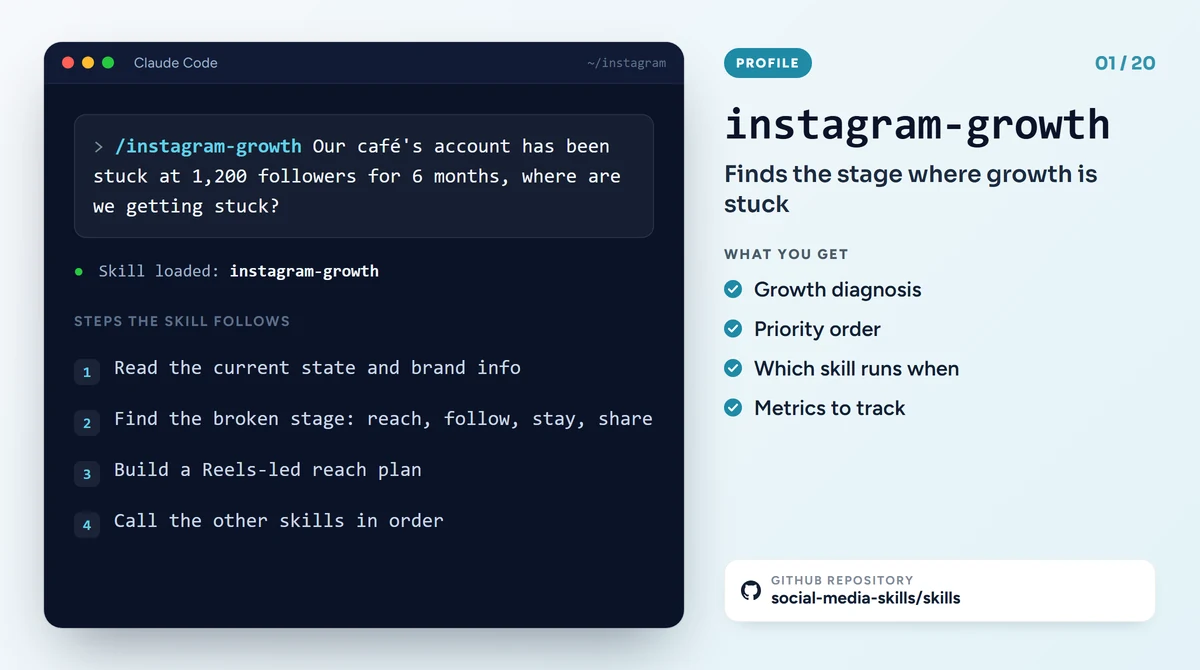
GitHub: social-media-skills/skills, instagram-growth
2. profile-optimization: set up your profile like a sales page
It treats your profile not as a shop window but as a page that turns visitors into followers and customers. First it runs a "3-second test": does someone landing on your profile for the first time understand within three seconds what you do, who you serve and why they should follow? Then it works through the searchable name field, the bio, the single link and call to action, the profile photo, pinned posts and highlights.
Example command: /profile-optimization We're a dental clinic in London, rework our bio and highlights
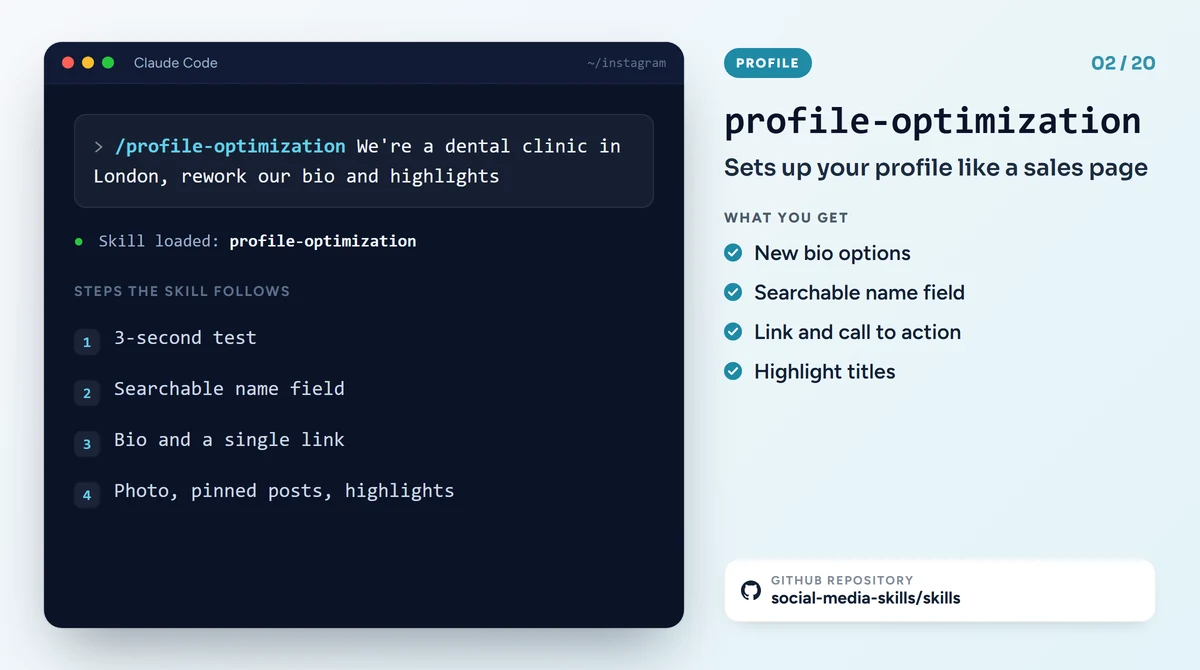
GitHub: social-media-skills/skills, profile-optimization
3. instagram-seo: showing up in Instagram search
The skill that treats Instagram as a search engine. It says discovery now runs on keywords more than hashtags, and that hashtags have shrunk to 3 to 5 topic labels. It wants the caption, the on-screen text and the image's alt text to meet on the same keyword, and builds a framework around this called MATCH. It gives you a keyword cluster, a search-friendly caption and suggestions for your profile fields.
Example command: /instagram-seo Make this Reels caption searchable for "wedding photographer in London"
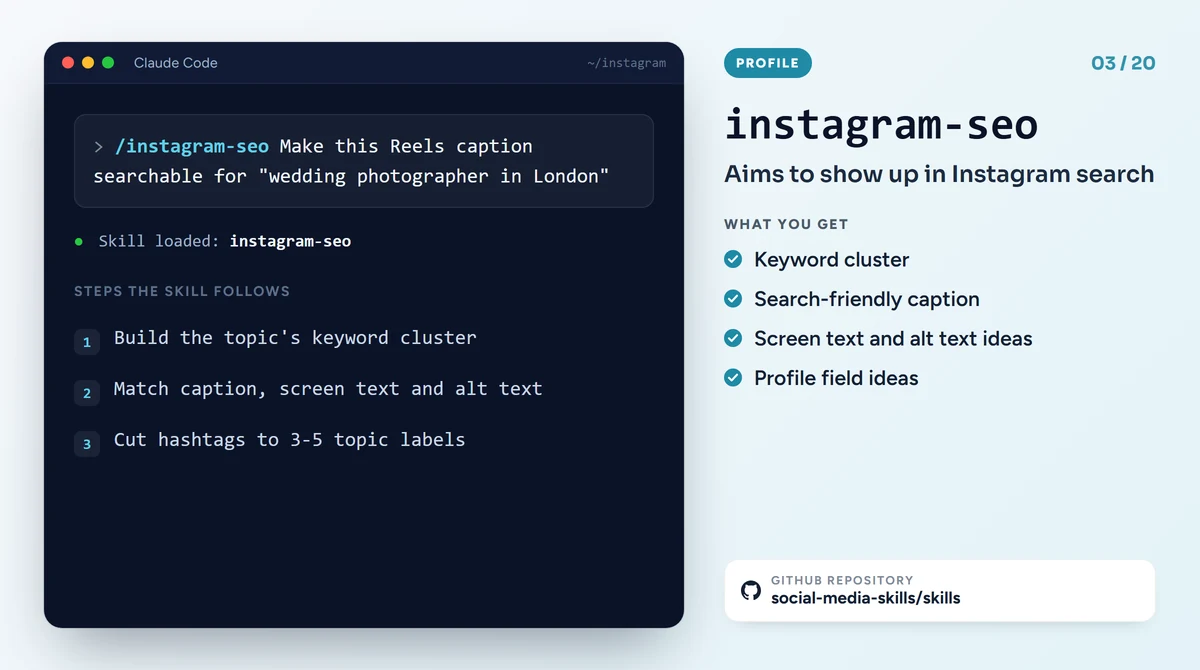
GitHub: social-media-skills/skills, instagram-seo
4. link-in-bio-and-traffic: turning followers into clicks
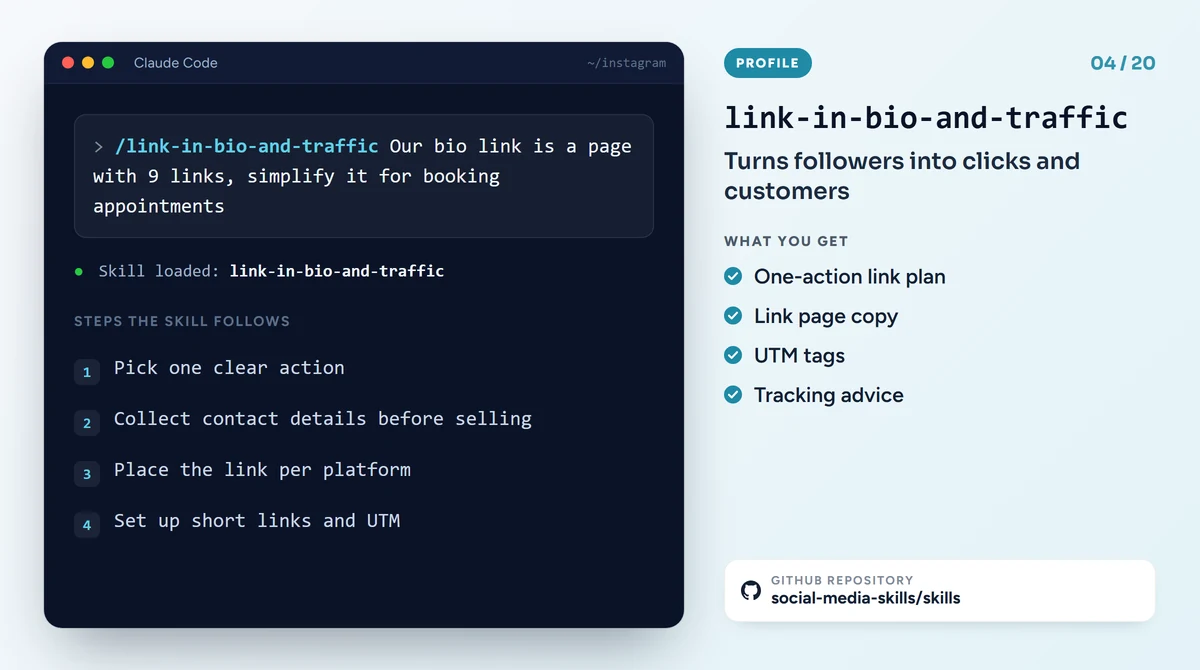
It aims to move your Instagram reach to an audience you own: your email list, your WhatsApp line or your website. Instead of a page with nine links it asks for one clear action, suggests collecting contact details before selling, separates where links go on each platform, and sets up short links with UTM tracking.
Example command: /link-in-bio-and-traffic Our bio link is a page with 9 links, simplify it for booking appointments
GitHub: social-media-skills/skills, link-in-bio-and-traffic
5. hashtag-strategy: how many hashtags, and which?
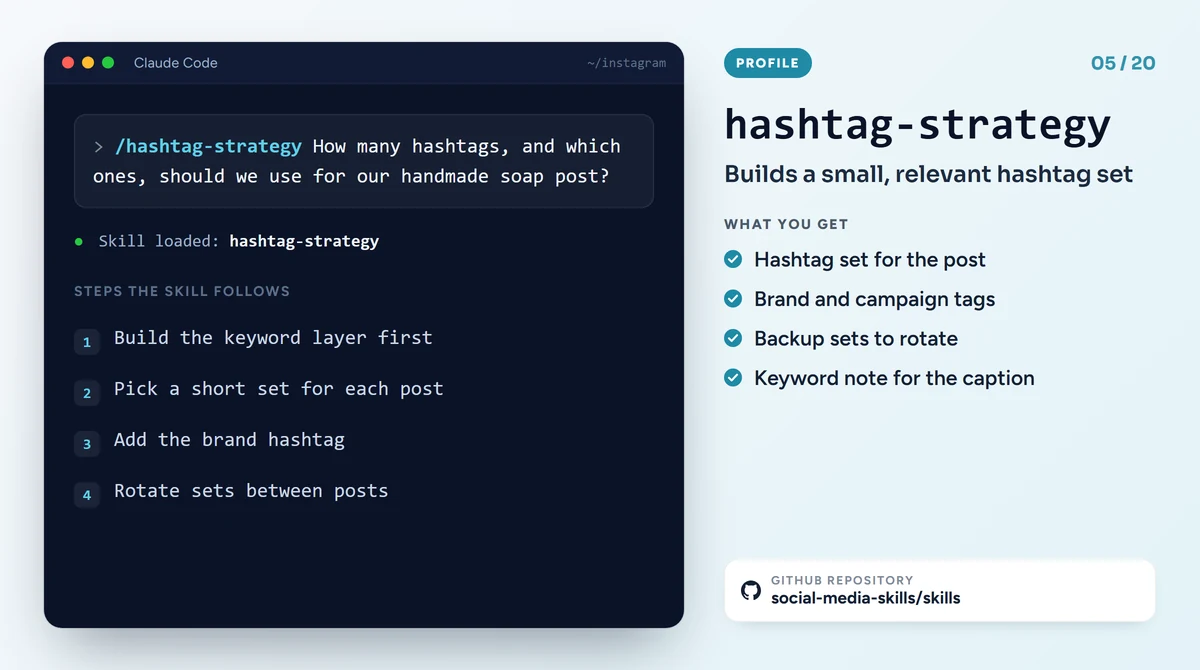
The skill that drops the "add 30 hashtags and go viral" approach. First it builds the keyword layer in the caption, on screen and in what is said; it sees hashtags as a complement to that layer. Then it picks a small set of hashtags that are genuinely on topic for each post, adds brand and campaign tags where they exist, and suggests rotating sets between posts.
Example command: /hashtag-strategy How many hashtags, and which ones, should we use for our handmade soap post?
GitHub: social-media-skills/skills, hashtag-strategy
6. caption-writer: captions in your brand's voice
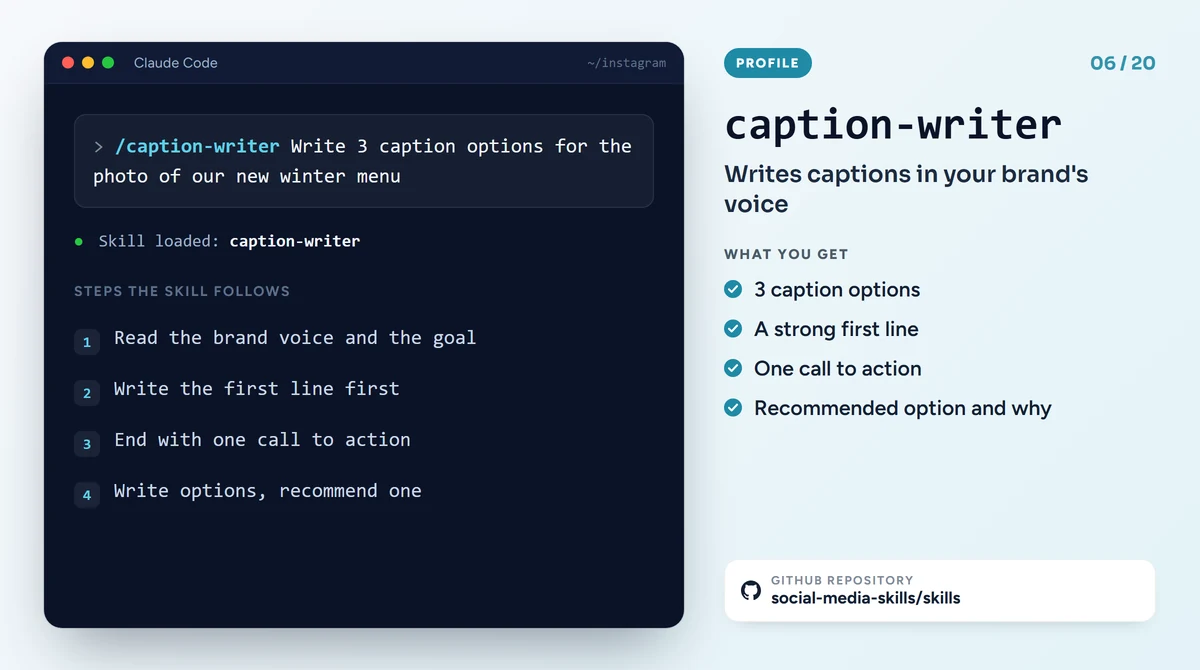
The skill that writes post captions. Besides Instagram it also works for LinkedIn, TikTok, Facebook, X, Threads, Pinterest and YouTube. It starts with the first line, because that is the part people see before the "more" link. It ends the body with a single call to action, adjusts hashtags and links to the platform, writes several options and recommends one.
Example command: /caption-writer Write 3 caption options for the photo of our new winter menu
GitHub: social-media-skills/skills, caption-writer
Claude Code skills for Reels and video
These four skills come from the same repository. What they share is that they build the video for someone watching with the sound off: most Instagram videos start muted, so on-screen text matters at least as much as speech. When you create Reels with AI this way, Claude does not shoot or edit the video; it prepares the script, the shot list, the cover and the publishing settings.
7. reels-script: Instagram Reels scripts
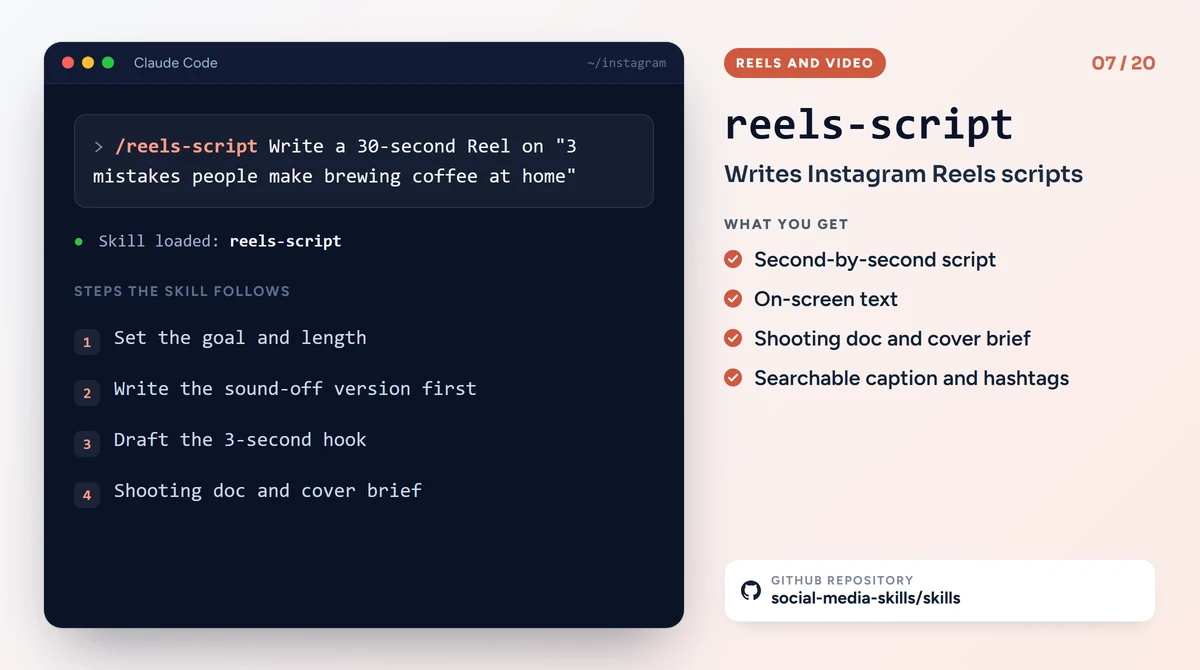
It writes Reels scripts made for Instagram. It first sets the video's goal and length, writes the sound-off version first, drafts the 3-second hook and builds the video to be watched to the end and sent on by DM. It also gives you the shooting document, a cover brief, a searchable caption and hashtags. It suggests testing a new idea first with a trial Reel that is shown only to non-followers.
Example command: /reels-script Write a 30-second Reel on "3 mistakes people make brewing coffee at home"
GitHub: social-media-skills/skills, reels-script
8. short-form-video-script: one script for Reels, TikTok and Shorts
The general sibling of reels-script. It writes the same idea for Reels, TikTok and YouTube Shorts. For every line it gives the spoken words, the on-screen text and the shot direction separately; it builds the loop that ties the end back to the start and the pacing that stops people from dropping off early. If you are preparing one video for all three platforms, start with this skill.
Example command: /short-form-video-script Write the same video for TikTok and YouTube Shorts too
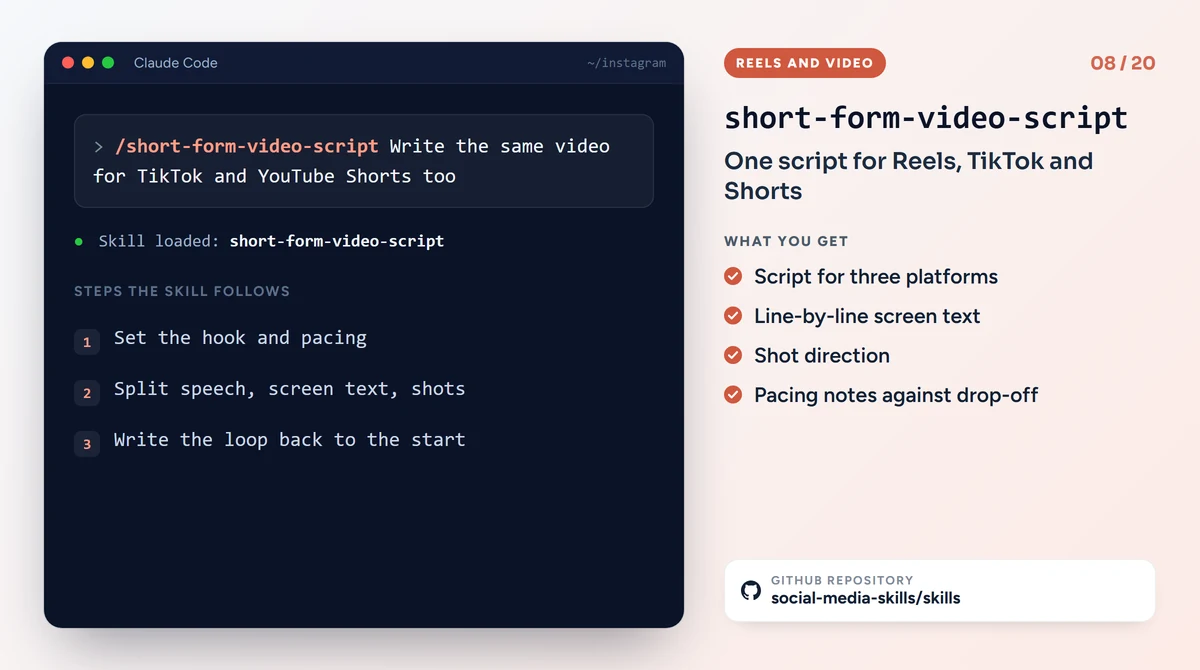
GitHub: social-media-skills/skills, short-form-video-script
9. instagram-reels-publishing: publishing a Reel the right way
It comes in once the video is ready. It checks the 9:16 format, the safe zone that is not cropped in the feed or on the profile grid, a cover frame that looks good on the grid, the searchable caption and the audio. According to the skill, the cover has to be chosen before publishing, so it moves the cover decision ahead of the publish button.
Example command: /instagram-reels-publishing Check the cover frame and publishing settings for this video
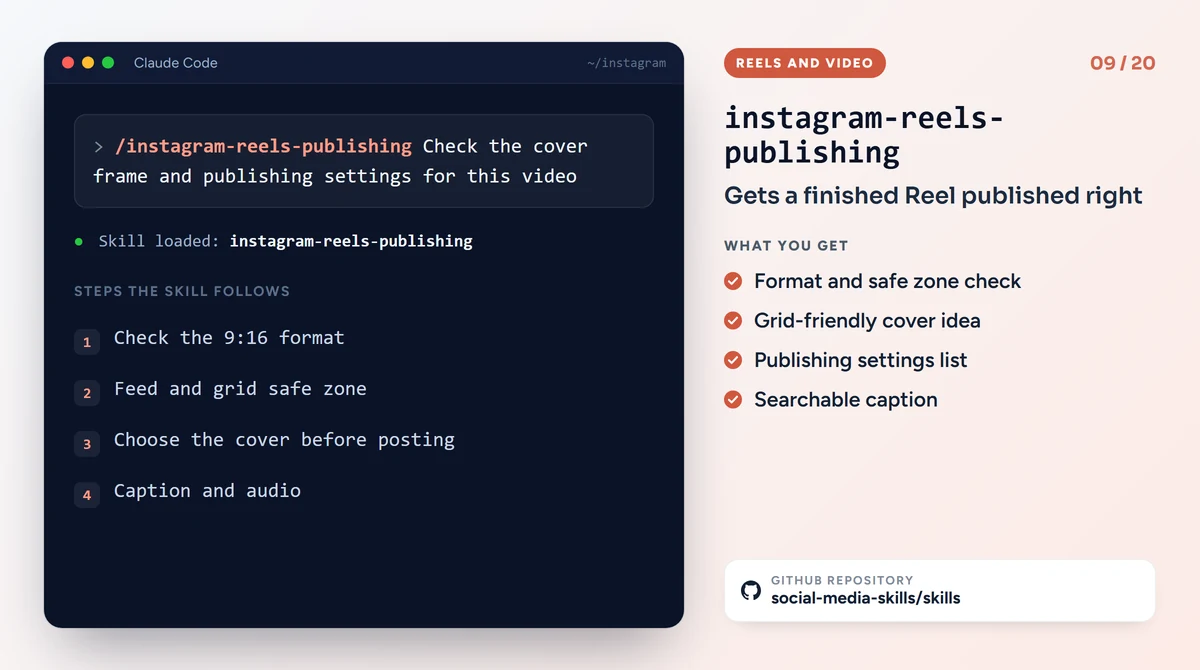
GitHub: social-media-skills/skills, instagram-reels-publishing
10. captions-and-clipping: cutting Reels from a long video
It splits a long YouTube video, podcast or webinar into short clips that make sense on their own and sets the subtitle rules. It hands the cutting and subtitling to tools such as Opus Clip, CapCut or Submagic, and requires a person to check every clip. Instead of "a random 30 seconds" it wants a short video with a beginning and an end.
Example command: /captions-and-clipping Pick 5 Reels clips from our 40-minute YouTube video
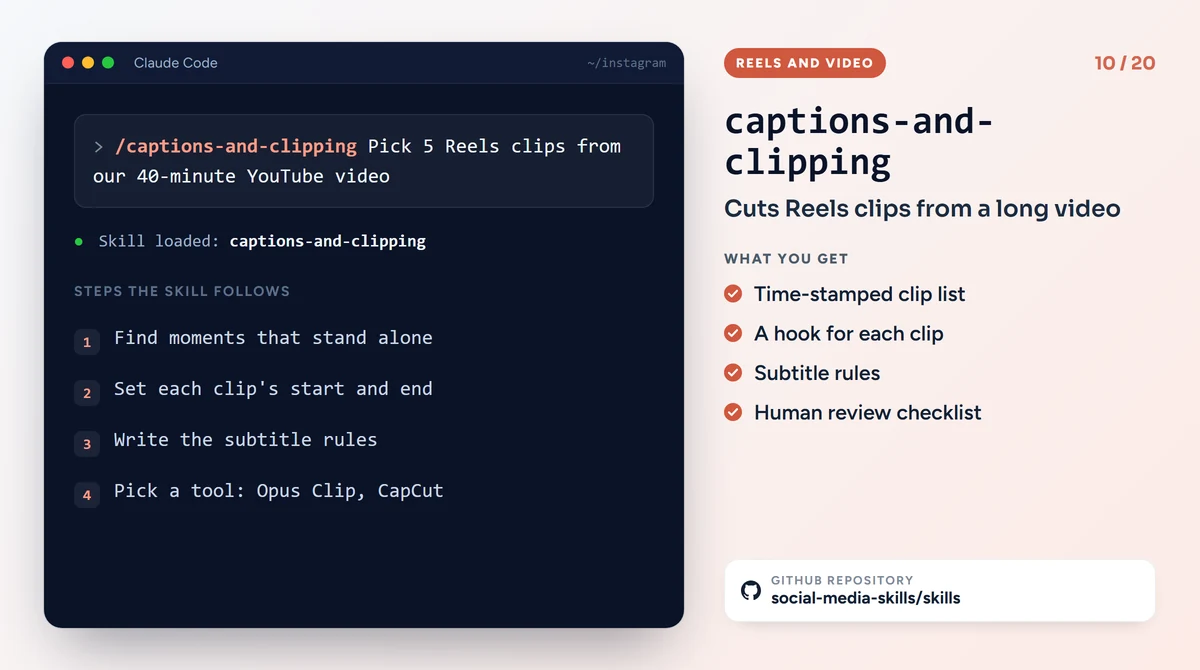
GitHub: social-media-skills/skills, captions-and-clipping
Claude Code skills for visual design
There are six skills in this group. The first three and the last one again come from social-media-skills; brandkit and banner-design come from other repositories. One important thing to know: most of these skills do not draw the image themselves. They prepare the design rules, the text and the sizes; a tool such as Canva or a connected image model draws the picture.
11. carousel-writer: swipeable post copy
It writes slide copy for an Instagram carousel, a LinkedIn document post or a TikTok photo carousel. The cover slide carries a hook and a promise, each slide moves one idea forward and earns the next swipe, and the last slide ends with a call to save. It also states the design direction for every slide.
Example command: /carousel-writer Write an 8-slide carousel on "7 mistakes people make when getting a website built"
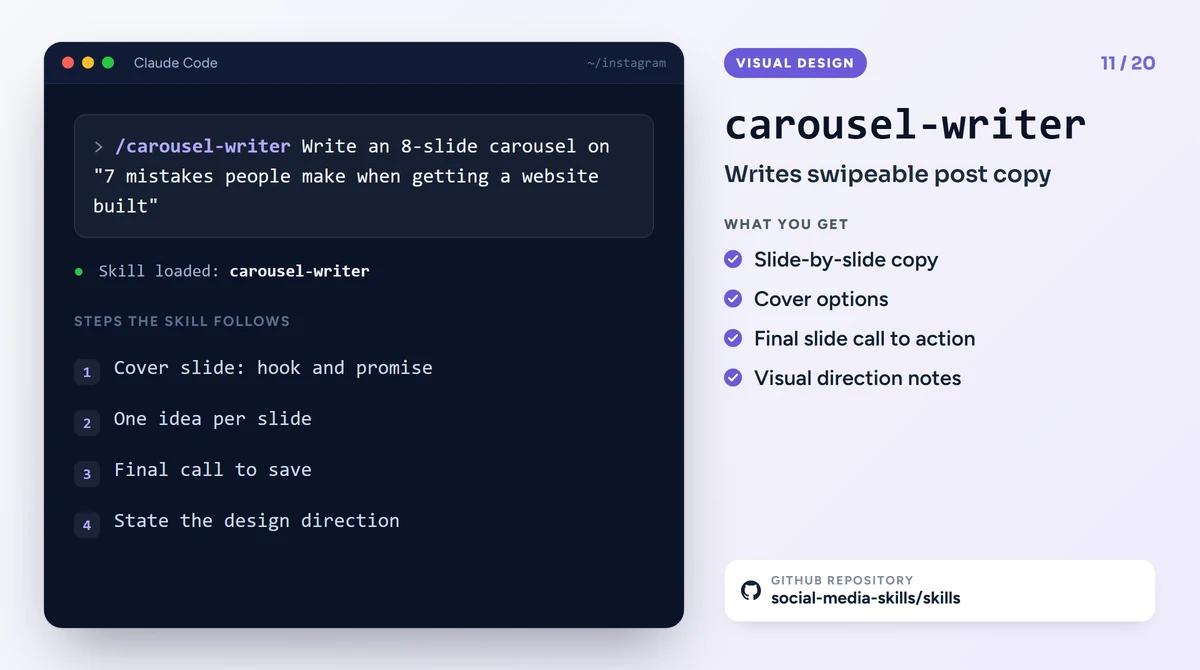
GitHub: social-media-skills/skills, carousel-writer
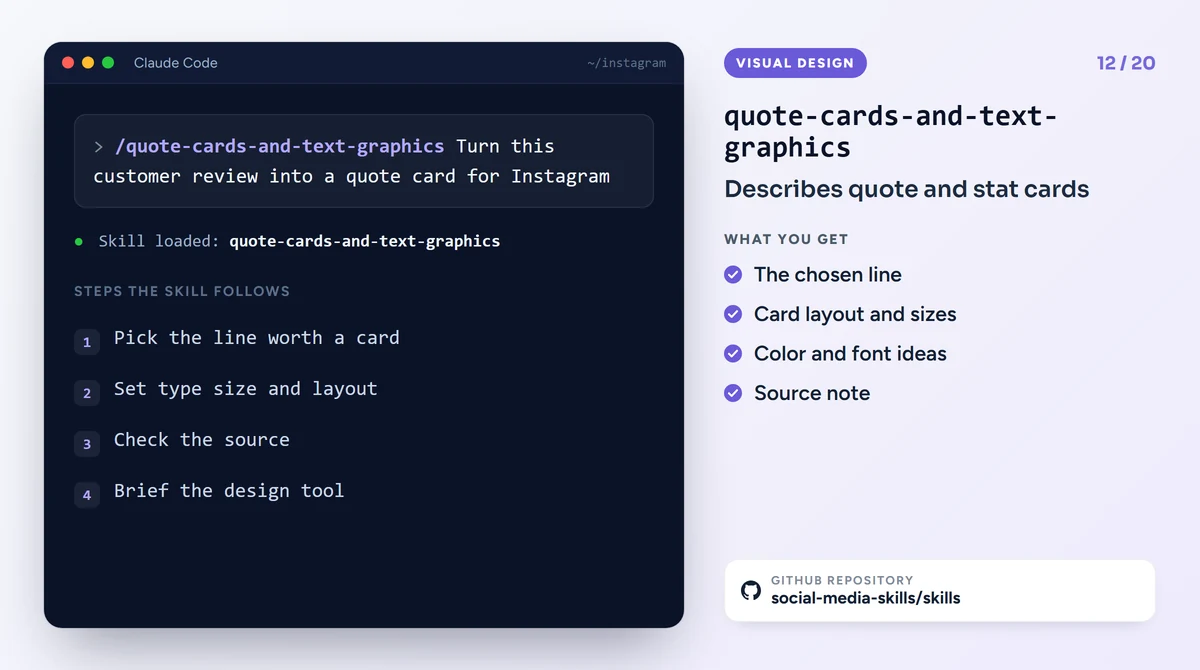
12. quote-cards-and-text-graphics: quote and stat cards
It turns a single sentence, a customer review or a number into a text-led graphic. It chooses which line is worth a card, sets the type sizes and layout, and describes the image for a design tool to draw. The skill sets an explicit honesty rule: no made-up quotes and no unsourced statistics go on a card.
Example command: /quote-cards-and-text-graphics Turn this customer review into a quote card for Instagram
GitHub: social-media-skills/skills, quote-cards-and-text-graphics
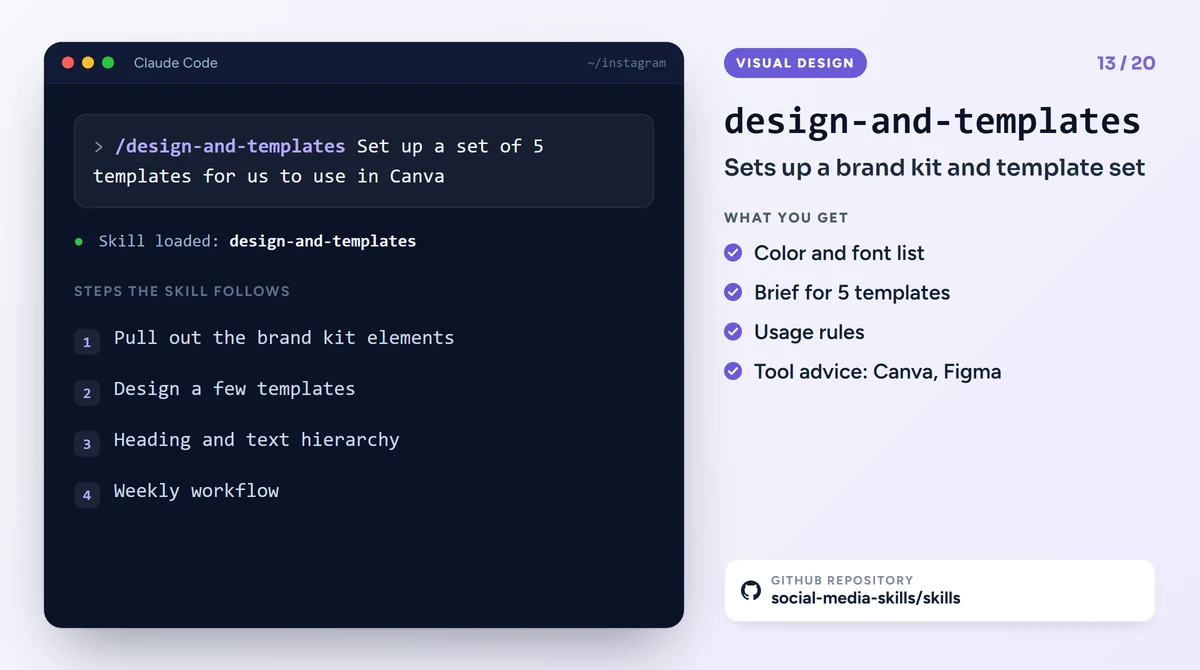
13. design-and-templates: a brand kit and a template set
It sets up a small system so that someone who is not a designer can produce consistent visuals every week: brand kit elements such as colors, fonts and logo use, a few reusable templates, a hierarchy for headings and text, and a workflow. It also helps you choose between Canva, Adobe Express and Figma. It argues that on social media, consistency and speed are worth more than a custom design every time.
Example command: /design-and-templates Set up a set of 5 templates for us to use in Canva
GitHub: social-media-skills/skills, design-and-templates
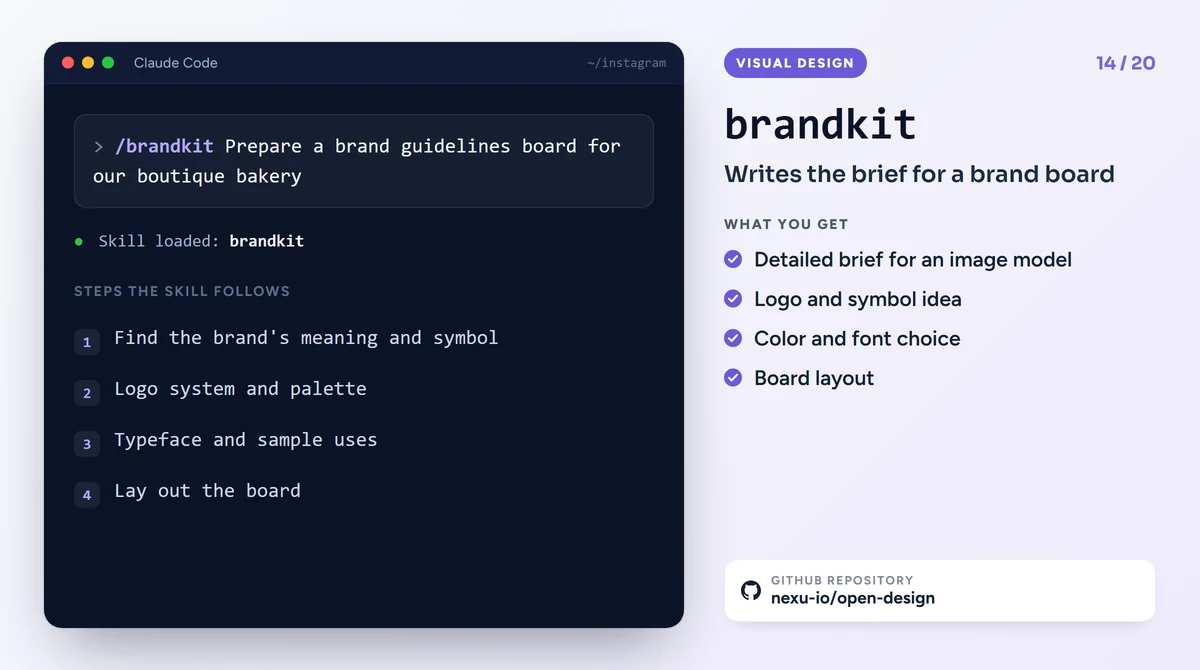
14. brandkit: a brand guidelines board
It prepares instructions for an image model to draw a brand guidelines board: logo system, color palette, typeface, sample applications and presentation layout on one board. It insists on avoiding generic logos, on a symbol that carries meaning and on a clean layout. Drawing the image needs a connected image model; on its own the skill produces text and a brief.
brandkit was first published in the Leonxlnx/taste-skill repository. In October 2026 that repository was cut down to a single skill and brandkit was removed from it. The current copy of the skill, with its source credited, lives in the nexu-io/open-design repository (Apache 2.0 license).
Example command: /brandkit Prepare a brand guidelines board for our boutique bakery
GitHub: nexu-io/open-design, brandkit
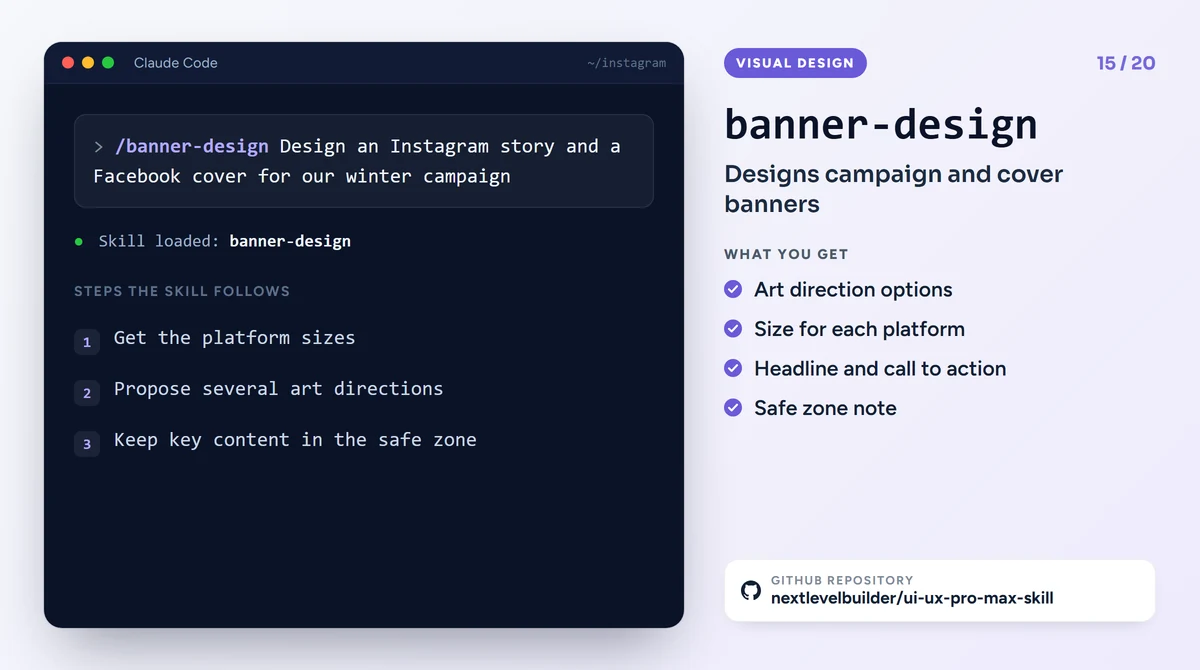
15. banner-design: campaign and cover banners
It designs banners for Instagram, Facebook, LinkedIn, YouTube and X covers, ad visuals and website headers. For every request it proposes several art directions (minimal, gradient, bold type, photo-based, illustrated and so on), gives the platform sizes and keeps important content in the safe zone at the center of the image. Written by the ClaudeKit team, this skill lives in the nextlevelbuilder/ui-ux-pro-max-skill repository (MIT license).
Example command: /banner-design Design an Instagram story and a Facebook cover for our winter campaign
GitHub: nextlevelbuilder/ui-ux-pro-max-skill, banner-design
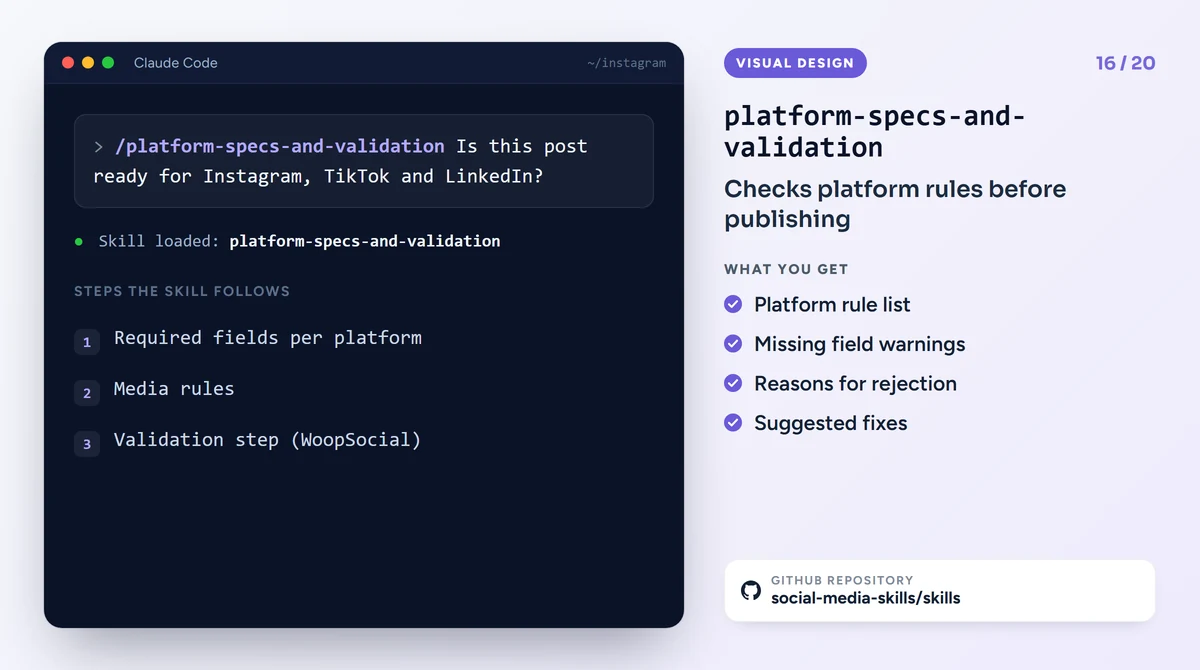
16. platform-specs-and-validation: the last check before publishing
If you are putting the same post out on several platforms, it lists each platform's required fields and media rules and finds the reasons a post gets rejected. It is written to run the validation step through the WoopSocial service's API. If you don't have a WoopSocial account, you can use the skill's rule list for a manual check.
Example command: /platform-specs-and-validation Is this post ready for Instagram, TikTok and LinkedIn?
GitHub: social-media-skills/skills, platform-specs-and-validation
Let us build the page that welcomes your Instagram visitors
Point your bio link at one job: a booking, an order or a quote request. TurkWebsite offers affordable web design; hosting is free as long as your site stays on our server.
4 Claude Code Instagram skills from other repositories
The last four skills come from different developers. Two of the repositories have no license file and one has an unclear license. You can use a skill without a stated license yourself, but it is right to ask the developer before you change and redistribute it.
17. instagram-carousel: exporting a carousel as PNG files
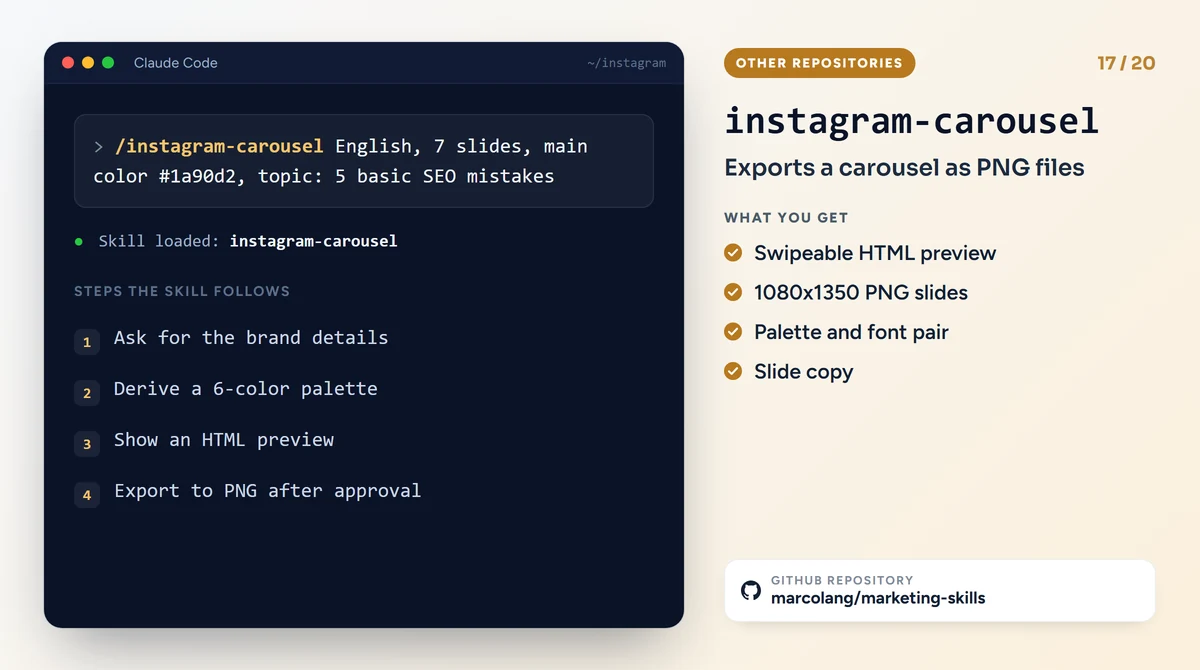
One of the few skills on this list that actually produces image files. It first asks for your brand name, Instagram handle, main color and tone. It derives a six-color palette from one color, picks a heading and body font pair, and shows the slides as a swipeable HTML preview inside an Instagram frame. Once you approve, it saves every slide as a 1080x1350 pixel PNG with Playwright.
The skill was written for Brazilian Portuguese speakers, so the slides default to Portuguese. Say in your command that you want English.
Example command: /instagram-carousel English, 7 slides, main color #1a90d2, topic: 5 basic SEO mistakes
GitHub: marcolang/marketing-skills, instagram-carousel (no license stated)
18. instagram-curator: planning the feed grid
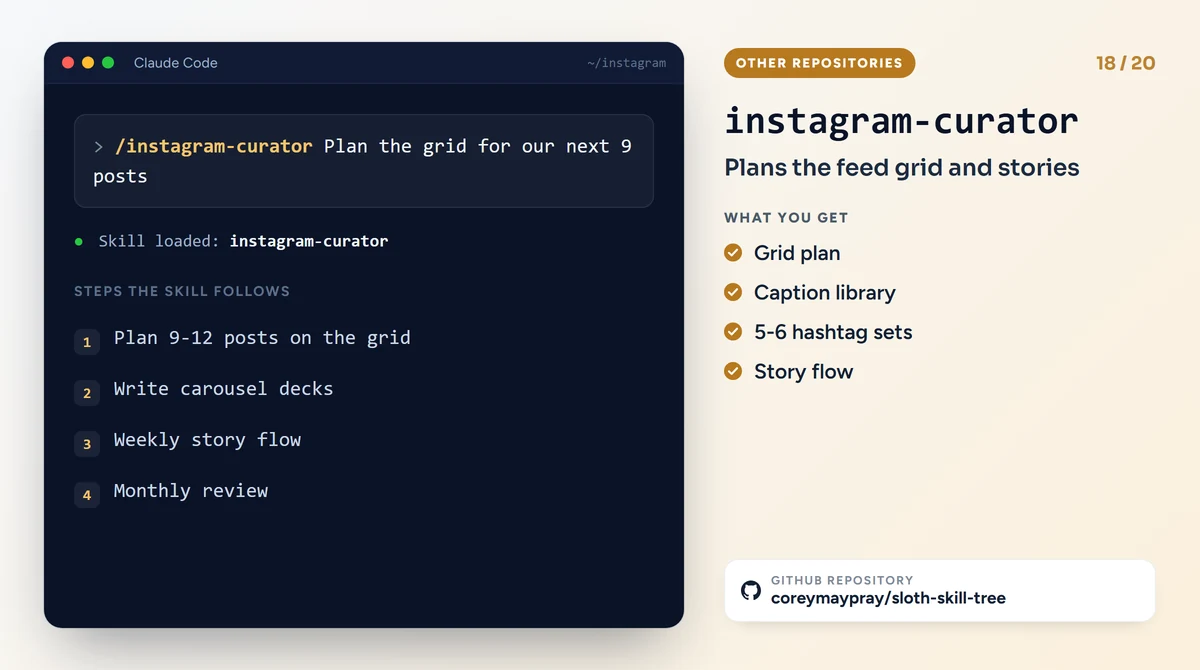
It plans your next 9 to 12 posts in the order they will appear side by side on the grid: format variety, color rhythm and content. It also gives you carousel slide copy, a caption library, a weekly story flow, 5 or 6 ready hashtag sets and a monthly performance review.
Note: the skill was written for a cybersecurity and technology consultancy called Maycrest. The company's name, colors and tone of voice are inside the file. You need to change those parts before using it for your own brand.
Example command: /instagram-curator Plan the grid for our next 9 posts
GitHub: coreymaypray/sloth-skill-tree, instagram-curator (license unclear)
19. upload-post: posting to Instagram
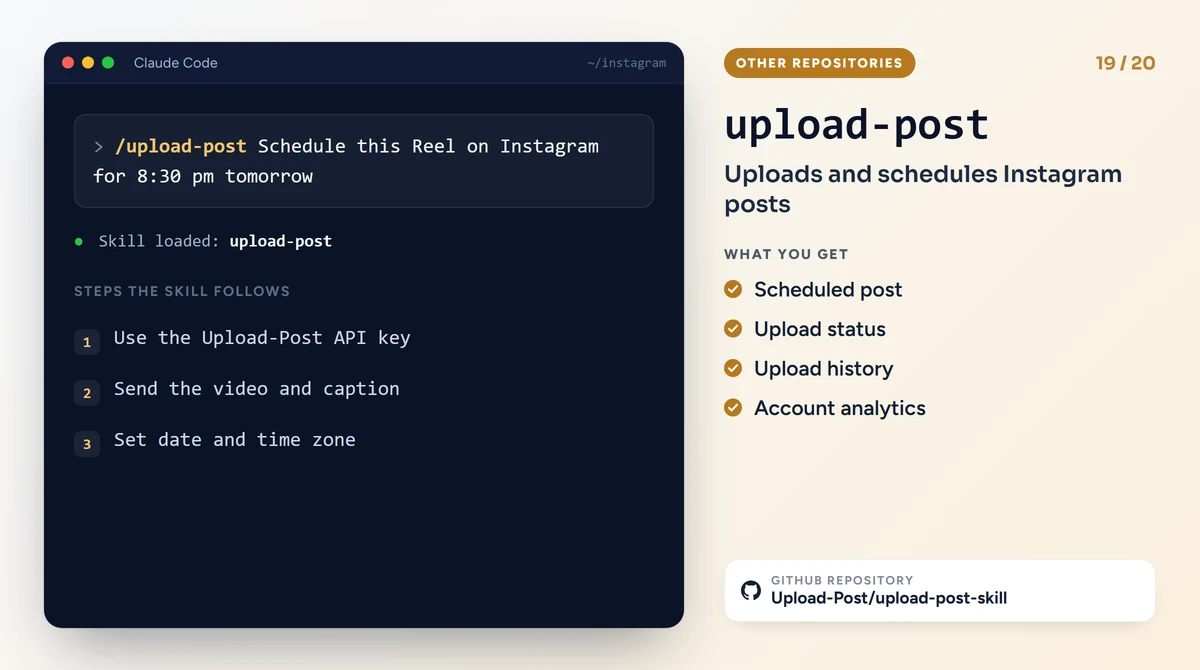
The skill that uploads videos, photos and carousels from Claude Code to Instagram, TikTok, YouTube and other platforms. It can schedule a post for a later date and read your upload history and analytics. For this you need to open an account on upload-post.com, connect your social media accounts and create an API key; the service also has paid plans.
Think about this before you install it: you are giving a third-party service access to your Instagram account. If you would rather press the publish button yourself, you don't need this skill.
Example command: /upload-post Schedule this Reel on Instagram for 8:30 pm tomorrow
GitHub: Upload-Post/upload-post-skill (no license stated)
20. social: a content plan for every platform
A general skill that covers content pillars, hook patterns, a weekly calendar, turning long content into short pieces and short video structures for Instagram, LinkedIn, X, TikTok and Facebook. Our favorite part is its list of patterns that "smell like AI": sentences built as "It's not X, it's Y", posts where every line is a single sentence, and emojis at the start of every line. The skill makes it a rule never to write these patterns into a post.
Example command: /social Turn this blog post into a one-week Instagram plan
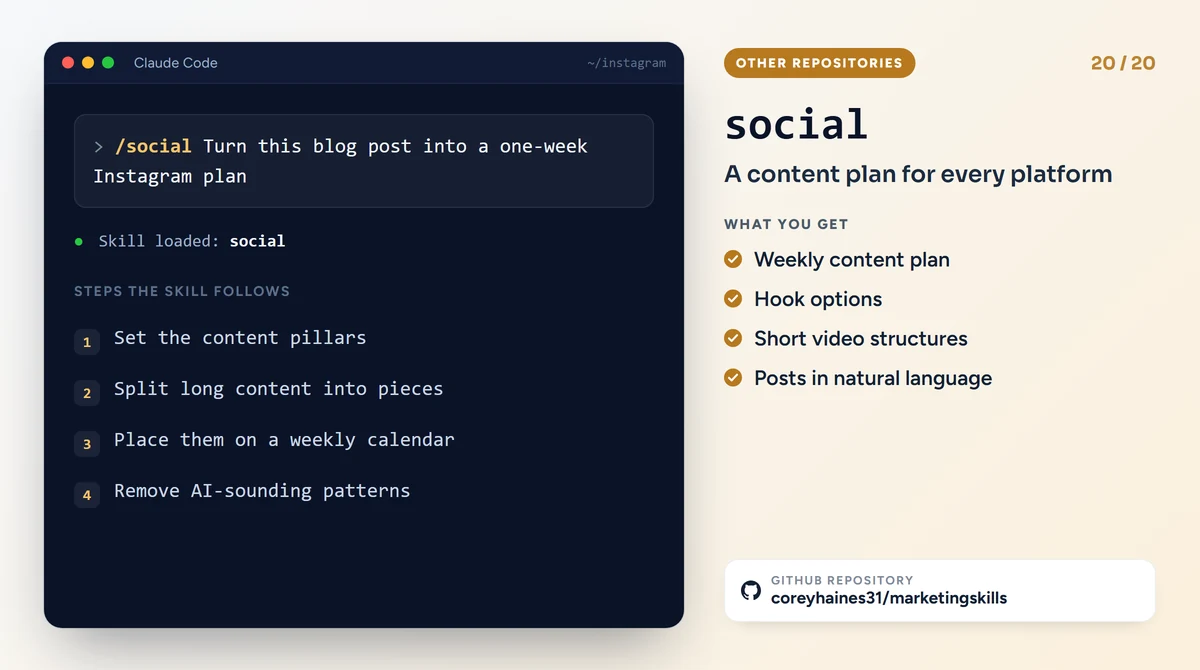
GitHub: coreyhaines31/marketingskills, social (MIT license)
Which skill should you use when?
You don't have to install all 20 Claude Code Instagram skills at once. For a business account, a typical week goes like this:
- Once, at the start: set up the profile with profile-optimization, the bio link with link-in-bio-and-traffic and the template set with design-and-templates.
- Planning at the start of the week: instagram-growth tells you which stage is weak; social or instagram-curator plans the week's posts.
- Production: reels-script and carousel-writer write the copy, caption-writer the captions, and hashtag-strategy and instagram-seo handle searchability.
- Design: instagram-carousel delivers the slides as PNG files, quote-cards-and-text-graphics describes the quote cards.
- Publishing: instagram-reels-publishing and platform-specs-and-validation do the final check. You post yourself or schedule with upload-post.
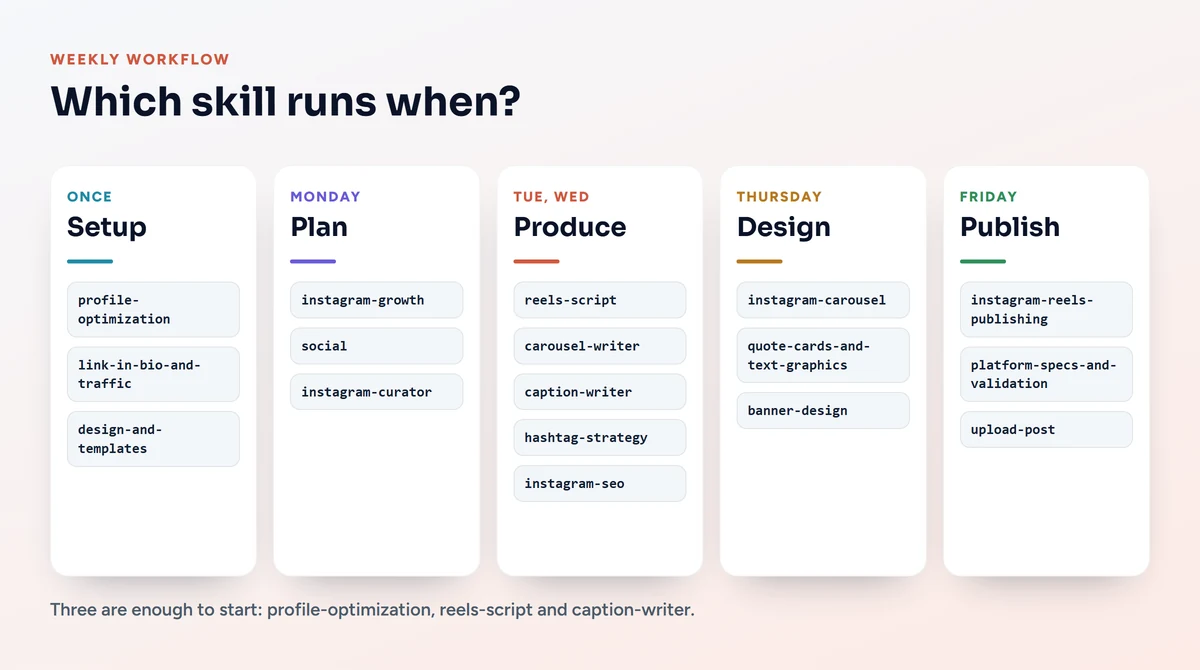
Three skills are enough to start with: profile-optimization, reels-script and caption-writer. Add the others as the need comes up; every new skill means one more description for Claude to read.
What to watch out for when managing Instagram with Claude
The skills are in English, the output can be in any language
The instructions of every Claude Code Instagram skill in this article are written in English. Claude reads the instructions in English but answers in whatever language you want; writing your command in that language is enough. Since the example sentences and hook patterns are rooted in English-language marketing, read the output aloud once if you publish in another language. A sentence that sounds translated does not get past your followers.
Check the numbers and claims
Statements inside the skills such as "this is how Instagram works in 2026" are based on observations at the time they were written, and platforms change often. Some of the repositories mark these sections "verify quarterly". If you are going to put a statistic in a post, open its source yourself.
Instagram's AI label
Instagram can add an "AI info" label to posts that are detected as AI-generated or that the person posting has marked as such. A caption written by Claude Code does not usually trigger this label; the real issue is photos and videos made with an image model. Promoting a real product or place with an AI-altered image damages customer trust, label or no label.
The access you give third-party services
Skills that produce text connect to no account. Skills that post, read analytics or run validation, however, need access to a service: Upload-Post for upload-post and WoopSocial for platform-specs-and-validation. Keep the permissions and API keys you give these services as safe as a password, and remove connections you no longer use.
Related pages and links
- AI search visibility: showing up in ChatGPT, Gemini and Google AI results
- What are SEO, GEO, AEO and LLM SEO?
- What is structured data? A guide to rich snippets and SEO
- Our free SEO and rich results test tool
- How to use Google Gemini: a 2026 guide
- Turning Instagram followers into email subscribers: how to build an email list
- Claude Code documentation: skills
- The social-media-skills/skills repository: 106 social media skills
Let us turn your Instagram attention into site visits and customers
Skills speed up your posts; the page your follower lands on after clicking decides the sale. TurkWebsite builds fast one-page sites for your Instagram link and a content structure that is ready to show up in AI search.