







How to Build an Email List from Scratch: Free Methods and Tools
The way to build an email list from scratch is not to collect addresses from the internet but to win opt-in subscribers. We explain audience research, free content that wins subscribers, signup forms, free tools and the legal rules, with examples.
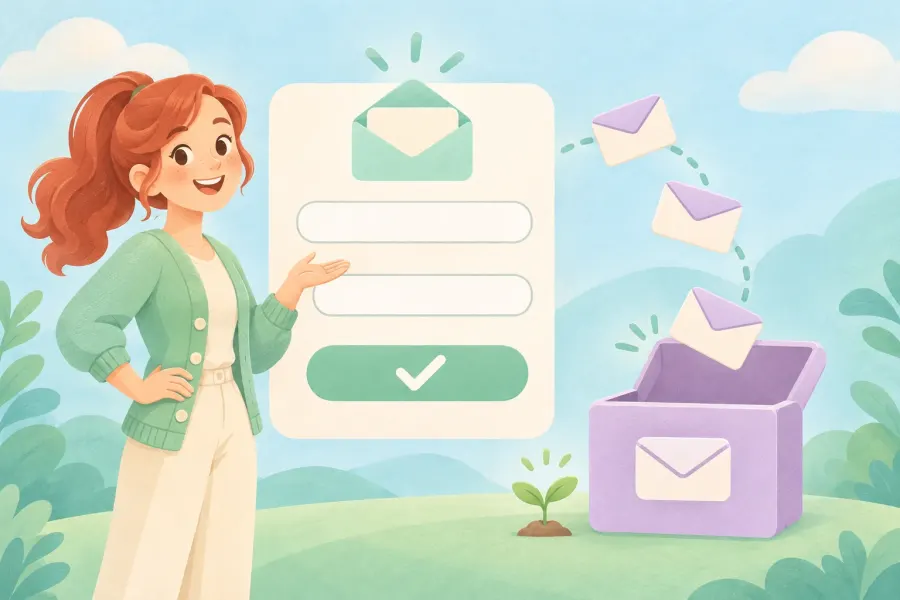
You've started a blog, set up a YouTube channel or are preparing your first digital product. The next step is clear: an email list through which you can talk to people directly. But when the list is at zero, the first question is always the same: Where am I going to find these email addresses?
A quick answer to this question is going around the internet. Some courses teach a free way to collect "10,000 targeted email addresses" in a few hours: a search engine, a browser extension and a spreadsheet. The method really does extract addresses. But who those addresses belong to, whether those people want to hear from you and what you'll go through with that file are entirely different matters.
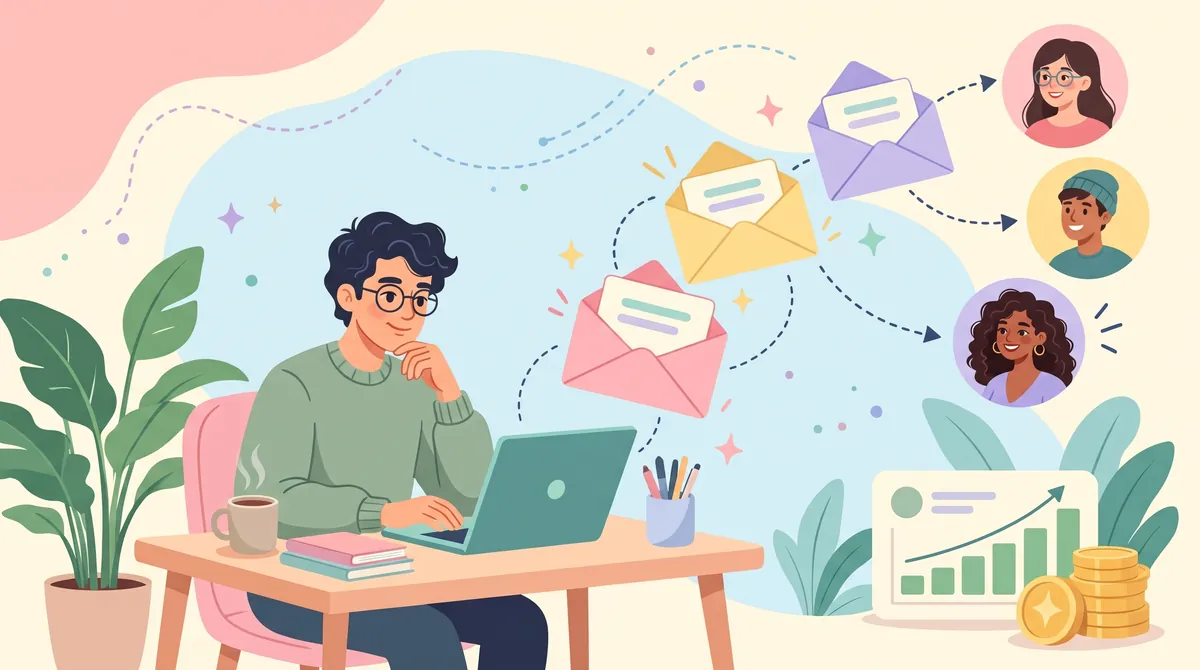
In this guide we cover the process of building an email list from scratch from start to finish. First we show plainly how the "free 10,000 addresses" method works and why it is risky. Then we explain how to use the same research skill for the right purpose so that interested people join your list of their own accord: audience research, free content that wins subscribers, the signup form, the landing page, free tools, welcome emails and the legal rules.
This article is the second part of our Making Money Online and Email Marketing Guide series. In part one we covered setting goals, choosing a niche, affiliate and CPA marketing and the basics of email marketing. Now we turn that foundation into your first subscribers.
In short:
- An email list is made up of people who chose to hear from you themselves. A file of addresses collected from the internet is not a list.
- Turkey's Personal Data Protection Board fined a company 150,000 TL for sending an ad to a work email it found through a search engine. An address being publicly available doesn't mean it can be used for any purpose.
- Services such as MailerLite, Brevo and Mailchimp don't allow sending to lists collected from the internet or bought.
- The right way: research your readers, prepare free content that's useful, and collect subscribers with a form that asks for clear consent.
- You don't need money to start: MailerLite's free plan covers up to 250 subscribers, and Brevo's up to 300 emails a day.
What's in this guide?
- What is an email list?
- Why the 10,000-address goal is misleading
- How does the "free 10,000 addresses" method work?
- Why we don't recommend this method
- Free audience research
- Is it legal to send ads to publicly listed email addresses?
- Free content that wins subscribers (lead magnet)
- How to prepare a signup form
- How to set up a landing page
- Your first 100 subscribers without ads: 8 free ways
- What is double opt-in?
- Free email marketing tools
- The first 5 emails to new subscribers
- Keep your emails out of the spam folder
- What should you measure as the list grows?
- A 7-day action plan
- Common beginner mistakes
- Conclusion and the next part of the series
What is an email list?
An email list is made up of the addresses of people who signed up to receive content from you on a specific topic, together with their preference records. It might be a newsletter, a course series, discount announcements or product updates. What matters is that the person knows what they subscribed to and can leave whenever they want.
What sets it apart from social media followers is that the communication channel belongs to you. Instagram can cut your reach, a platform can change its rules or your account can be closed. An email list, on the other hand, is a community you can move from one service to another and reach directly. That's why many creators aiming to earn online start building a list from day one.
Is an email list the same as a file of addresses?
No. 5,000 addresses typed into a spreadsheet are a file of people who don't expect to hear from you. 500 people who left their address in a form of their own accord are a list. Both contain email addresses; but a message you send to the first is unwanted email, while a message to the second is one they're expecting. This difference is decisive both legally and for whether your emails reach the inbox.
Why the 10,000-address goal is misleading
Many English-language email marketing courses suggest you first reach around 10,000 targeted addresses for the system to work. A big number is motivating, but it measures the wrong thing. What matters is not how many addresses you have but how many people want to open and read your email.
Let's do a simple calculation. Gmail asks senders to keep their spam complaint rate below 0.3%. In 10,000 messages to Gmail addresses, that limit means just 30 complaints. When you write to thousands of people who don't know you, it's very easy for 30 of them to hit the "spam" button. After that, not just that campaign but every email sent from your domain may start landing in spam.
| Comparison | Address file collected from the internet | Opt-in subscriber list |
|---|---|---|
| The person's expectation | Doesn't know you, isn't expecting email | Knows what they subscribed to |
| Legal status | In most cases no consent and no legal basis | Consent and notice records can be kept |
| Email services | MailerLite, Brevo and Mailchimp don't accept it | Can be used without problems |
| Delivery | High risk of bounces and complaints | High chance of reaching the inbox |
| Chance of sales | Low, most messages go unread | Grows as trust is built |
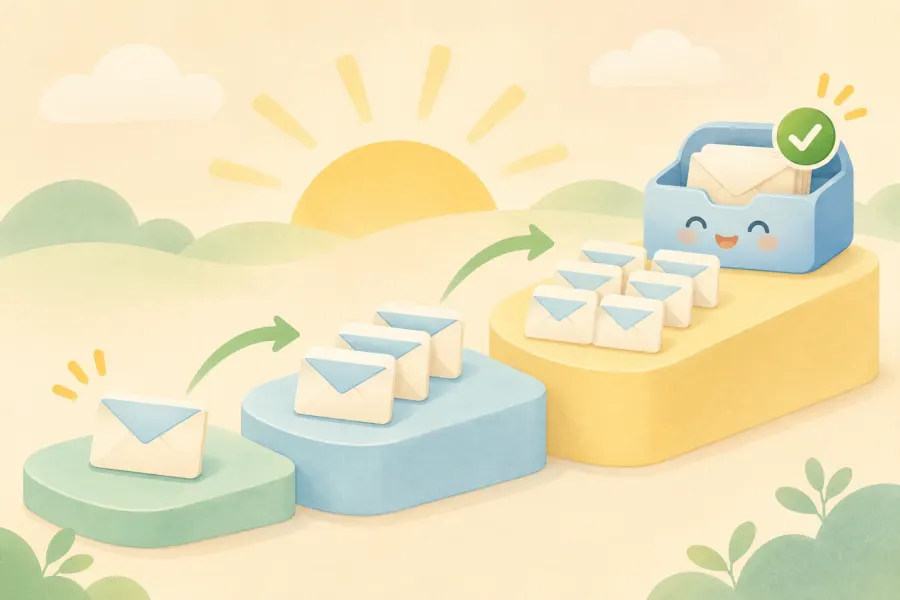
Make your starting goal not a big number but 100 interested subscribers whose consent is clear. With these 100 people you learn which content works, and then you grow.
How does the "free 10,000 addresses" method work?
Knowing this method matters for understanding why it doesn't work. The flow taught in courses goes roughly like this:
- A niche keyword is chosen. For example, someone who wants to sell vegan products picks the word "vegan".
- An advanced Google search is set up. With free tools such as Recruit'em, a search query is built by combining a social network, a country and the niche keyword. The name of an email provider is also added to the query.
- Addresses are pulled from the page. The email addresses shown in the search results are copied in one click with an "email extractor" extension made for Chrome.
- They're moved into a spreadsheet. The addresses are pasted into Google Sheets, sorted and duplicates removed. In an English-language course that teaches this method, a single search page yields 91 addresses, and a few pages yield 252 unique addresses in five minutes.
- The work is outsourced. The final suggestion is to hire a freelancer for a few hours at a low rate to do this repetitive work and reach 10,000 addresses.
On paper it looks tempting: free, fast and niche-specific. But what this flow produces is a file of addresses compiled without asking anyone. In the next section we show one by one why this doesn't work.
Why we don't recommend this method
1. In Turkey there is a KVKK fine issued for exactly this scenario
In 2022, Turkey's Personal Data Protection Board examined a case almost identical to this scenario. A company selling software to law firms had found lawyers' work email addresses through internet search engines and sent promotional emails to them. The company argued that the addresses were already public and that merchants can be sent messages without consent.
The Board did not accept this defence. There are two important findings in decision 2022/861. First, data made public by the person themselves may only be processed in connection with, and within the limits of, the purpose for which it was disclosed; the lawyer's address had been published for professional communication, not to receive ads. Second, since lawyers do not count as merchants or tradespeople, the exception for sending without consent could not apply either. The result: an administrative fine of 150,000 TL.
2. You can't even email people to ask for consent
Under Turkey's Law No. 6563 on the Regulation of Electronic Commerce, sending commercial electronic messages requires the recipient's prior consent. Turkey's Ministry of Trade also states clearly that commercial messages may not be sent to a recipient's address in order to obtain consent. So writing to the addresses you've collected to ask "Would you like to join our newsletter?" is not a solution either.
Prior consent is not required for recipients who are merchants or tradespeople. But don't read this exception broadly: not everyone is a merchant, sending must stop the moment the person opts out, and KVKK obligations apply separately. The owner of an Instagram account that shares vegan recipes most likely doesn't fall under this exception.
3. Email services won't accept this list
Let's say you've collected the list. To send to it, you need to upload it to an email marketing service, and here you hit the second wall. MailerLite's usage policy explicitly prohibits addresses scraped or copied and pasted from the internet, and adds that people publishing their address doesn't mean they want to hear from you. Brevo strictly prohibits the use of lists collected from the internet or bought and states that the account may be suspended. Mailchimp also doesn't accept sending to lists that are bought, rented or built from publicly available data.
4. Your sending reputation suffers
Some of the addresses collected from the internet are no longer in use, some are misspelled and some are addresses working as spam traps. As bounces and complaints rise, Gmail and Outlook start to distrust your domain. Repairing that reputation takes much longer than losing it.
5. The list isn't actually targeted
An address that appears next to the word "vegan" in a search result may not belong to a vegan consumer. It might belong to a journalist writing about the topic, a restaurant's reservations address or a blog that closed years ago. So the method doesn't even deliver the "targeted" list it promises.
A quick note: The terms of use of search engines and social networks also usually restrict automated data collection. Bulk copying with an extension can get your account restricted.
Use the same research for the right purpose: free audience research
There is one idea in the method that works: finding where people interested in your niche talk online. Use this information not to collect addresses but to understand what they need. People only subscribe when you offer them something that meets their needs.
1. Define your niche in one sentence
"Vegan eating" is too broad. "Working people who have just switched to a plant-based diet and have no time to cook on weekdays" tells you whom you're writing for. This sentence sets the tone of your free content, your landing page and your emails.
2. Collect real questions from Google
Type words related to your niche into the search box and note the autocomplete suggestions. Look at the "People also ask" box on the results page and the related searches at the bottom of the page. Use Google Trends to see when interest in the topic rises during the year. In the vegan example you'll come across questions like these:
- Where do you get protein on a vegan diet?
- How do you put together a weekly vegan meal plan?
- Is vegan grocery shopping expensive?
- How do you find vegan options when eating out?
3. Read conversations on social media
Search for your niche keyword on X, and look at the comments under related hashtags on Instagram and in the comment sections of popular YouTube videos. Ekşi Sözlük topics (a popular Turkish forum), Reddit and Facebook groups are also places where people describe their problems in their own words. What you're looking for here isn't addresses but recurring problems and the words people use.
4. Find partnership candidates with Recruit'em
Recruit'em is a free tool that makes it easy to search for profiles on LinkedIn and similar sites through Google. It was originally built for recruiting. You can use it to find dietitians, recipe writers or small brand owners in your niche. The goal isn't to send bulk email; it's to pick a few people suitable for a partnership, such as a joint live stream or a guest post, and write them a personal message through the channel they prefer.
5. Research spreadsheet: collect questions, not addresses
Open a sheet in Google Sheets and record what you find as below. There are no names or contact details in this spreadsheet; you collect everything useful without storing personal data.
| Source | Reader's question | Content idea | Free content idea |
|---|---|---|---|
| Google suggestions | How do you put together a weekly vegan meal plan? | A post with a sample 7-day menu | Printable weekly menu and shopping list |
| YouTube comments | Cooking pulses takes too long | A Sunday prep guide | A checklist for weekly prep in one hour |
| Ekşi Sözlük | Is vegan eating expensive? | A supermarket price comparison | A budget-friendly shopping list of 20 items |
| Instagram comments | I never know what to eat when I'm out | A city-by-city guide to vegan options | A guide to ordering at restaurants |
Is it legal to send ads to email addresses that are publicly listed online?
Short answer: in most cases, no. In Turkey this is governed by two separate sets of rules, and you have to comply with both.
- KVKK (Law No. 6698): An email address is personal data. Being made public by the person themselves only gives a right of use limited to the purpose for which it was disclosed. Decision 2022/861 above is a concrete example of this.
- Law No. 6563 and IYS: Commercial messages require prior consent. Consents and opt-outs are managed in Turkey's Message Management System (IYS). The recipient must be able to opt out easily in every message; complaints can also be filed through e-Devlet, Turkey's e-government portal.
When designing your signup form, also be aware of a 2026 development: in principle decision 2026/347 dated 18 February 2026, the Board asked that the privacy notice and the explicit consent text not be presented intertwined as a single text. For processing based on explicit consent, the two texts must be set out under different headings and with separate declarations.
If you're writing to people abroad, the rules of those countries also come into play: GDPR in the European Union, CAN-SPAM in the US and so on.
A quick note: This section is for general information only and is not legal advice. Before starting a campaign, consult an expert about the obligations that apply to your own activity.
Let us build your landing page on your own domain
Want a landing page focused on one goal, fast on mobile and with a signup form? TurkWebsite offers affordable web design; hosting is free as long as your site stays on our server.
How to prepare free content that wins subscribers (lead magnet)
A "Join our newsletter" call on its own rarely works. People want a concrete reason to subscribe. A useful guide, template or checklist that you offer in exchange for an email address is called a lead magnet. You could also simply call it a free content offer.
5 qualities of good free content
- It solves one problem. Not "A guide to vegan eating" but "A 7-day vegan menu and shopping list".
- It can be used right away. A two-page list you can apply in 10 minutes wins more than a 40-page e-book.
- It matches its promise. Whatever you said on the landing page is in the file.
- It builds a bridge to what you'll sell. It's on the same topic as the product or service you'll promote later.
- It doesn't ask for too much information. An email address is enough to deliver it.
Free content examples by niche
| Niche | Free content | Why does it work? |
|---|---|---|
| Vegan recipe blog | 7-day menu and shopping list | Answers the reader's most frequent question in one file |
| E-commerce consulting | 15 checks before publishing a product page | The shop owner applies it right away and sees the result |
| Local hairdresser | A care calendar by hair type | Builds a bond with the customer between two visits |
| Accounting firm | Annual tax and filing calendar | A file that's kept and reopened every month |
| Web design | Website content plan template | Makes the client's job easier before the project |
A quick note: Delivering the free guide and getting consent for marketing emails are two separate things. Don't make getting the guide conditional on agreeing to promotional emails; ask for marketing consent as optional, with a separate box.
How to prepare an email signup form
The form is the moment the visitor decides to subscribe. The simpler it is, the more people complete it. But simplicity doesn't mean skipping the information people need.
What fields should the form have?
- A short headline saying what they'll get
- An email address field (the name field optional)
- Information about what kind of emails will be sent and how often
- A link to the privacy notice
- A separate, unticked consent box for marketing messages
- A button that says what will happen, for example "Send the guide"
Sample form text
Your weekly vegan menu is ready
Enter your email address and we'll send you the 7-day menu and shopping list right away.[ Your email address ]
[ ] I'd like to receive recipe and promotion emails, sent once a week. (Optional)
You can read how your personal data is processed in the Privacy Notice.[ Send the menu ]
Before putting the form live, fill it in yourself on your phone: Are the error messages clear, does the confirmation email arrive, does the thank-you page open correctly?
How to set up a landing page
A landing page is a page focused on a single goal: subscribing. The menus, services and other links from your homepage don't appear here. At first glance the visitor should understand what you're offering and what they need to do.
- Headline: State the outcome. "Stop worrying about what to cook this week: a 7-day vegan menu".
- Subheadline: Say in one sentence who it's for.
- Three bullet points: List what's inside the file.
- Image: The cover of the free content or a preview of one of its pages.
- Form: The fields above and a single button.
- Trust information: The sending frequency and a note saying "you can unsubscribe in one click whenever you like".
At the start you can use your email service's ready-made page builder. A page on your own domain, however, builds trust, lets you get visitors from Google, and your address doesn't change when you switch services. Also plan SEO and visibility work so the page shows up in search results.
Your first 100 subscribers without ads: 8 free ways
1. Blog posts that answer a question
Every question in your research spreadsheet can become a post. At the end of the post, offer free content directly related to the topic. A printable menu at the end of a "How to put together a weekly vegan menu" post brings in far more signups than a general newsletter call.
2. YouTube and Shorts descriptions
Add a checklist for the topic you cover in the video to the description and the pinned comment. Someone watching the video is already interested in the topic; all they need to do is click the link.
3. Instagram and TikTok profile link
Point your profile link straight to the landing page. In stories and posts it's enough to show one page of the free content and say "the full version is at the link in my profile".
4. Genuinely help in communities
Answer questions in forums and groups. If the rules allow it and it's relevant, link to your guide. Leaving the same promotion under every thread both backfires and gets you banned.
5. A joint live stream or webinar
Run a joint live stream with a dietitian you found through Recruit'em. Participants should clearly see in the signup form who will send which emails. Rather than asking for your partner's list, the cleanest way is for both sides to use their own signup forms.
6. Your email signature
Add a short line linking to your free content at the bottom of your everyday emails. People who already write to you will see it.
7. A QR code at your physical location
If you have a café, hair salon or shop, put a QR code at the till that leads to the free content. The customer scans it with their phone and fills in the form themselves.
8. Order and thank-you pages
If you sell, add an optional subscription box to the post-order thank-you page. The moment of purchase is when the customer is most engaged with your brand.
What is double opt-in, and is it necessary?
Double opt-in means the person who fills in the form completes the subscription by clicking a confirmation link sent to their email address. If someone mistypes their address or enters someone else's, the subscription never starts.
It isn't a legal requirement in every case, but it has three big benefits: only real addresses in use get onto the list, it becomes easier to show who gave consent and when, and fake signups by bots are filtered out. The cost is that some people who don't open the confirmation email never get onto the list. Our advice to beginners is to keep double opt-in turned on.
Free email marketing tools: which one should you start with?
You don't need paid software to start. The limits below are taken from the services' own pages as of November 2026; check their current versions before you sign up.
| Tool | What's in the free plan? | Limit | Who is it for? |
|---|---|---|---|
| MailerLite | 3 forms, 3 automations, 1 landing page, a site of up to 5 pages | 250 active subscribers, 2,500 emails a month | Getting started with a blog or personal brand |
| Brevo | Email campaigns and contact management | 300 emails a day | Small businesses that send rarely but regularly |
| Google Sheets | Research spreadsheet, content calendar, campaign notes | Not a sending tool | Planning and measurement |
MailerLite's free plan changed on 16 June 2026: the previous limit of 500 subscribers and 12,000 emails a month dropped to 250 subscribers and 2,500 emails. Unsubscribed and bounced addresses don't count towards this number. When your list passes 250 you'll need to move to a paid plan or switch to another service, so make sure the service you choose lets you export your list.
Don't keep real subscriber records in a spreadsheet. A spreadsheet doesn't manage consent records, unsubscribe requests and bounced addresses for you. Use a service designed for the job.
The first 5 emails to new subscribers: a welcome series
A new subscriber is at their most engaged with your brand in the first few days. Instead of letting this period pass with a single automatic "welcome" message, plan a short series. A sample flow:
Email 1: Deliver what you promised
Subject: "Your 7-day menu is here". Put the download link at the top and explain in two sentences what you'll send and how often.
Email 2: Make the first step easy
Subject: "3 things to prepare before starting the menu". Explain the most important step in the file with a short example.
Email 3: Describe a common mistake
Subject: "Most beginners skip this". Share a concrete problem and a practical solution.
Email 4: Ask for a reply
Subject: "What do you find hardest?". Ask the reader to reply. The answers shape your next content, and a two-way conversation can also be a positive signal for email providers.
Email 5: Suggest a suitable next step
Subject: "What could the next step be?". If it fits, share your product, your service or an affiliate offer, stating clearly that it's commercial. Keep sending useful content to those who aren't ready yet.
Keep your emails out of the spam folder: starter settings
Even with an opt-in list, your emails may not reach the inbox if the technical settings are missing. According to Google's sender guidelines:
- Every sender must set up SPF or DKIM authentication for their domain and keep their spam complaint rate below 0.3%.
- Senders of 5,000 or more messages a day to Gmail accounts must set up all three of SPF, DKIM and DMARC, support one-click unsubscribe in marketing messages and include a visible unsubscribe link.
Your email service asks you for these records when you set it up to send from your own domain. Sending bulk newsletters from a personal Gmail address, however, isn't the right way: the domain isn't yours, so you can't manage these records, you can't keep consent and unsubscribe records, and you run into sending limits. If you don't have an address tied to your own domain, you can start with business email setup. We'll cover SPF, DKIM and DMARC settings in detail in later parts of the series.
What should you measure as the list grows?
- Landing page conversion rate: What percentage of visitors to the page subscribe? Track this rate separately for each source.
- Subscriber source: Blog, YouTube, Instagram, QR code... Which one brings more, and more engaged, subscribers?
- Clicks and replies: Because of features such as Apple Mail's privacy protection, the open rate is no longer reliable on its own. Clicks and replies are a clearer signal.
- Unsubscribes and complaints: A sudden rise shows that your content has drifted from its promise.
- Bounced emails: In a list that uses double opt-in this rate should be very low. If it's rising, check for bots abusing your form.
An illustrative example: the first 90 days of a vegan recipe blog
This story was made up to show the method; the name and figures are examples.
Ece had been writing a blog sharing vegan recipes for two months. Her first idea was to collect a few thousand addresses with the method going around online and announce her recipes. After reading the KVKK decision she changed her mind and started with a research spreadsheet.
The most frequent question in the spreadsheet turned out to be "weekly menu". Ece set aside a weekend to prepare a 7-day menu and shopping list. She set up a landing page with MailerLite's free plan, turned on double opt-in and added a separate consent box for marketing emails.
Then each week she wrote a post answering a reader question, pointed the link in her Instagram profile to the landing page and did a joint live stream with a dietitian. In the first month 40 people subscribed. By the end of the third month there were 230 people on the list, and the source bringing in the most signups was the weekly menu post.
As the list approached the free plan's 250-person limit, Ece considered her first paid step: preparing a small digital product on the topic her subscribers asked about most. This list of 230 people had given her something a file of 10,000 addresses never could: a readership that knows what it wants.
A 7-day action plan for an email list from scratch
- Day 1: Write your niche in one sentence and identify three problems your readers want to solve.
- Day 2: Collect at least 15 questions from Google, social media and forums and add them to your research spreadsheet.
- Day 3: Prepare a short piece of free content that answers the most frequently asked question.
- Day 4: Choose your email service, turn on double opt-in, and prepare your privacy notice and separate consent box.
- Day 5: Set up your landing page and test it from start to finish on your phone.
- Day 6: Add the free content to a blog post, a video and your profile link.
- Day 7: Write the first three emails of your welcome series and open a simple spreadsheet to track subscriber sources.
At the end of the seventh day you won't have thousands of people on your list. But you'll have a system that visitors join of their own accord, that is legally clean and ready to grow.
6 common beginner mistakes
- Buying addresses or collecting them from the internet
- Leaving the consent box pre-ticked
- Making the free guide conditional on marketing consent
- Sending bulk newsletters from a personal Gmail account
- Making it hard to unsubscribe or hiding the link
- Sending nothing but sales messages from the very first email
Related pages and links
- Part 1 of the series: A guide to making money online with email marketing
- Landing page design: your signup page on your own domain
- Business email setup: SPF, DKIM and DMARC settings
- SMS and email notification integration: IYS and KVKK consent infrastructure
- Free SEO check tool: test your landing page
- Ways to get more enquiries with a business website
Conclusion: Don't collect addresses, win subscribers
There's no shortcut to building an email list from scratch, but there is a clear path. The "free 10,000 addresses" method looks fast; yet in Turkey there's a case of it ending in a KVKK fine, email services don't accept these lists, and it doesn't even deliver the targeted audience it promises.
Use the same research skill to understand your readers. Prepare free content that solves a real question, offer it through a form with clear consent, and send the content you promised. The first 100 subscribers come slowly; but each of them is someone who wants to hear from you, and sales only make sense with a list like that.
What's in part three of the series?
In the next part we look at paid email finder and verification tools: What do these tools promise, what jobs are they really useful for, and at what point do you run into the risks described in this article? You can follow the TurkWebsite blog for our other articles.
Next in the series: Part 3: What Are Paid Email Finder Tools For?
Let's build the website that grows your email list together
Keep your blog, landing page and signup form under one roof, on your own domain. Get affordable web design from TurkWebsite; as long as your site stays on our server, you don't pay for hosting. The domain is registered in your name and you pay for it.
Legal notice: This article is for general information only and is not legal advice. Service limits and regulations may change; check current sources before putting anything into practice. Last updated: 3 November 2026.