





















Ready-made theme or custom design?
Three options: site-builder platforms, ready-made themes, custom design. Which suits whom in terms of cost, speed, ownership and growth, and which wastes whose money.

When commissioning a website the first decision is not the design but the platform, because the platform determines the cost, speed and freedom of the next five years. There are three options: site-builder platforms, setup on a ready-made theme, and custom design. None of them is right for every business.
Option 1: Site-builder platforms
Wix, Squarespace and the like. You build a drag-and-drop site on a monthly subscription. The advantage is speed and low upfront cost; a site opens in a weekend without knowing code. The disadvantages appear over time: the site is the platform's property and cannot be moved; the monthly fee exceeds the price of a corporate site over the years; speed and SEO flexibility are limited; local support and local payment integrations are weak. Suited to: start-ups validating an idea, short-term event sites, and businesses whose budget really is zero.
Option 2: Setup on a ready-made theme
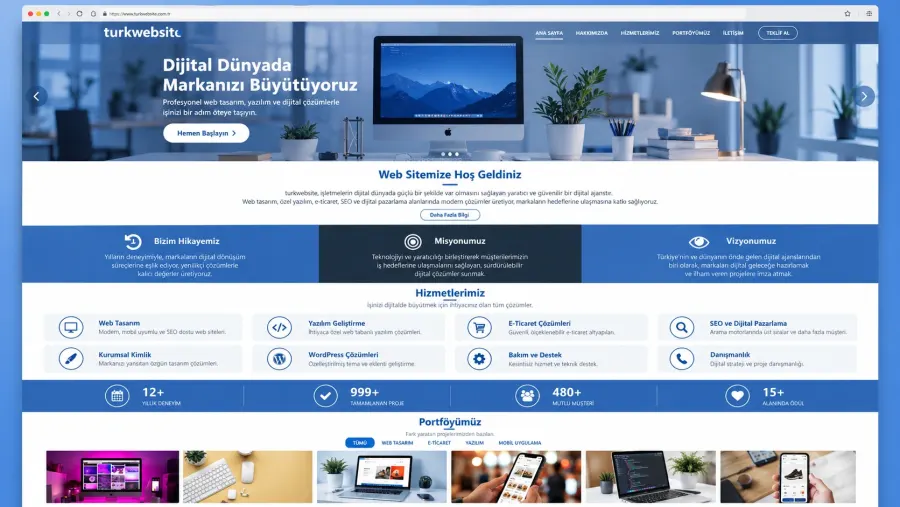
A purchased or free theme on an open-source platform such as WordPress. The most common method; most quotes on the market are this. Advantages: reasonable cost, a wide plugin ecosystem, the site is yours and portable. Disadvantages: themes are general-purpose, so they are loaded with unnecessary code and slow; hundreds of sites share the same look; theme and plugin updates can break each other; security needs maintenance. In the hands of a good team these disadvantages are manageable; in the hands of a bad team you get a slow site hacked within two years.
Option 3: Custom design
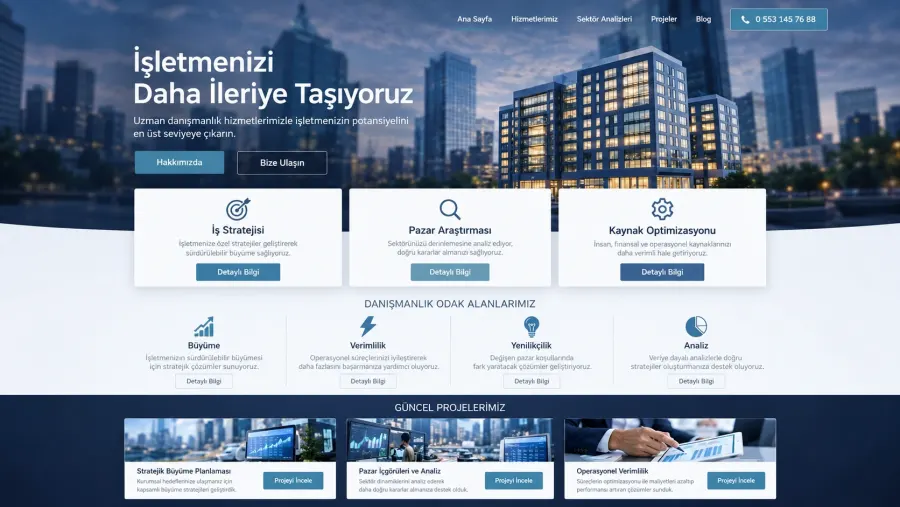
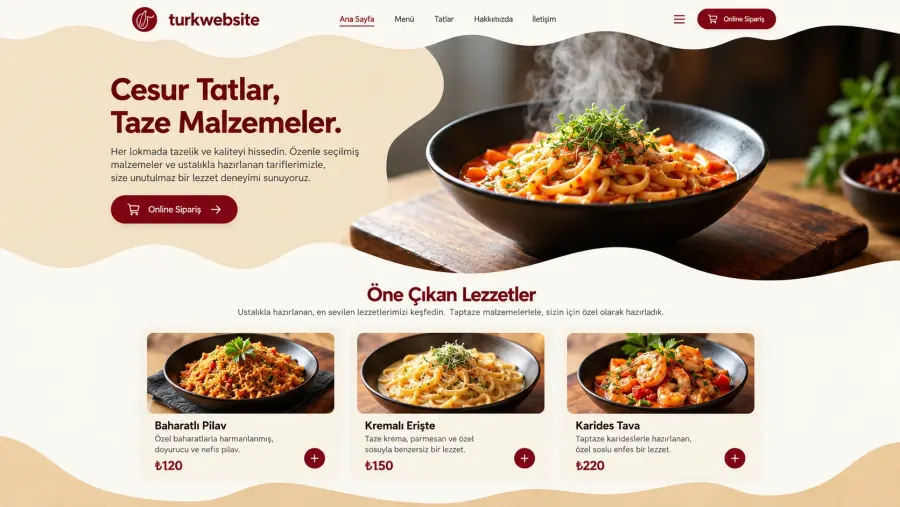
The design is drawn from scratch for your brand and only the code that is needed is written. Advantages: unique look, the highest speed, full flexibility, no unnecessary code. Disadvantages: two to three times the cost; a longer timeline; dependence on the team for changes. Suited to: businesses with a brand identity whose site is at the centre of the sales process; those that need to stand apart visibly from competitors; projects that require special functions.
Comparison table
| Criterion | Site builder | Ready theme | Custom design |
|---|---|---|---|
| Upfront cost | Low | Medium | High |
| 5-year total cost | Medium-high (subscription) | Medium (maintenance + licences) | Medium-high |
| Speed | Medium | Low-medium | High |
| Ownership and portability | None | Full | Full |
| Uniqueness | Low | Low | High |
| Updating it yourself | Easy | Easy | Easy with a panel |
| Security maintenance | Platform does it | Your responsibility | Little maintenance, the team does it |
Our approach: the middle road
In our starter and professional packages we do not use ready themes, but we do not draw from scratch either: we use a design system on a fast, secure platform that is adapted for every client and filled with original content. This solves the speed and sameness problems of ready themes without reaching the cost of custom design. For clients with a strong brand identity there is a separate custom design package.
Three questions for the decision
First: where is your site in your sales process? If customers choose you through the site, lean towards custom design; if the site only says "we exist", a ready platform is enough. Second: will this site still be yours in five years? If the answer is no, stay away from site-builder platforms. Third: who will do the maintenance? If nobody will, either choose a platform or budget for a maintenance plan. You can compare price ranges in the 2026 price article.