








































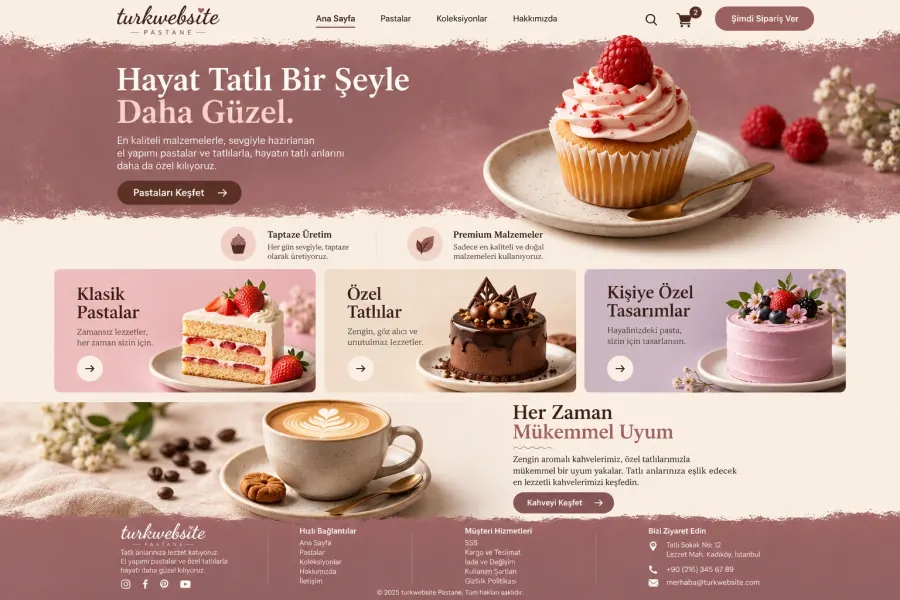
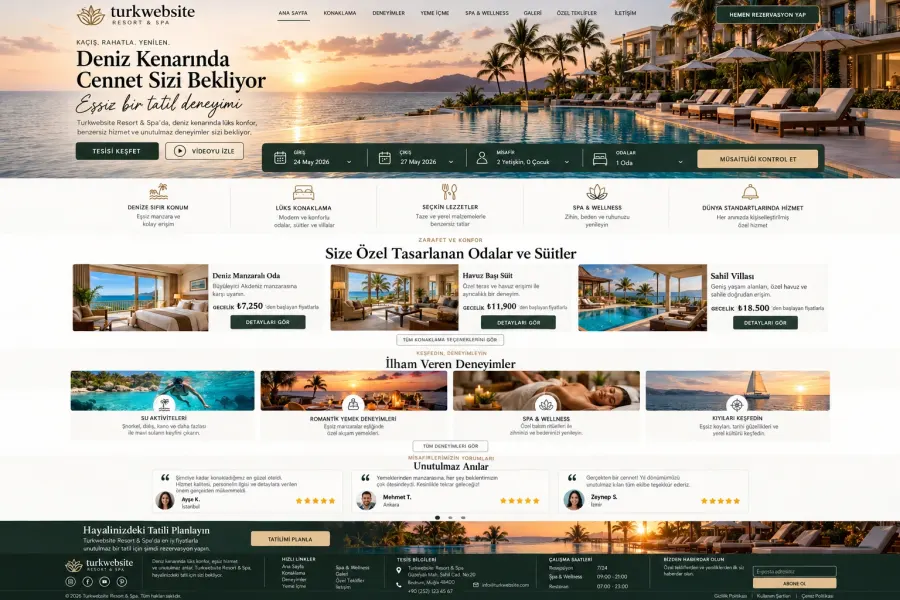


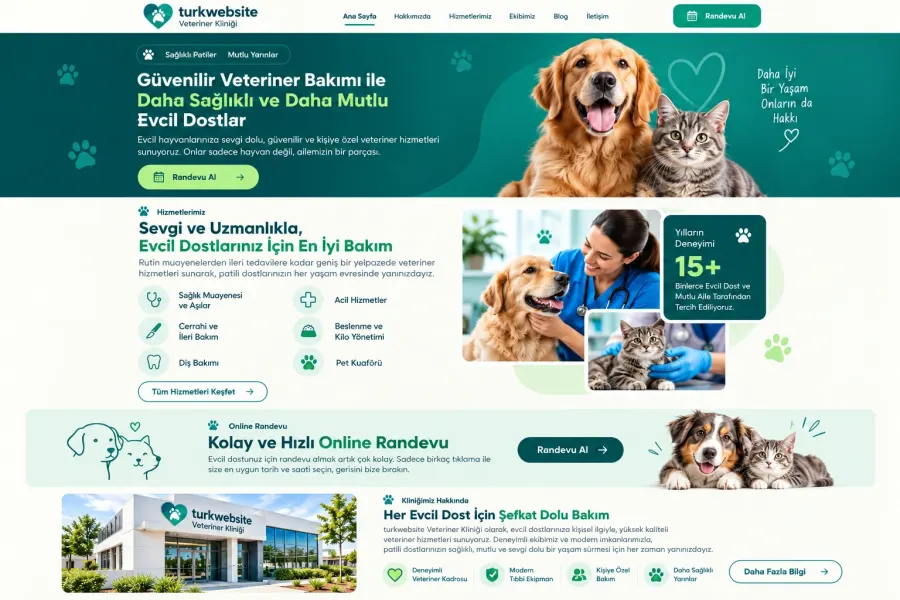
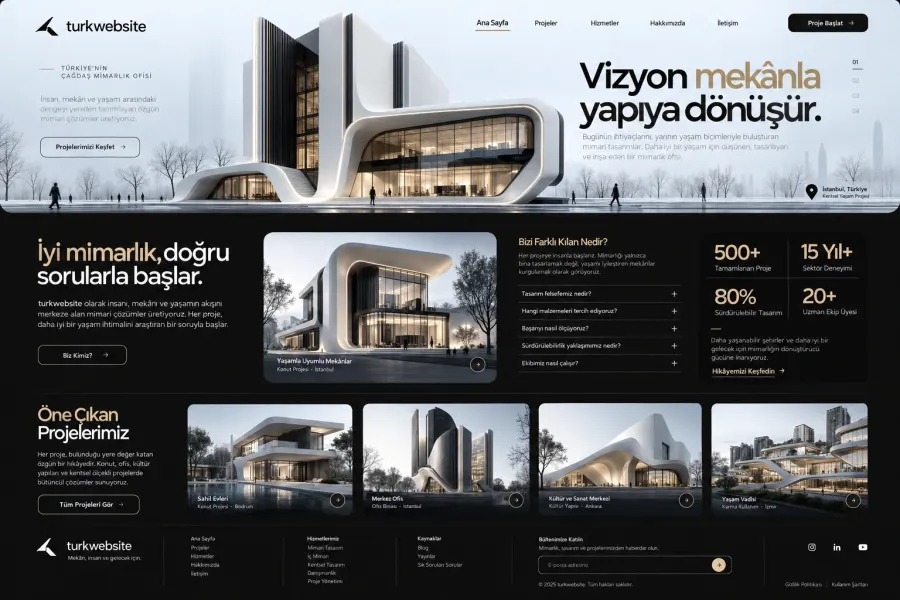
What Is a Corporate Website? How to Build One and What to Include
What is a corporate website, and what should it include? Explore how to plan your business website, understand its differences from a personal website, and discover the factors that affect development costs. Assess your mobile app needs and define the scope of your digital project.

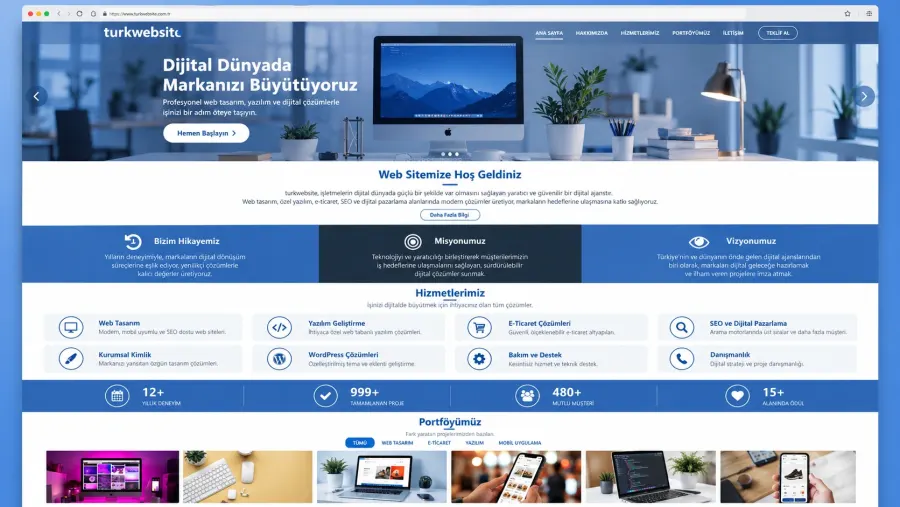
A corporate website is your business's online hub, where you present your identity, services, and contact details under your own domain name. Visitors explore your work, learn about your expertise, and request a quote. A good website therefore combines visual design with clear content and easy navigation.
Which structure suits your business? This guide covers the steps involved in creating a corporate website, how it differs from a personal website, and the factors that affect your budget. It also explains what to clarify when researching mobile app development costs.
What Will You Find in This Guide?
- What is a corporate website?
- Which pages should it include?
- Step-by-step planning
- How it differs from a personal website
- Factors that affect website costs
- Mobile app requirements and costs
What Is a Corporate Website, and What Does It Do?
A corporate website explains what your business does and who it serves. Potential customers explore your services, review project examples, and get in touch. Your website guides visitors from their first introduction to a quote request.
For example, an architecture firm showcases completed projects. A manufacturer explains product specifications and production capacity. A local service business highlights its service areas and appointment options. Each business builds its page structure around its customers' questions.
Are a Corporate Website and a Company Website the Same Thing?
In everyday use, these terms usually describe the same type of website. What matters is the quality of the content, ease of use, and scope of the project. When requesting a quote, look beyond the package name and check exactly what the provider will deliver.
Which Pages Should a Corporate Website Include?
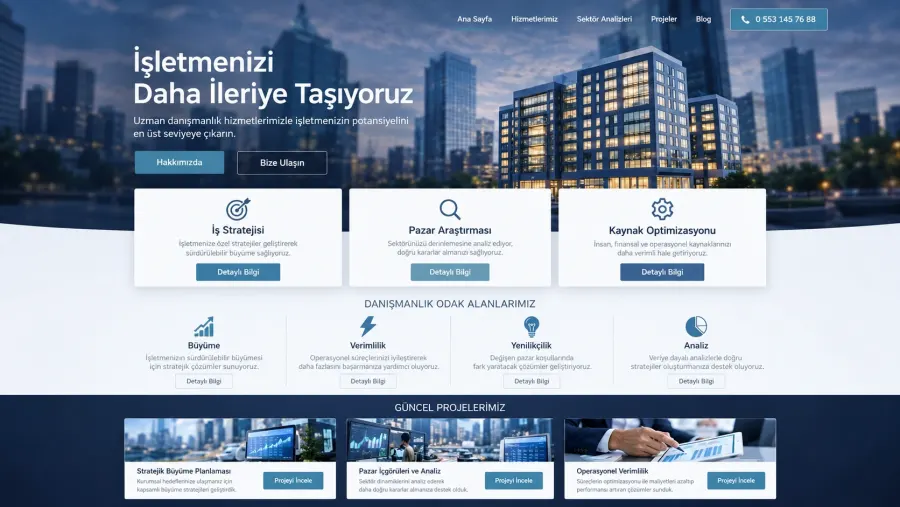
Your business needs determine the number of pages. However, the following sections answer most visitors' basic questions:
- Home: Explain what you offer, who you serve, and what visitors should do next.
- About: Introduce your team, experience, and approach to work.
- Services: Describe each service's scope, process, and value to the customer.
- Projects or case studies: Show concrete examples of your actual work.
- Contact: Provide a phone number, email address, contact form, and physical address if applicable.
Add a blog if you plan to publish regularly. Use it to answer customer questions and link to relevant service pages. If different services need different explanations, create a dedicated page for each one.
How to Plan a Corporate Website Step by Step
1. Define Your Website's Main Goal
Start by writing down what you want visitors to do: request a quote, call your team, book an appointment, or browse a catalogue. Then choose a homepage call to action that supports that goal. For project-based services, for example, you could use “Tell Us About Your Project.”
2. Prepare Your Content and Page Structure
Gather service descriptions, team information, and project photos before design begins. Give each page one main focus. Also, answer common customer questions alongside the relevant service information.
3. Make Mobile Browsing Easy
Keep menus short, use readable text sizes, and place contact buttons where visitors can easily find them. Test the process of completing a form on a phone. Remove unnecessary fields to make the experience simpler.
4. Set Up the SEO Basics
Write a descriptive title and a unique meta description for every page. Use clear headings and describe meaningful images with appropriate alt text. Create useful links between related pages. For an introduction to these principles, see Google's SEO Starter Guide.
5. Complete Your Pre-Launch Checks
Check that form submissions reach you, phone links work, and navigation opens correctly across screen sizes. Then fix broken links and reduce oversized images. For technical guidance on performance, accessibility, and user experience, explore the web.dev guides.
How Does a Corporate Website Differ from a Personal Website?
A personal website highlights an individual's expertise, work, and professional identity. A corporate website presents a business's services, team, and organisation. Both can include a portfolio, blog, and contact section.
For example, an independent designer might build a portfolio under their own name. A design agency might choose a company website that introduces its team and different services. Before making a decision, consider how you want to present yourself to visitors, rather than focusing only on business size.
Working alone does not prevent you from building a corporate website. Similarly, a personal website can include an extensive project archive and a booking system. The features you need affect your budget regardless of which label you choose.
What Affects Corporate Website Costs?
Corporate website costs depend on design requirements, content volume, and technical features. Comparing page counts alone will not give you the full picture. Two projects with the same number of pages can require different amounts of work and different infrastructure.
- Design: Adapting an existing theme and creating a custom design involve different processes.
- Content: Copywriting, photography, and translation affect the overall scope.
- Features: Booking tools, memberships, payments, and external integrations require additional development.
- Technical work: Content migration, redirects, and performance improvements change the workload.
- Ongoing services: Hosting, domain renewals, licences, and maintenance affect future costs.
When requesting a quote, ask for the initial setup fee and annual renewal costs separately. Also, confirm the number of revision rounds, responsibility for content, and delivery terms in writing. This makes it easier to compare quotes with the same scope.
Do You Need a Mobile App? Understanding Mobile App Development Costs
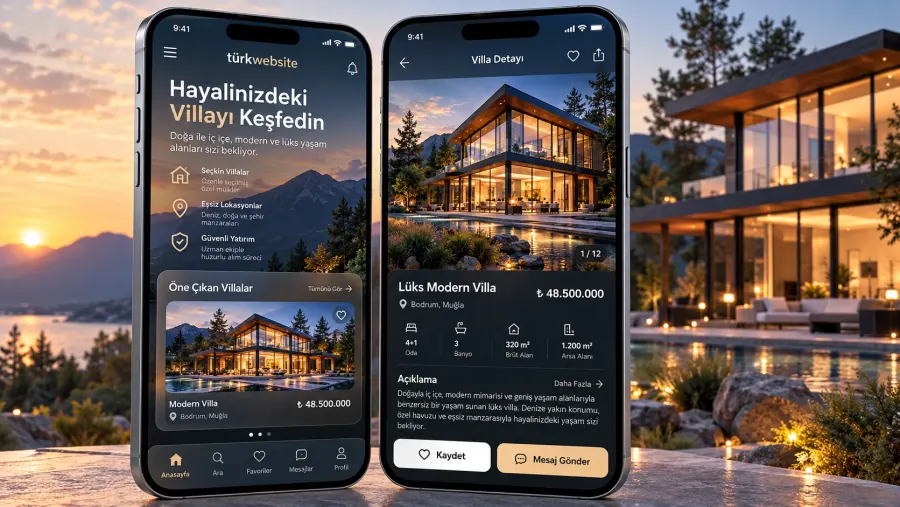
A mobile-friendly website works in a browser without requiring installation. A mobile app offers a separate experience on the user's device. If your main goal is to present your services and collect enquiries, a good website may be enough to start with.
Consider an app if users frequently access their accounts, track orders, or rely heavily on device features. Web applications can also meet some of these needs. Define the use case first, then choose the right technology.
To get a useful quote for mobile app development costs, prepare the following information:
- Whether you need Android, iOS, or both platforms.
- Required features, such as user accounts, payments, messaging, and notifications.
- Administrative screens and integrations with existing systems.
- Offline access, data storage, and security requirements.
- The scope of post-launch maintenance, hosting, and updates.
Start by planning a first version that meets the user's core need. Then add features based on real usage data. This approach helps you decide which functions deserve a share of your budget.
Plan the Right Website for Your Business
Start by defining your services, target audience, and the action you want customers to take. Then choose a page structure and technical features that support those needs.
To take the next step for your brand, explore TürkWebsite's web design services. Share your industry, reference websites, and required features when discussing your project. This gives your quote conversation a clear and practical scope.