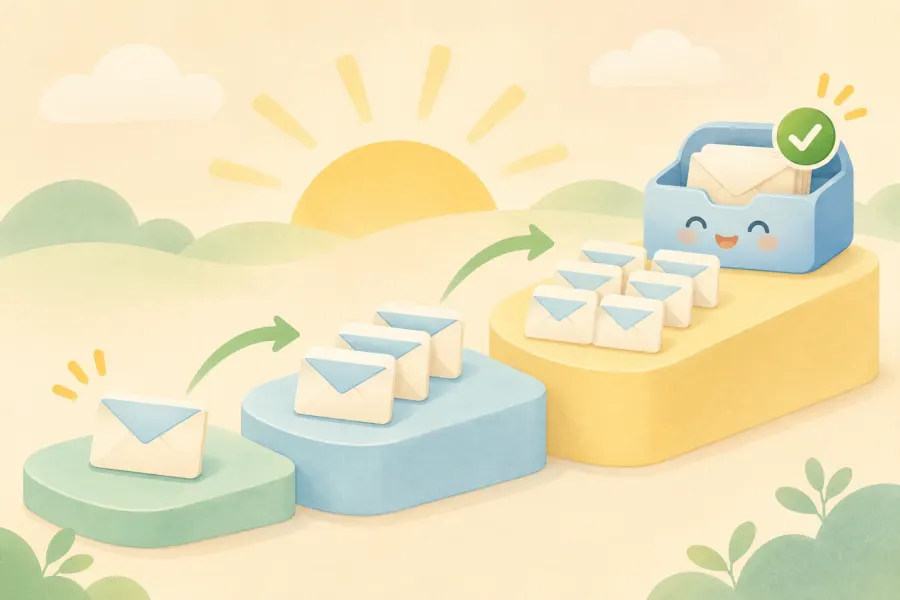












How to Clean an Email List: Bounced Addresses and Inactive Subscribers
Bounced addresses, typos and subscribers who have been silent for months quietly lower your sender reputation. We explain what to clean your list by, how often and with which tools, and what verification can and can't do.
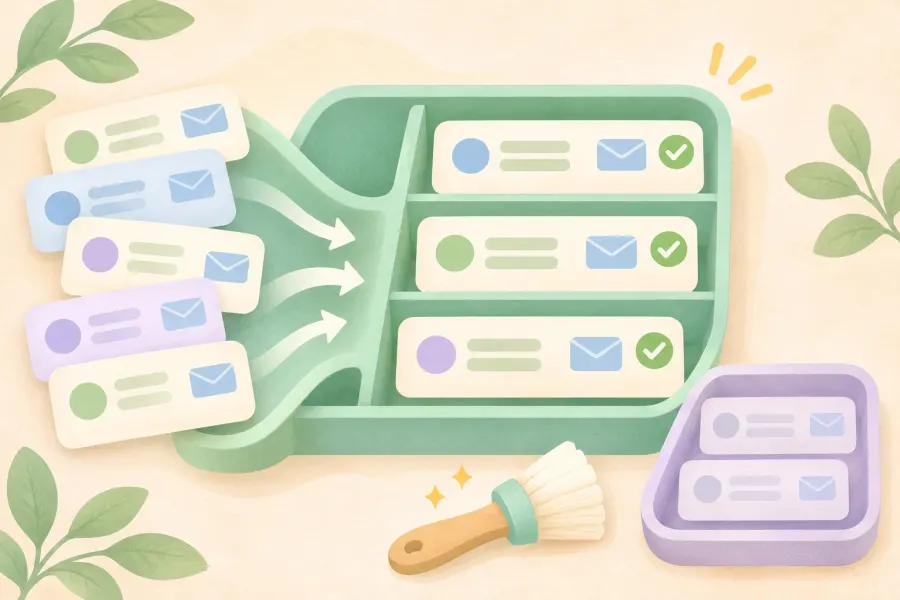
As your email list grows, a load you don't notice builds up inside it: closed addresses, records entered with typos, subscribers who haven't opened any of your emails for months and people who will one day press the "spam" button. This load is invisible, but with every send it takes a little more from your domain's reputation.
In English email marketing courses, this topic is usually presented as "get your list verified so your account doesn't get closed". The lesson suggests sending thousands of collected addresses to a cheap service or a five-dollar freelancer listing for cleaning. In this part we look at the subject from the right angle: email list cleaning isn't a way to rescue a bad list but a way to keep a good list healthy.
In this guide we explain which addresses on your list cause problems, how to sort out bounced emails, what to do with subscribers who have been silent for a long time, when verification services help and how often you should clean.
This article is the fourth part of our Making Money Online and Email Marketing Guide series. In previous parts we covered the basics of email marketing, building an opt-in list from scratch and paid email finder tools.
In short:
- List cleaning means sorting out bounced, invalid, disposable and long-inactive addresses to protect your sender reputation.
- Remove permanently bouncing (hard bounce) addresses right away; watch those with temporary problems (soft bounce) over a few sends.
- Identify inactive subscribers by clicks and replies, not opens; send a short re-engagement series before removing them.
- Verification services are useful for checking your own list, but they don't create consent and can't catch every spam trap.
- A subscriber list is personal data: sending it to an unidentified freelancer is a separate risk under Turkey's KVKK.
What's in this guide?
- What is email list cleaning and why is it needed?
- Which addresses on a list cause problems?
- Bounced emails: hard bounce and soft bounce
- What to do with inactive subscribers?
- When to use verification services?
- Before you send your list to a freelancer
- How often should you clean your list?
- Ways to stop bad addresses at the start
- Common mistakes
- Conclusion and the next part of the series



What is email list cleaning and why is it needed?
Email list cleaning is the job of removing addresses that no longer receive messages, were mistyped, are disposable or haven't shown any engagement for a long time. The goal isn't to shrink the list but to make sure your emails reach people who actually read them.
What happens if you don't clean?
- Your sender reputation drops. Gmail and Outlook don't trust senders with high bounce and complaint rates. Gmail wants the spam complaint rate to stay below 0.3%.
- You hit spam traps. Some addresses that went unused for years are reactivated as traps by email providers. Sending to them is a sign that your list isn't carefully managed.
- You pay for nothing. Most email services charge by number of subscribers. You pay for thousands of people who don't read.
- Your metrics mislead you. Inactive addresses drag your rates down; you can't see which content really works.
There is also a legal side in Turkey: Article 4 of KVKK (Law No. 6698) requires personal data to be accurate and, where necessary, up to date, and to be kept only as long as needed for the purpose it is processed for. Keeping the addresses of subscribers who haven't shown interest for years forever doesn't fit these principles either.
Which addresses on a list cause problems?
| Address type | How to spot it | What to do |
|---|---|---|
| Permanently bouncing (hard bounce) | "No such user" or "domain doesn't exist" error | Remove it from the list right away |
| Temporarily bouncing (soft bounce) | Mailbox full, server temporarily not responding | Watch it over a few sends; remove it if the problem continues |
| Typo | Domains like gmial.com, hotmial.com or gmail.con | Have the correct one confirmed if possible; otherwise remove it |
| Disposable (single-use) | Domains of services that provide short-lived addresses | Don't add them to the list |
| Role address | Addresses that don't belong to a person, like info@, admin@, sales@ | Keep it if they really subscribed, and watch for complaints |
| Inactive subscriber | No clicks or replies for months | Send a re-engagement series |
| Complainer | Marked your email as spam | Never send to them again |
| Duplicate record | The same address in more than one group | Merge into a single record |
Bounced emails: hard bounce and soft bounce
When an email you send can't reach the recipient, the server returns an error message to you. This is called a bounce, and there are two kinds.
Hard bounce: a permanent error
The address doesn't exist, has been closed or the domain is no longer in use. Sending to it again gains nothing and only lowers your reputation. Most email services automatically stop sending to these addresses; clean the same addresses from your own spreadsheets and other tools too.
Soft bounce: a temporary error
The recipient's mailbox may be full, their server may be temporarily unavailable or your message may have exceeded a size limit. Don't delete an address because of a single soft bounce. If the same address bounces on several sends in a row, treat it as inactive too.
Some services, such as MailerLite, don't count unsubscribed and bounced addresses towards your paid subscriber total. Still, look at where these addresses come from: if a particular form brings in lots of invalid addresses, the problem is the form.


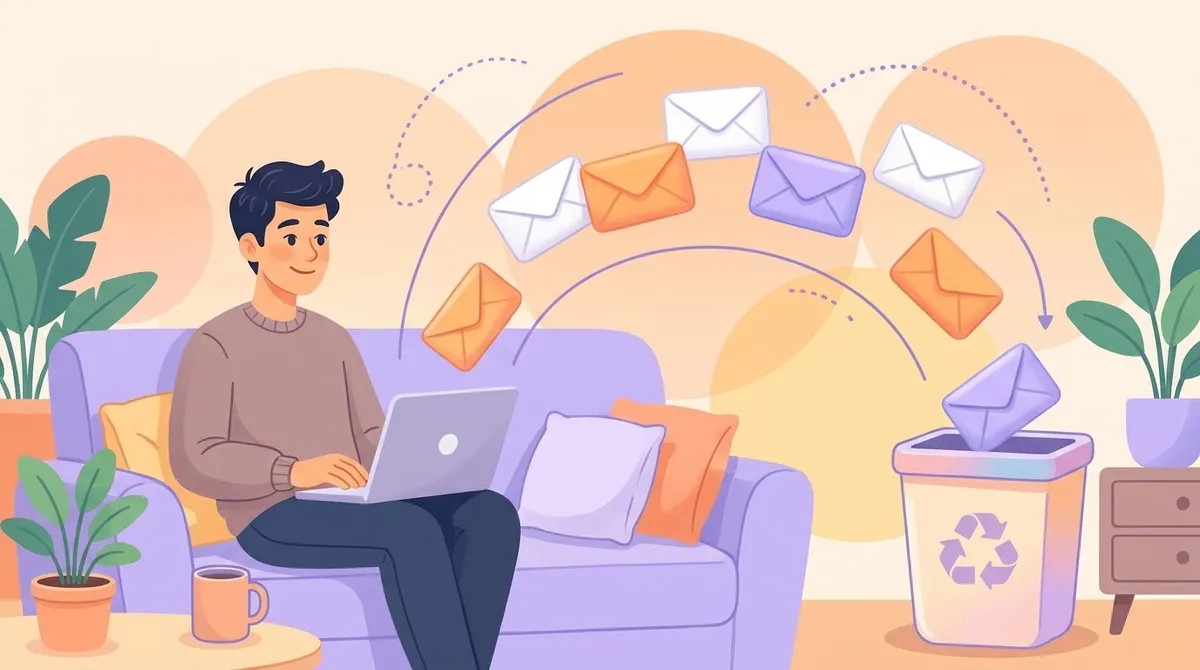
What to do with inactive subscribers?
An inactive subscriber is someone whose address works but who hasn't engaged with your emails for a long time. To separate them, first decide what you'll measure.
Why you shouldn't rely on the open rate
Features like Apple Mail's privacy protection can load emails in the background even if the user never opens them. So many emails that show as "opened" were never actually read. When identifying inactive subscribers, look at real engagement such as clicks, replies and purchases.
How long must someone be silent to count as inactive?
There's no single period for everyone; it depends on how often you send. If you write weekly, a subscriber who hasn't clicked any link for 90 days stands out. If you write monthly, you can extend this to 6 months. What matters is setting the rule once and applying it regularly.
Re-engagement series: 3 emails before removing
Instead of deleting inactive subscribers right away, send them a short series:
- Reminder: "We haven't heard from you in a while; here are the 3 most-read guides of recent months." Show them what they've missed.
- Preference question: "Would you like fewer emails?" Let them choose the frequency or the topics.
- Goodbye: "If you want to stay on the list, click this link; if you don't, we'll remove you." Leave the decision to the subscriber.
Stop sending to those who still don't respond after the series. This practice is called a sunset policy: subscribers who stay silent for a set period are regularly removed from the list.
Quick note: Instead of deleting people who unsubscribed or complained from your email service completely, keep them with an "unsubscribed" status. That way, if an old spreadsheet is imported again, they won't be added back to the list by mistake.


Let your signup form collect clean addresses from the start
Let's connect your forms to your email service correctly so that double opt-in, opt-out records and the consent infrastructure required in Turkey (İYS and KVKK) work in a single flow. That way, the number of addresses to clean drops from the very start.
When to use email verification services?
Verification services check whether an address works without sending an email to it. We explained in detail how they work in the previous part. On your own list, they help in these cases:
- Before reusing an old, opt-in customer list you haven't emailed for a long time
- Before moving the list to a new service when you change email provider
- To check addresses entered in your signup form instantly (typos and disposable addresses)
- To find the problem when your bounce rate rises unexpectedly
The information below comes from the services' own pages as of November 2026:
| Service | Free trial | Paid use |
|---|---|---|
| ZeroBounce | 100 verifications a month when you sign up with a business domain | Packs from 39 dollars for 2,000 addresses; "unknown" results don't use credits |
| MailerCheck | 10 credits for new accounts | From 1 cent per address; credits never expire |
| Hunter | 50 credits a month on the free plan | Credit-based monthly plans |
Why the approach in the lesson doesn't work
The course's suggestion was: get thousands of addresses collected from the internet verified so your account isn't closed when you upload them to an email service. This approach has three problems:
- Verification doesn't create consent. An address working doesn't mean its owner wants email from you. Under Turkey's KVKK and Law No. 6563, nothing changes.
- The services' rules don't change. MailerLite, Brevo and Mailchimp don't accept collected or bought lists even if they've been verified. Signals like complaint rate and engagement reveal the situation after the list is uploaded anyway.
- Trap addresses look valid. Spam traps are technically working addresses. Some services flag known traps, but it's impossible to catch them all.


Before you send your list to a freelancer
The lesson describes a 20,000-address list being cleaned for a few dollars through a freelancer listing. It looks fast and cheap, but your subscriber list is personal data, and sending it to someone else brings a separate responsibility.
- You're responsible for whoever processes the data too. Under Article 12 of Turkey's KVKK, when someone else processes your data on your behalf, you share responsibility with them for security measures.
- Transfers abroad are regulated separately. Sending a list to someone you don't know, who most likely works in another country, also brings KVKK's rules on transfers abroad into play.
- You can't control the outcome. You can't know where copies of the file are kept or whether it's shared with anyone else.
The safer path: choose your email service's own verification tool or a known verification service that offers a data processing agreement, and send the list with only the fields needed, that is, the email address.
Quick note: This section is for general information and is not legal advice. Consult an expert about your own situation before transferring personal data to third parties or abroad.
How often should you clean your list?
Plan cleaning not as one big job but as small, regular steps:
| When? | What to do |
|---|---|
| After every send | Check the bounce and complaint report; remove permanent errors |
| Every month | Check which form or source invalid addresses come from |
| Every three months | Separate inactive subscribers and send the re-engagement series |
| Once a year | Review the whole list, your forms, your privacy notice and your retention periods |
Ways to stop bad addresses at the start
The easiest cleaning is when an invalid address never gets onto the list.
Use double opt-in
If the subscription doesn't start until the person clicks the confirmation link, mistyped addresses and addresses belonging to others can't get onto the list. We explained how double opt-in works in part two.
Catch typos in the form
A small check that asks a visitor who typed "gmial.com" whether they meant "gmail.com" prevents a large share of invalid signups.
Stop bots
Automatic bot signups add meaningless addresses or addresses belonging to others to the list. Invisible bot protection and limits on the number of signups greatly reduce this problem.
State expectations from the start
Write clearly at signup how often and what kind of emails you'll send. A subscriber who gets what they expect doesn't go inactive or complain.
Make leaving easy
A visible unsubscribe link and a preference page offering a choice of frequency increase the number of subscribers who leave of their own accord instead of complaining. Gmail also requires support for one-click unsubscribe in marketing emails.
An illustrative example: six months of cleaning on a 1,200-person list
This story is fictional and meant to illustrate the method; names and numbers are examples.
Deniz had been sending a home decoration newsletter for two years. There were 1,200 people on her list; the open rate looked good, but the number of people clicking links was falling every month. In her latest sends she found out that some subscribers' emails were landing in spam.
First she looked at the bounce report and removed 45 permanently failing addresses. Most of them came from an old campaign form where double opt-in was turned off, so she fixed the form. Then she separated the 380 people who hadn't clicked any link in the last six months and sent them a three-email re-engagement series. 70 people wanted to stay on the list; the rest were excluded from sending.
The list dropped to 845 people. But clicks went up, spam complaints went down and she moved to a cheaper plan with her email service. Deniz now puts the same check on her calendar every three months.



Common mistakes
- Getting a collected or bought list verified and calling it "clean"
- Identifying inactive subscribers by open rate alone
- Deleting an address because of a single soft bounce, or continuing to send to a permanently failed one
- Deleting unsubscribers completely and then re-importing an old spreadsheet
- Sending the subscriber list to an unidentified freelancer
- Leaving cleaning as one big job done once a year
Related pages and links
- Part 1 of the series: A guide to making money online with email marketing
- Part 2 of the series: How to build an email list from scratch
- Part 3 of the series: What are paid email finder tools for?
- SMS and email notification integration: İYS and KVKK consent infrastructure
- Business email setup: SPF, DKIM and DMARC configuration
- Landing page design: a page that collects clean signups
Conclusion: a small but lively list is worth more than a big but silent one
Email list cleaning is the cheapest way to protect your sender reputation, budget and metrics. Remove permanently failed addresses right away, watch temporary errors, give inactive subscribers a chance before removing them and keep unsubscribers excluded from sending.
Use verification services to check your own list, but remember that no tool can turn a collected list into an opt-in one. The best way to protect your list is to stop bad addresses in the form at the very start.
What's in part five of the series?
Once you have a clean, opt-in list, the next question is what to offer your subscribers. In the next part we explain how to create an offer that's hard to refuse: the value proposition, price, guarantee and the limits of honest marketing. You can follow the TurkWebsite blog for our other articles.
Next in the series: Part 5: How to Create an Irresistible Offer
A clean list starts with a solid website
Keep your signup form, blog and business email address on the same domain. Get affordable web design from TurkWebsite; as long as your site stays on our server, you don't pay for hosting. The domain is registered in your name and you pay for it.
Legal notice: This article is for general information and is not legal advice. Service prices, limits and regulations may change; check current sources before putting this into practice. Last updated: 3 November 2026.