






















How to Plan a Business Website: Pages, Costs and Process
A practical guide to planning a business website: the pages you need, design scenarios by industry, template versus custom build, what drives the cost, a quote comparison checklist and what to track after launch.

A business website is the digital home where your company explains who it is, what it does and what it is good at, under a domain name you own. Planned properly, it reassures the people researching your brand, makes your services easy to compare and helps a visitor ask for a quote. That is why business website design is a question of content, technical foundations and the customer journey, not only colours and images.
You may be putting your company online for the first time. Or your existing company website may be dated, awkward to use on a phone, or simply not bringing in enquiries. Either way the starting point is the same: which customer, which service, and what proof will you show?
This guide walks through the whole process of planning and commissioning a business website: the page plan, design scenarios by industry, choosing an infrastructure, SEO, comparing quotes and managing the site after launch. The aim is a structure that supports your day-to-day business, not just a design that looks good.
What You Will Find in This Guide
- What a business website gives your company
- Business website, social media and online shop: the difference
- What a professional business website should do
- The pages a business website needs
- One page, five pages or ten: how to choose
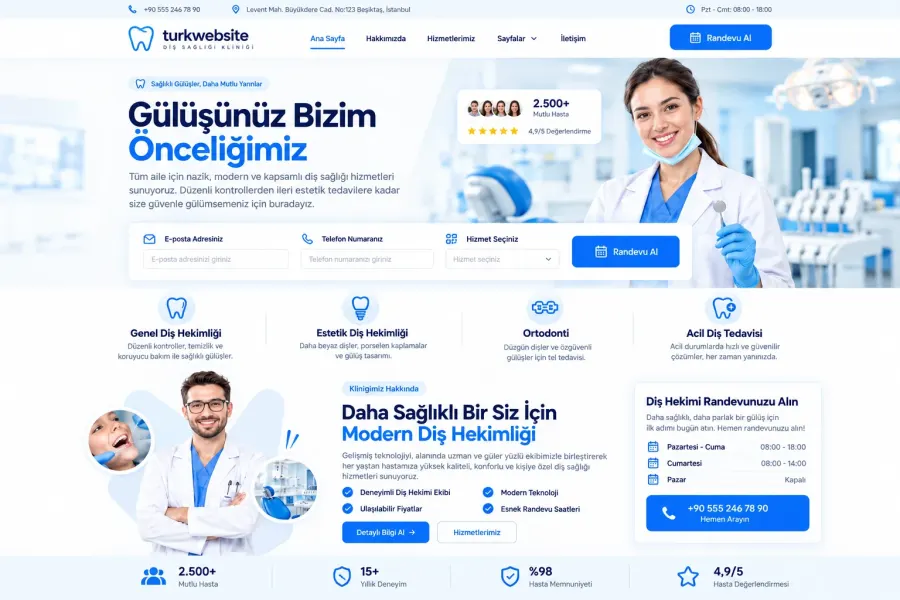
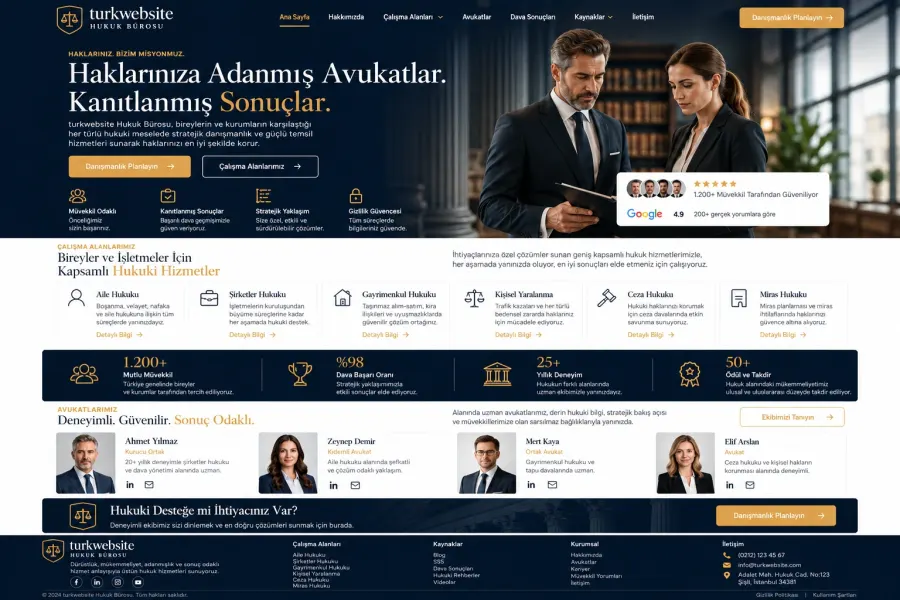
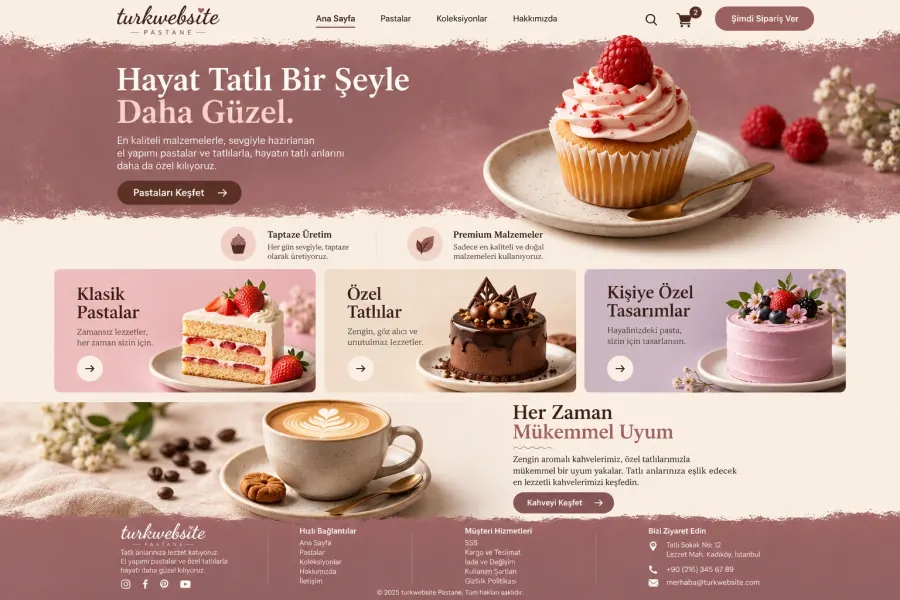
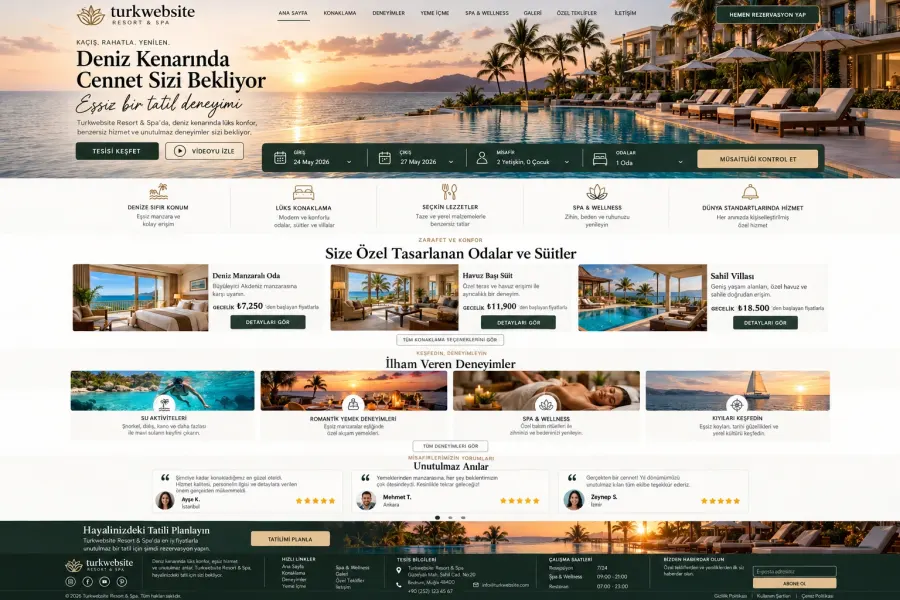
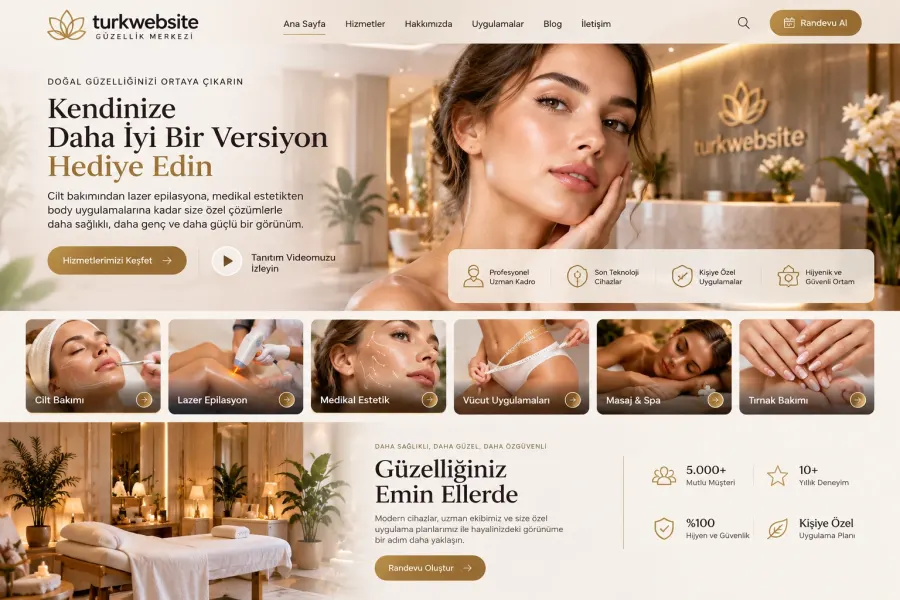
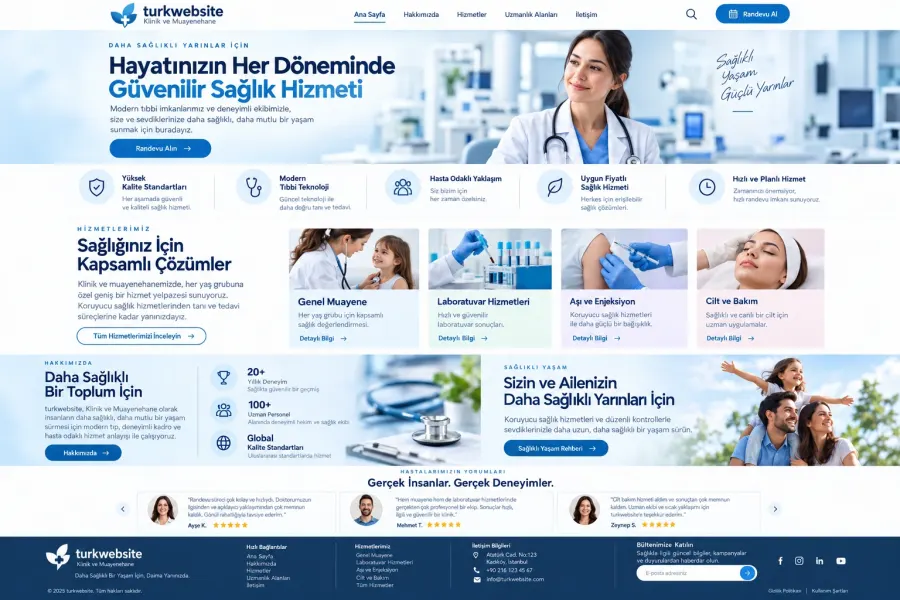
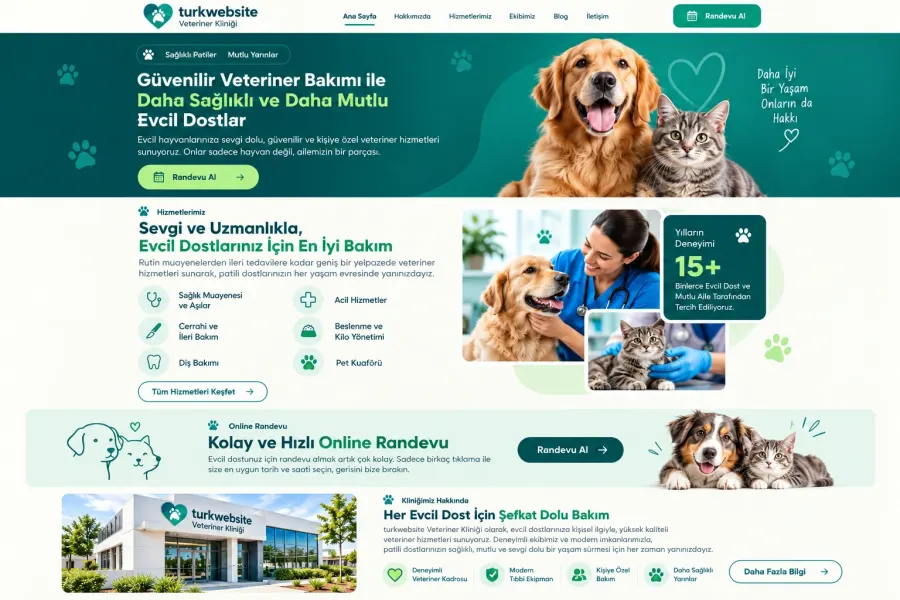
- Business website examples: design scenarios by industry
- Template business website or custom design?
- How business website prices are set
- An SEO-friendly content plan for your business website
- Mobile-friendly design and site speed
- Domain, hosting, business email and security
- The business website build process
- How to compare quotes from web design agencies
- Local and multilingual business website planning
- What to watch when you redesign an existing website
- Content and forms that turn visitors into enquiries
- Maintenance and performance tracking after launch
- Plan the right business website for your company
What a business website gives your company
A business website, also called a company or corporate website, sets out what your company does, who it serves and how it works. It usually includes a home page, an about page, services, projects or references, and contact details. Depending on your business model, a product catalogue, a blog, team, careers or dealer application pages join that structure.
For a short definition and the basic features, see our what is a corporate website summary.
When a customer hears your company name, they usually look for more information. Before picking up the phone they want to know the scope of your services, the work you have done before, or the area you cover. An organised company website answers those same questions consistently during that research.
You also control your own content. When you launch a new service you add the page for it. When you finish an important project you publish how the work was done. And your sales team can send a link to the right page instead of a scattered set of attachments.
To measure that contribution, do not look at visitor numbers alone. Qualified quote requests, appointment enquiries, catalogue downloads and conversations that turn into sales are more meaningful indicators for your business.
Business website, social media and online shop: the difference
Social media accounts put your content in front of followers and help you stay in regular contact with your market. A business website gathers service information, a project archive and contact options into a more organised structure. The two channels support each other: social media creates interest, and the relevant service page makes a detailed assessment easier.
An online shop is built around a different flow. The visitor chooses a product, adds it to a basket, pays and tracks the order. A business website usually collects a conversation, a quote, a site visit or an application instead.
A workshop producing bespoke work, for example, may not be able to put a fixed price on every item. Without the dimensions, material and quantity, a quote form serves it better than a checkout. A company selling standard products from stock, on the other hand, needs proper e-commerce foundations.
| Your priority | Suitable structure | Main visitor action |
|---|---|---|
| Introducing the company and its services | Business website | Getting in touch |
| Showing projects and expertise | Business website with a portfolio | Requesting a project call |
| Selling standard products online | E-commerce website | Placing an order |
| Collecting enquiries for bespoke production | Catalogue and quote-led website | Sending technical details |
| Collecting applications for a single campaign | Landing page | Filling in a form |
Base the decision on the one action your business needs from a visitor.
What a professional business website should do
Professional business website design presents your offer in a way a visitor can follow. Within a short time of opening the site, that person should understand what you do, whether you are a fit for them, and what the next step is.
State your service clearly on the first screen
A general slogan such as "walking into the future together" tells a visitor very little on its own. Use a headline that names the service you provide and the customer you are aiming at.
For a company providing workplace catering, for example, "Daily catering for offices and production sites" is far clearer. The short paragraph beneath it can cover the area you serve, how you plan menus and how quoting works.
The button in that section should offer a concrete step too. Wording such as "Get a quote for your headcount" tells the visitor what the enquiry is for.
Put your proof where the decision happens
Do not leave your references on a separate page only. Next to each service, show a project example from that same service, so the visitor sees the expertise you describe applied in practice, in one place.
Real team photographs, open contact details, verifiable certificates and detailed project descriptions all support that confidence. Avoid customer counts or success percentages you cannot evidence.
Give every page one clear job
The home page should direct, the service page should explain, the project page should demonstrate experience and the contact page should complete the enquiry. When every section repeats the same long introduction, the visitor has to work harder.
As you prepare the content, apply one test: what will the person reading this page find easier to decide?
The pages a business website needs
Before you settle on a page count, work out what your customer needs to know. A five-page site is enough for some businesses. Companies with several services, audiences or product groups need a fuller business website structure.
Home page
The home page gives a short, organised summary of your business. A sensible flow is: your service promise, core services, trust signals, selected projects, how you work and a call to get in touch.
Rather than cramming every detail onto this page, lead through to the relevant sections. Whichever service the visitor is looking for, they should reach it in a few steps.
About us
Do not build the about page out of a founding date and a list of general values. Explain what your company specialises in, how it works with customers and which stages of the job you take on.
Make "we provide a quality service" concrete. If you genuinely do it, describe the requirements call you hold before a project, the fact that you agree scope in writing, or the support process you run after handover.
Service pages
Explaining your main services on separate pages makes it easier for a customer to focus on their own need. A facilities maintenance company, for instance, can offer electrical maintenance, mechanical maintenance and periodic inspections with different scopes.
Each service page should carry the target customer, the scope, the stages of the work, the deliverables, the conditions that affect price and how to apply. Avoid near-identical pages where only the service name changes.
Projects and references
A reference logo shows a past relationship; a detailed project write-up explains how you work. Describe the original need, the work you took on and the result you delivered, together.
If you share measurable results, state the period and the measurement method you used. Where you have no data, describe the real scope of the project instead; do not invent success rates.
Contact
The contact page should carry a current phone number, an email address and suitable enquiry options. If you receive visitors, add the address and directions.
Ask only for the fields you need for a first assessment. A name, contact details, the service of interest and a short project summary are enough to start many conversations. For work that needs a technical quote, you can add a file upload field.
Blog and knowledge centre
Give the blog over to the questions your customers ask before they decide. Preparation guides, method comparisons, maintenance advice and project explanations all belong there.
Link every article to the related service. Leading from an office relocation guide into your corporate removals service, for example, moves the reader's research on to its natural next step.
One page, five pages or ten: how to choose
The answer to "how many pages should my business website have?" depends on how varied the services you want to market are.
A one-page website can suit a single service, or a limited launch. Putting a large number of services on the same long page, though, makes it hard to give each topic enough room.
A five-page starting structure might be home, about, services, references and contact. For a business with four distinct areas of expertise, a ten-page plan could look like this:
| Page | Purpose of the content |
|---|---|
| Home | Summarise the brand and the services |
| About us | Explain how the business works |
| Services | Help the visitor choose between services |
| First service | Answer the first main need in detail |
| Second service | Answer the second main need in detail |
| Third service | Answer the third main need in detail |
| Fourth service | Answer the fourth main need in detail |
| Projects | Demonstrate practical experience |
| Blog | Support research before the decision |
| Contact | Take a call or quote request |
This table is an example content plan; it does not represent the scope of any package. Clarify separately at the quote stage whether blog articles and project detail pages count towards the page total.
Businesses that want each service on its own page can review the scope of our professional corporate website package and compare it with their own requirements.
Business website examples: design scenarios by industry
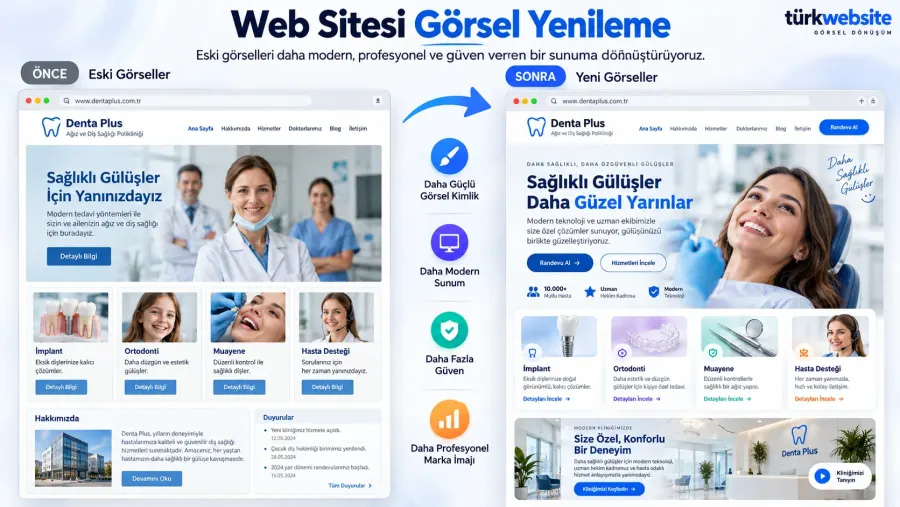
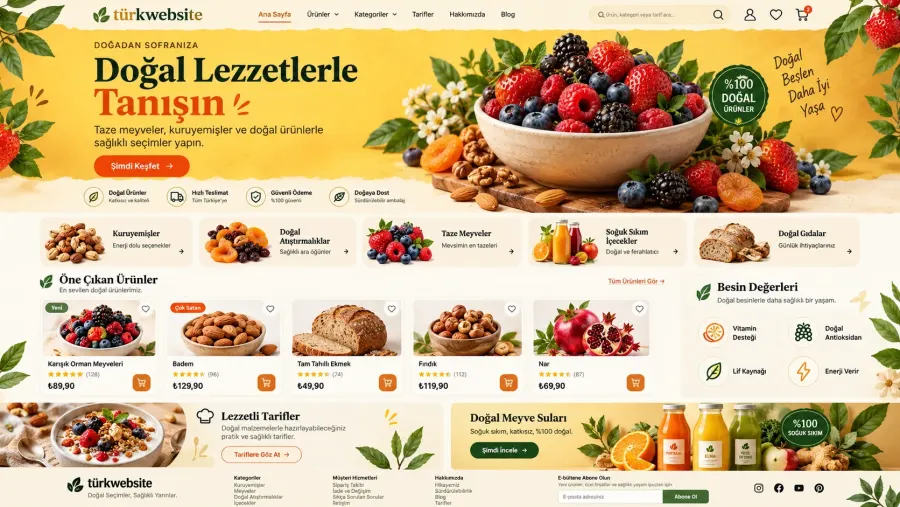
When you review business website examples, do not judge the colours and the opening animation alone. Look at how the menu behaves, how the services are separated and at which point the visitor moves towards getting in touch.
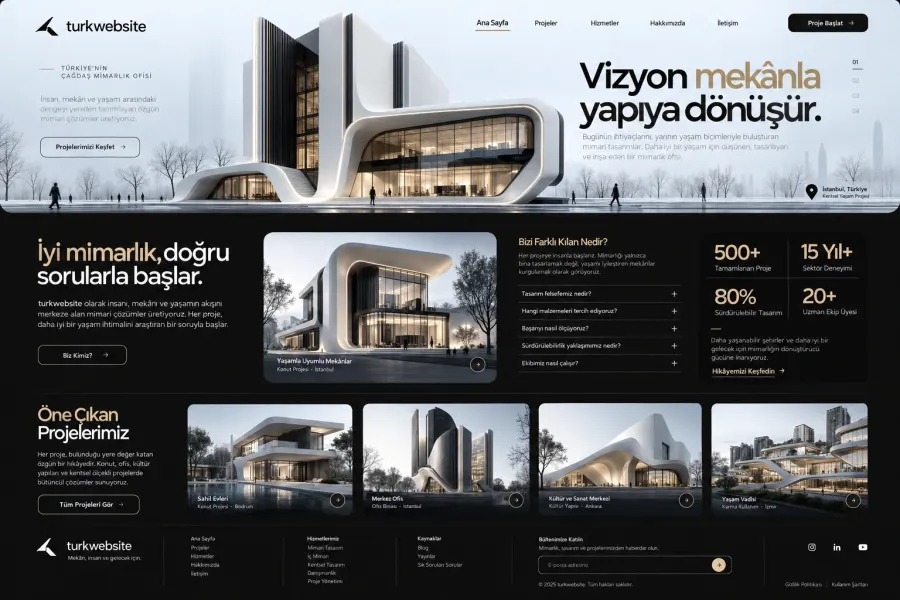
The examples below are hypothetical content and design scenarios we have put together for different kinds of business; they are not real client projects or claims of results.
Architecture and interior design studio
Project photography carries a lot of weight in architecture website design. A gallery on its own, however, does not explain the scope of a project.
Show residential, office and commercial work in separate categories. For each project, describe the design requirement, the approach taken and the studio's responsibilities. Place the project enquiry button after that explanation.
A visitor looking to refit an office, for example, should be able to review work at a similar scale and then ask for a conversation about their own project.
Industrial and manufacturing company
When you build a business website for a manufacturer, put the technical information procurement teams need first. Product categories, material options, applications, production capabilities and catalogues should be easy to find.
Your quote form may need the product type, quantity and a technical file. That way you can assess an enquiry in an orderly manner instead of gathering the same information over and over in the first call.
If you serve customers abroad, prepare language versions that use technical terms consistently.
School and education provider
A school website should support the way a parent assesses an institution. Stages of education, campus facilities, the teaching approach, transport and the admissions steps all need a clear structure.
A parent researching nursery provision is not looking for the same detail as one researching a sixth-form programme. Explain each programme on its own page. Asking which stage the enquiry is about makes it easier to route it to the right team.
Travel and transport company
A travel company website needs to set out the type of service, the area covered and how to enquire. Airport transfers, chauffeur-driven tours and corporate transport may each need their own information.
For a transfer enquiry, the date, number of passengers, pick-up point and destination matter. For a corporate shuttle, the route, shift pattern and vehicle requirement come to the fore. Plan the forms around the business model.
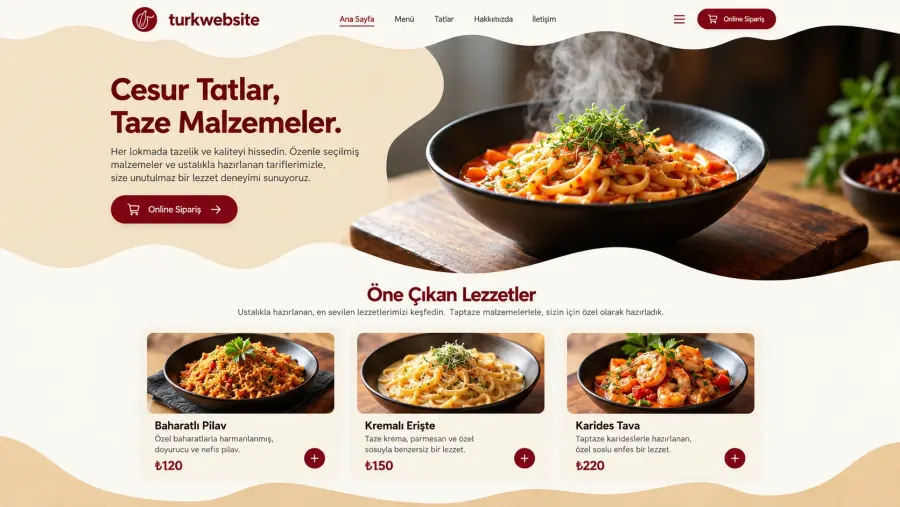
Restaurant and catering company
On a restaurant website, the menu, location, opening hours and booking steps come first. For a catering company, headcount, service frequency, delivery area and the menu plan may matter more.
Even two businesses in adjacent sectors have different customer journeys. Let the job the visitor wants to complete determine the structure of the design.
Consultancy and professional services firm
A consultancy website should present its areas of expertise and its method of working in plain terms. Explain who the service suits, what the first conversation is for and what the engagement delivers.
Examples that describe the client's problem are more useful than vague claims of success. On a process consultancy page, for instance, you can describe reviewing the current workflow, identifying the bottlenecks and presenting recommendations that can actually be implemented.
If you are looking for a starting point suited to your own line of work, you can compare the industry-specific website options.
Template business website or custom design?
A template business website builds on a structure that already exists. A custom design shapes the page layout and visual language around your brand's requirements. There are projects where each approach is the right one.
| Area of comparison | Template build | Custom design |
|---|---|---|
| Starting approach | Adapting an existing template | Building an interface around the requirement |
| Design flexibility | Limited by what the template allows | Depends on the project scope |
| Preparation time | Can be shorter if the content is ready | Design and approval stages can extend it |
| Bespoke functions | Depends on platform or plugin support | Can be taken into the development scope |
| Maintenance | Tied to the platform, theme and plugins | Tied to the technology and the support plan |
| Standing out as a brand | Content and adaptation quality decide it | Leaves more room for an original approach |
Using a template does not automatically mean low quality. Equally, custom software alone does not guarantee a fast, secure or search-friendly result. In both approaches the quality of the implementation, the content and the maintenance process is what counts.
A WordPress business website is one option for teams that update content often. Custom software is worth considering where you have unusual workflows or need to integrate with other systems. Whichever you choose, find out who will maintain it in future, how you would move your data and what the licence costs are.
How business website prices are set
Business website prices vary with the design scope, content preparation, page structure, number of languages, integrations and support services. Comparing the headline total alone is therefore not enough.
Two quotes for ten pages may not cover the same work. One may include original copy, image editing and a service page plan, while the other only places the content you supply.
Initial build cost
Requirements analysis, design, development, content entry and testing are the core items in the initial build. Photography, copywriting, translation or data migration may need additional work.
Make sure you can see which of these the quote contains. Do not assume that the phrase "turnkey business website" covers every need on its own.
Recurring renewal costs
A domain, hosting, email, paid licences and maintenance services can all create recurring costs. Assess the first-year scope and the terms for following years separately.
Think beyond the launch fee to a plan covering several years. Setup, renewals, maintenance and further development together make up the total cost of ownership.
Extra work that comes up later
A second language, new service pages, a booking module or a CRM connection may come onto the agenda later. Ask in advance how that development will be priced.
Having the process for extra work in writing protects both your budget planning and the project team's delivery schedule.
Keep the scope when you choose a low-cost build
If the budget is tight, start with your priority services. Leave rarely used features to a second phase. Do not cut back on the essentials, though: the enquiry flow, mobile usability and the core content.
When you look for a cheap business website, focusing only on the first invoice can create another design and content bill later. Planning which work you commission now and which comes in a later phase is the healthier way to save.
An SEO-friendly content plan for your business website
An SEO-friendly business website explains the services you offer on pages a reader can follow. Your choice of keywords should relate to those services and to what the customer is actually trying to do.
Separate the person researching from the person requesting a quote
The query "what is a business website" expects a basic explanation. "Business website cost" points towards comparing price and scope. "I want to commission a business website" signals a search for a provider and a process.
This guide brings those different decision stages together. Your service page, by contrast, should dwell more on the scope of the quote, example work and the application step. That way a blog article and a sales page take on different jobs.
Write titles and descriptions for the page's own topic
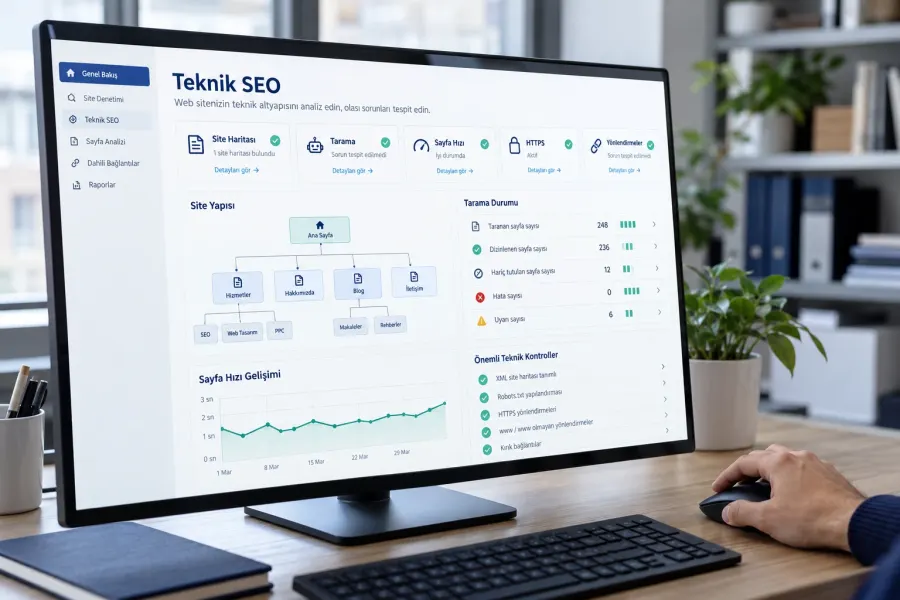
Use one clear main heading on every page. Organise the scope with subheadings, and do not repeat the same phrase unnecessarily within a paragraph. Let the search result title and the meta description represent what that page actually offers.
Google's SEO Starter Guide explains the basic practices that help people understand your content and help search engines discover your pages. Increasing the word count, or working every query variation into the text, does not produce rankings on its own.
Turn real customer questions into content
Which topics come up again and again in your sales conversations? Which part of the scope do customers most often misunderstand? What do they need to prepare before a quote?
Collect those questions as a team. Rather than opening a separate article for each one, group similar needs sensibly. Three detailed guides on scope, preparation for handover and cost comparison, for example, can work better than a long list of short, overlapping posts.
Mobile-friendly design and site speed
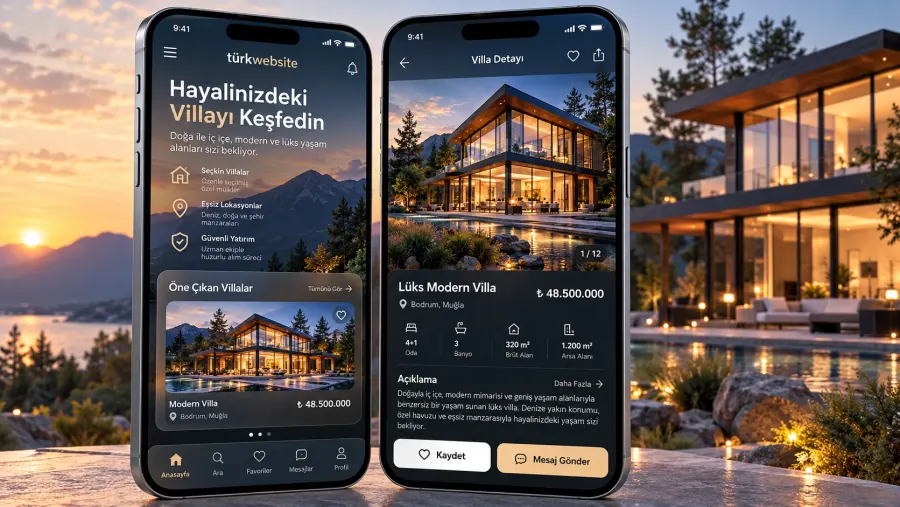
A mobile-friendly business website should be more than a shrunken version of the desktop page. The menu should open properly, buttons should be comfortable to tap, text should be readable without zooming and form fields should not run off the screen.
For someone enquiring from a phone, shorten the time it takes to reach the most important information. Tall image sections, notifications that cover the screen and elements that move constantly can all get in the way of that enquiry.
Do not check the design on the home page alone. Try the service page, the project gallery and the contact form on a real handset. Check whether the buttons disappear when the keyboard opens.
For the speed assessment you can use the Core Web Vitals metrics. LCP measures how quickly the main content loads, INP how quickly the page responds to interaction, and CLS unexpected layout shifts. The good-experience thresholds are at most 2.5 seconds for LCP, 200 milliseconds for INP and 0.1 for CLS, assessed at the 75th percentile of visits.
The detail behind these metrics is set out in the web.dev Core Web Vitals guide. Do not treat a test score as the only measure of success; watch the real user experience as well.
Domain, hosting, business email and security
Your domain is your business's address on the internet. Hosting is the service on which the site files and the application run. Settle the ownership of both, and the responsibility for renewing them, at the start of the project.
It matters that your business can access the domain account itself. Find out which address renewal notices go to, and how a transfer would work if the technical contact changes.
On the business email side, assess the number of accounts, the storage, the backup options and the terms for moving. Discuss separately whether email moves with the website when the site is migrated.
HTTPS encrypts the connection between the browser and the server. On its own, though, it does not meet every security need. Updates, access permissions, strong authentication and regular backups all belong in the maintenance plan.
Being able to restore a backup matters as much as taking one. Ask your provider which data it backs up, how often, and how it manages the restore process.
The business website build process
A business website build runs more smoothly with a plan that sets out each side's responsibilities and the approval stages.
1. Goals and requirements
Start by deciding the site's main purpose: collecting quotes, taking bookings, presenting products or supporting your reputation. Define the target customer and the priority services at this stage.
2. Content inventory and page plan
Gather the logo, photographs, service descriptions, project information and contact details. Decide who will produce whatever is missing.
Then set out the menu and the job of each page. Approving that structure before design begins reduces major changes later on.
3. Design direction and interface
Agree the brand colours, typefaces, visual approach and button styles. Describe clearly what you like in the examples you have seen: the simplicity of a menu, the way projects are presented, or a heading layout.
Rather than copying one example wholesale, build a visual language that suits your business.
4. Development and content placement
Turn the approved design into working pages. Set up the forms, the links and any integrations needed. Place the copy at its real length so you can check the balance of each page.
5. Testing and handover
Review the desktop and mobile views. Confirm that form submissions reach the recipient, that phone links work and that the menu leads to the right pages.
At handover, get the access details, the maintenance responsibilities and the method for updating content in writing.
Delivery time depends on content preparation, the speed of feedback and the integrations as much as on the page count. Stating the conditions under which the clock starts is more useful than simply asking "how many days will it take?".
How to compare quotes from web design agencies
When you commission business website design, send the same list of requirements to each agency. That makes it far easier to understand why the prices differ.
Your comparison table should include these items:
- Original design or a template-based build.
- The page and content scope.
- Responsibility for copywriting and sourcing images.
- Mobile usability and the testing process.
- Forms, catalogues and bespoke functions.
- An explicit list of the technical SEO deliverables.
- Domain, hosting and email terms.
- The number and scope of revisions.
- Corrections and maintenance after handover.
- Renewal fees and the options for moving your data.
When you review a portfolio, look at live sites where you can. A screenshot shows the design; a live page lets you judge the menu, the speed and the experience of getting in touch.
Make the phrase "SEO included" concrete as well. Initial configuration is not the same service as ongoing content production, performance tracking and continuing SEO work. Ask to see each of those items listed separately in the quote.
Local and multilingual business website planning
If you serve a particular area, use that location in a way that helps the customer decide. Explain the area you genuinely cover, your office if you have one, and the terms on which you work on site.
In a search such as "business web design in Manchester", the user is weighing up a provider's working area and how easily they can make contact. Spinning up a large number of pages by swapping city names in the same text, however, creates no original value. If you build a regional page, add real service information, relevant examples of your work or a process specific to that area.
For a multilingual business website, translating the menu is not enough either. Think about the whole flow, including service descriptions, forms, error messages and the follow-up after an enquiry.
The terms your target market uses may differ from a word-for-word translation of the phrases you use at home. Review the language version for customer expectations as well as technical accuracy. Your technical team should also plan the addresses of the language pages and the language signals given to search engines.
What to watch when you redesign an existing website
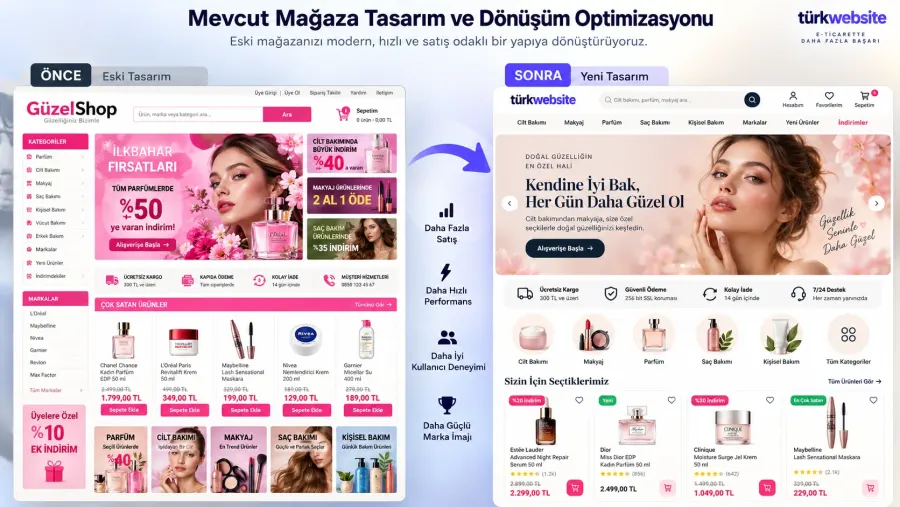
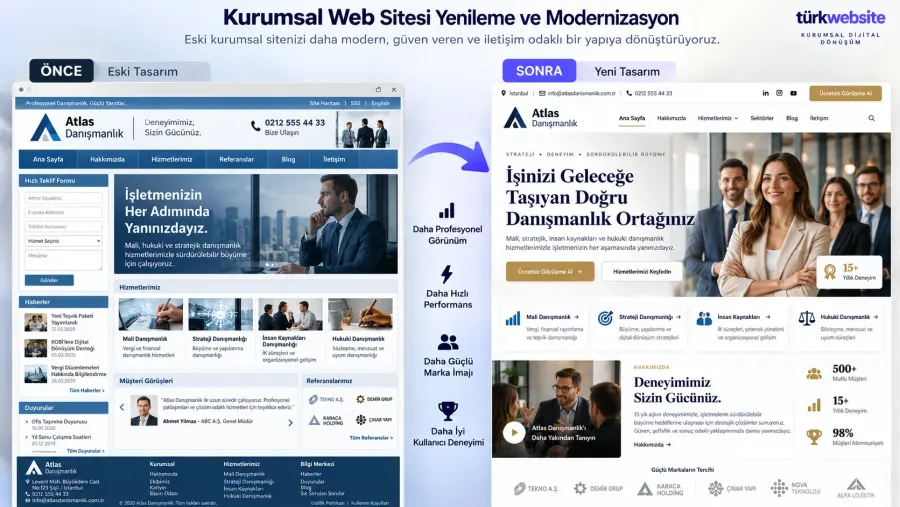
The need for a business website redesign does not come from a dated appearance alone. Services that have changed, thin content, forms that are hard to use or maintenance problems can all justify a rebuild.
Decide first which problem you want to solve. If the foundations still serve your business, a visual and content refresh may be enough. Where core functions are missing, more substantial development may be needed.
As you rebuild, do not change the existing addresses at random. Where a change is unavoidable, map the old addresses to their new equivalents and apply the appropriate permanent redirects. Update the internal links and the sitemap to match the new structure too.
Google's guide to site moves with URL changes sets out the technical checkpoints for that transition. Good planning reduces the risk, but no one can guarantee that rankings will stay exactly as they were during a migration.
Back up the current content and any important data before you go live. Afterwards, check the old links, the forms and the critical service pages again.
Content and forms that turn visitors into enquiries
To win customers from a business website, reduce the uncertainty a visitor feels before they make contact. Explain the scope of the service, the way you work and what happens after an enquiry.
"Tell us about your project" above a form is useful. A short note describing the information you need is more useful still: "Share the service you need, the scope you have in mind and your current website address if you have one."
Choose your buttons to match the stage the visitor has reached. Someone reading service detail can be offered a quote request, someone reviewing a project a conversation about similar work, and someone looking through a product range a catalogue download.
Show a clear confirmation once a form has been submitted. Tell the visitor the enquiry has arrived and what the next step is. Only quote a response time you can actually meet.
Do not treat a button click as a sale, either. Someone who taps a WhatsApp link may never send the message, and not everyone who fills in a form will be a suitable customer. Judge the quality of enquiries alongside your sales process.
Maintenance and performance tracking after launch
The work is not finished when the website goes live. Contact details change, new services launch and technical updates need attention, all of which calls for regular review.
In the first review cycle, look especially at form delivery, mobile usability and whether the important pages are reachable. After that, compare which content attracts visits and which services generate enquiries.
A simple monthly review table can answer these questions:
| Area to check | Review question |
|---|---|
| Visibility | Which relevant searches have we started to appear in? |
| Content | Which service pages are visitors reading? |
| Enquiries | How many valid contacts or quote requests came in? |
| Enquiry quality | Which of those enquiries match the services we offer? |
| Technical state | Are there problems with forms, links or mobile use? |
| Accuracy | Are the prices, team, services and contact details correct? |
Do not rebuild the whole site around a single day's change. Gather enough data, then address one specific problem. If a service page attracts visits but produces no enquiries, for instance, review the depth of the content, the trust signals and the form flow together.
Plan the right business website for your company
A successful business website project brings your commercial goals and your customer's need for information into the same structure. The page count, the design approach and the technical features only make sense in relation to that goal.
Clarify three things to begin with: which services you will lead with, who you want enquiries from, and which work you can show those people. Then set the content, design and development scope on that basis.
To build a new company website or improve the one you have, tell us your industry, your priority services and your current website address if you have one. Request a quote for your business website project and take the first step towards a scope that matches what you need.